Learn HDR
Is HDR actually better? Should you leave it on? Is 4K the same thing? Why does one photo glow and the next one look flat? These are plain-English answers about real HDR photos and video — what Ultra HDR is, how a gain map works, what PQ and HLG mean, and how to convert your own photos. No jargon, no AI.
See the difference
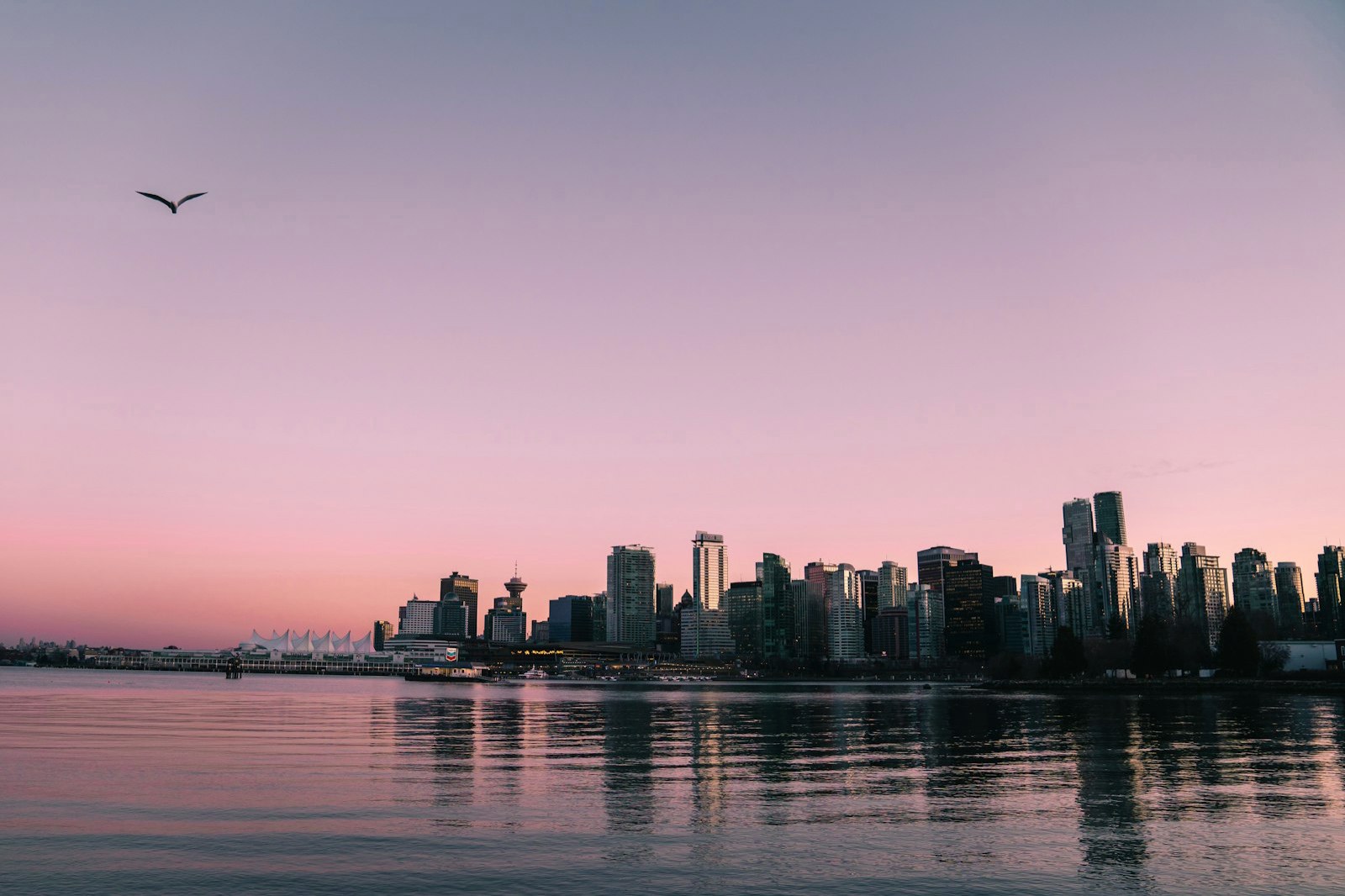
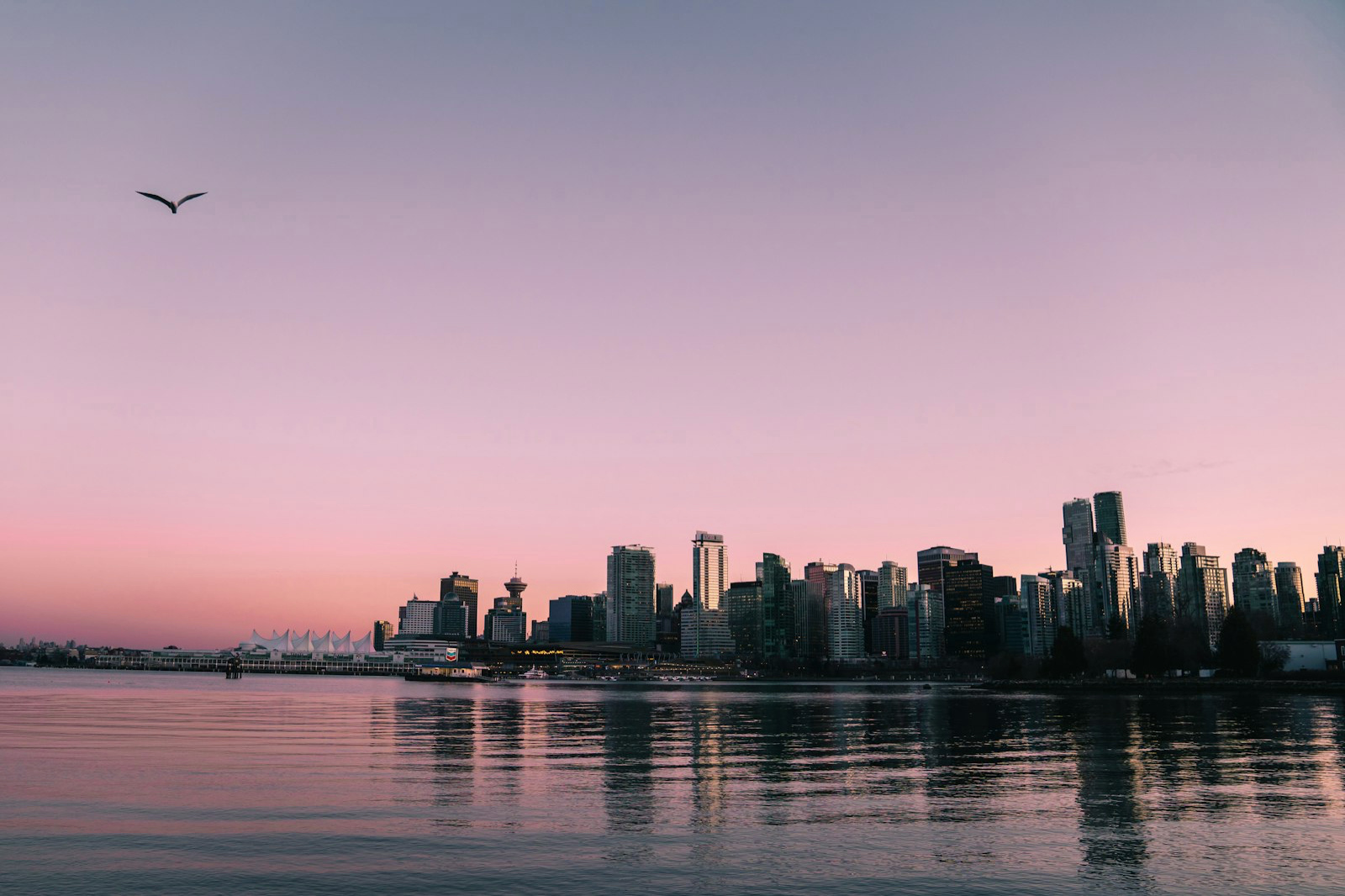
What is Ultra HDR?
Ultra HDR is a photo format that makes the bright areas of an image physically glow on HDR screens — while staying a normal JPEG everywhere else. It's the gain-map standard behind the HDR photos on modern iPhones, Android phones, Instagram and Google Photos. Here's exactly what it is and how it works.
What is a gain map?
A gain map is the ingredient that makes a photo glow in HDR. It's a separate grayscale layer stored inside the image that tells HDR-capable screens exactly how much brighter to render each pixel — without breaking the photo on normal screens. It's the core of Ultra HDR and the gain-map HDR standard (ISO 21496-1).
HDR vs SDR: what's the difference?
SDR (standard dynamic range) is the way photos have always worked — every pixel maxes out at plain white. HDR (high dynamic range) photos can push the bright parts beyond that, so on an HDR screen the sun, neon and reflections physically glow. Here's the real difference and when it matters.
Ultra HDR vs HDR10 and Dolby Vision
It's easy to mix up the HDR names. HDR10 and Dolby Vision are video standards — they describe HDR for movies, TV and streaming. Ultra HDR is the photo standard. They solve the same idea (brighter highlights) for different media. Here's how they differ and which one your images actually use.
HDR photos on iPhone
iPhones capture and display gorgeous HDR photos — the bright parts of a shot physically glow on the screen. But a regular JPEG won't glow until it carries the right data, and HDR can get lost when you share. Here's how iPhone HDR actually works, and how to make any photo glow on iPhone.
What is HDR video?
HDR video shows the bright parts of a clip — the sun, neon, reflections — brighter than ordinary white on an HDR screen, with richer color. It's a different mechanism from HDR photos, but the same idea. Here's how HDR video works and how to make your own.
Why isn't my HDR photo brighter?
You converted a photo, you're on a screen that supports HDR, and… it looks the same. Nothing is broken. The most common reason is counter-intuitive: your screen brightness is turned up too high.
Why Does My HDR Photo Look Different on Every Screen?
You export an HDR photo from Lightroom, open it in Google Photos, check it in a browser, and see a different result in each place. That is usually not a bad export. HDR photos can contain more than one valid rendition, and each app decides how to read that data. This guide explains the moving parts: the SDR base, the gain map, the display headroom, and the destination app. It also gives you a reliable workflow for sharing HDR photos in 2026.
How-to guides
How to make a photo HDR — convert any JPEG
Converting a photo to HDR takes one drop: no editing skills, no plugins, no AI, about ten seconds. The converter writes a real gain map from your photo's own light, so on an HDR screen the bright parts shine while the photo stays exactly your photo everywhere else. Here's how to make any JPEG a real Ultra HDR photo — and if you have a clip, you can convert video to HDR the same way.
How to post HDR photos and Reels on Instagram
Instagram displays true HDR, for photos and video — but your camera roll exports are usually SDR. Here's how to convert a photo so it glows in your feed, plus how to make an HDR Reel from a clip.
How to convert a JPEG to Ultra HDR
Ultra HDR is a JPEG with an embedded gain map — the format Google, Apple and Instagram render in HDR. Here's how to convert any ordinary JPEG into one.
How to get HDR photos on iPhone
iPhones show HDR beautifully — but a regular JPEG won't glow until it carries a gain map. Here's how to make any photo display in HDR on iPhone.
How to convert a video to HDR
You can turn an ordinary SDR clip into true HDR video right in your browser — no editing skills, no AI. On an HDR screen the bright parts physically glow. Here's exactly how.
How to make an HDR Reel
Instagram is video-first and phones are HDR, so an HDR Reel stands out brighter than the SDR clips around it. Here's how to convert your clip before you post.
How to convert 4K video to HDR on Mac
For full 4K and long clips, the MakeHDR Mac app uses your Mac's hardware encoder — fast, sustained and uncapped. Here's how to convert a 4K video to true HDR.