What is a gain map?
A gain map is the ingredient that makes a photo glow in HDR. It's a separate grayscale layer stored inside the image that tells HDR-capable screens exactly how much brighter to render each pixel — without breaking the photo on normal screens. It's the core of Ultra HDR and the gain-map HDR standard (ISO 21496-1).
See the difference
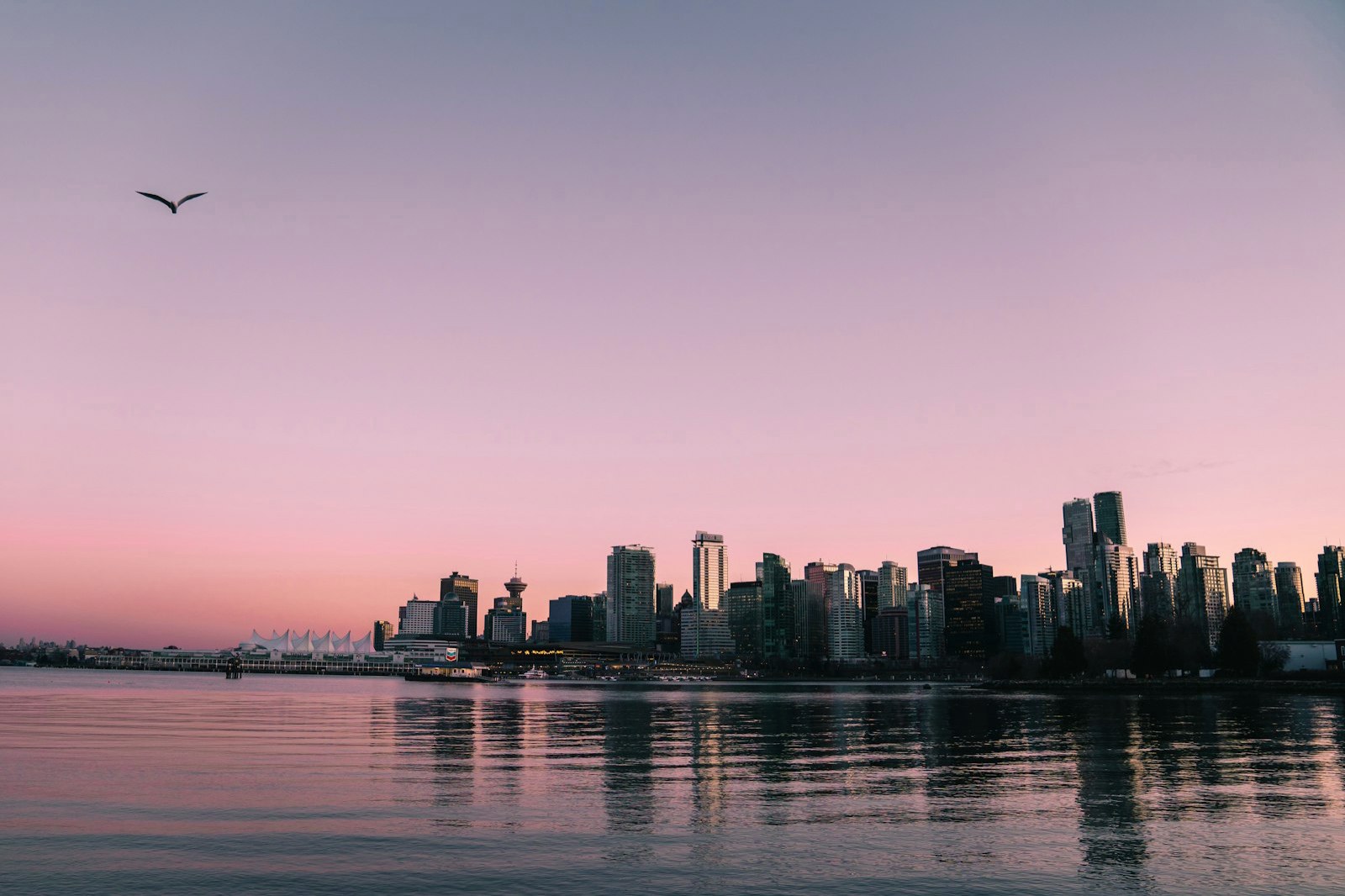
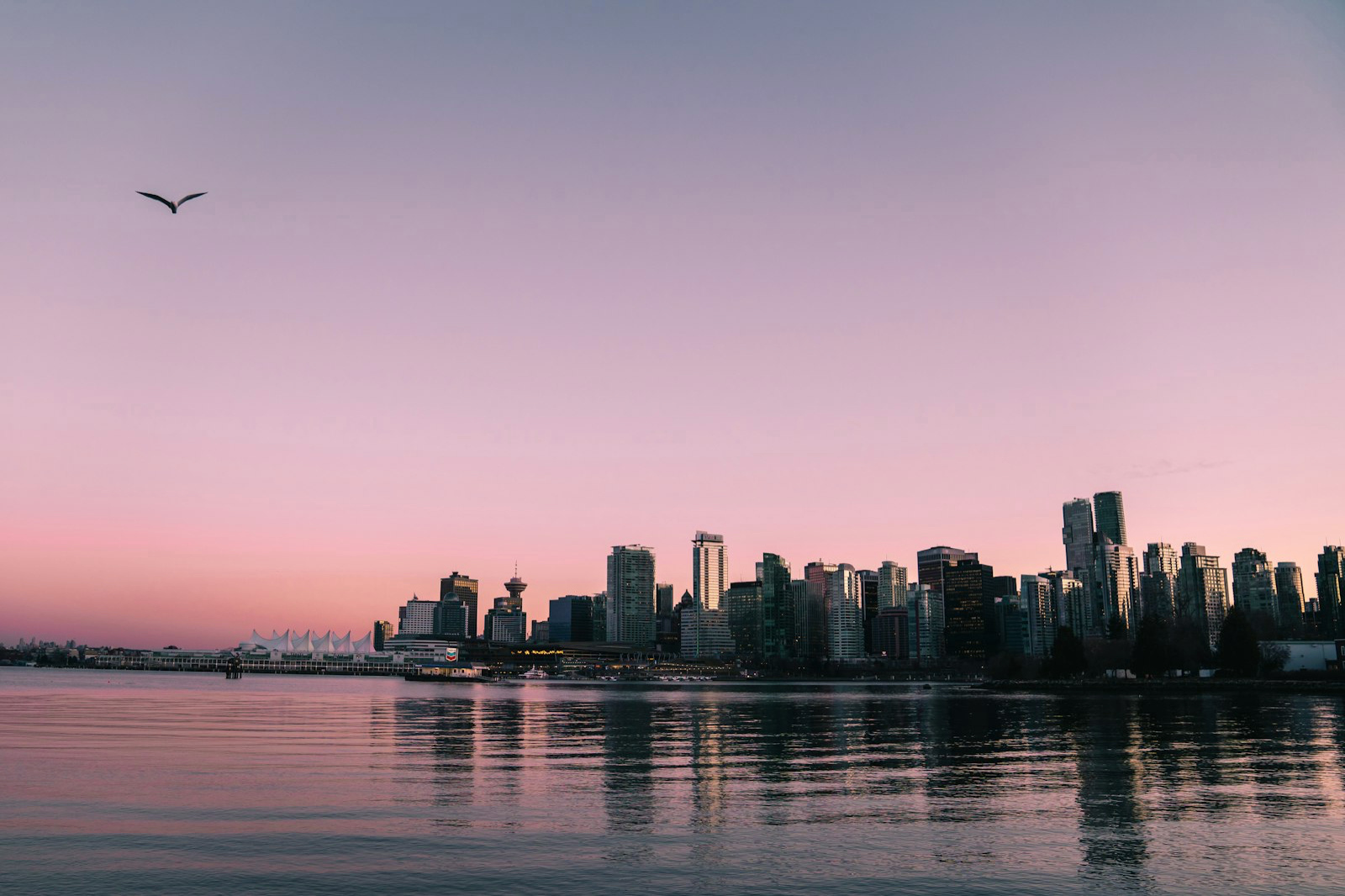
A gain map in one sentence
A gain map is a per-pixel multiplier baked alongside a normal photo. The base image is the standard photo every screen can show; the gain map is a grayscale map where bright values mean 'brighten this area a lot on HDR screens' and dark values mean 'leave this as-is'. The display reads the map and lifts the highlights into its extra brightness range.
Why store HDR as a map instead of just a brighter photo?
Because one image has to look right on every screen. If you simply made the photo brighter, it would clip and look washed out on standard (SDR) screens. The gain-map approach keeps a perfect SDR base photo and stores the HDR boost separately, so SDR screens show the base and HDR screens apply the boost. One file, correct everywhere.
How a gain map is computed
A gain map is derived from the photo's own luminance — the relationship between the SDR base and the HDR target for each pixel, stored in log space. MakeHDR computes this in 32-bit float, with no AI and no invented detail: it reads the light already in your image and writes the map that lets a display show it brighter. The result is fully deterministic — the same photo always gives the same map.
Gain maps and Ultra HDR
'Ultra HDR' is Google's name for the gain-map photo format on Android; Apple uses the same ISO 21496-1 gain-map approach for iPhone HDR photos, with Adobe's gain-map XMP metadata. So Ultra HDR, gain-map HDR and 'true HDR photo' all refer to the same technique: a JPEG plus a gain map.
How to add a gain map to your photo
You don't need Photoshop or plugins. MakeHDR turns any finished JPEG, PNG or HEIC into a gain-map Ultra HDR file in your browser — it computes the gain map locally from your image and embeds it, so the photo glows on HDR screens and stays normal everywhere else.