什么是 Ultra HDR?
Ultra HDR 是一种照片格式,它能让图像中明亮的区域在 HDR 屏幕上真实发光 — 而在其他任何地方它仍然是一张普通的 JPEG。它是现代 iPhone、Android 手机、Instagram 和 Google Photos 上 HDR 照片背后的增益图标准。下面来详细说明它究竟是什么以及如何工作。
看看区别
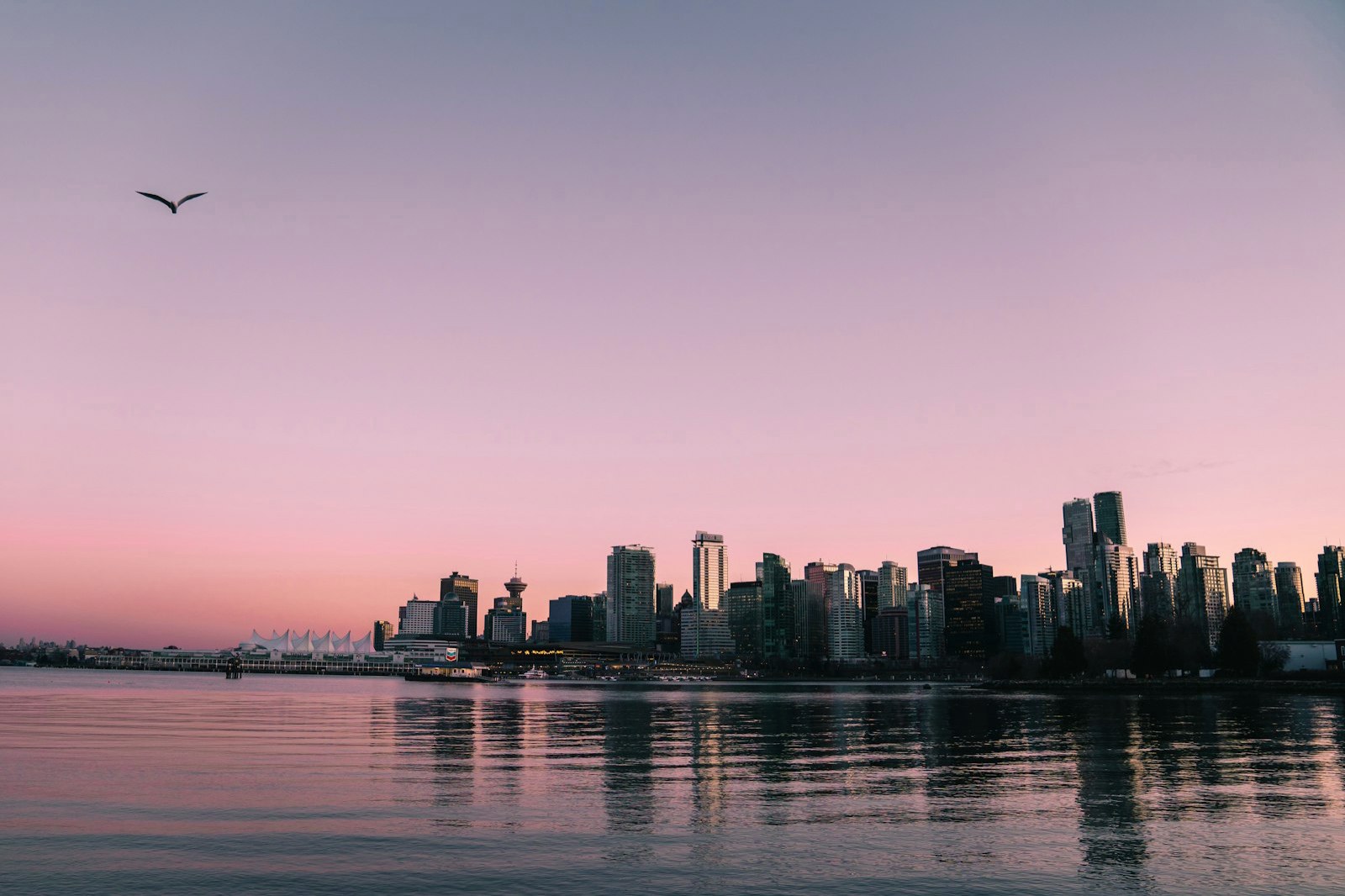
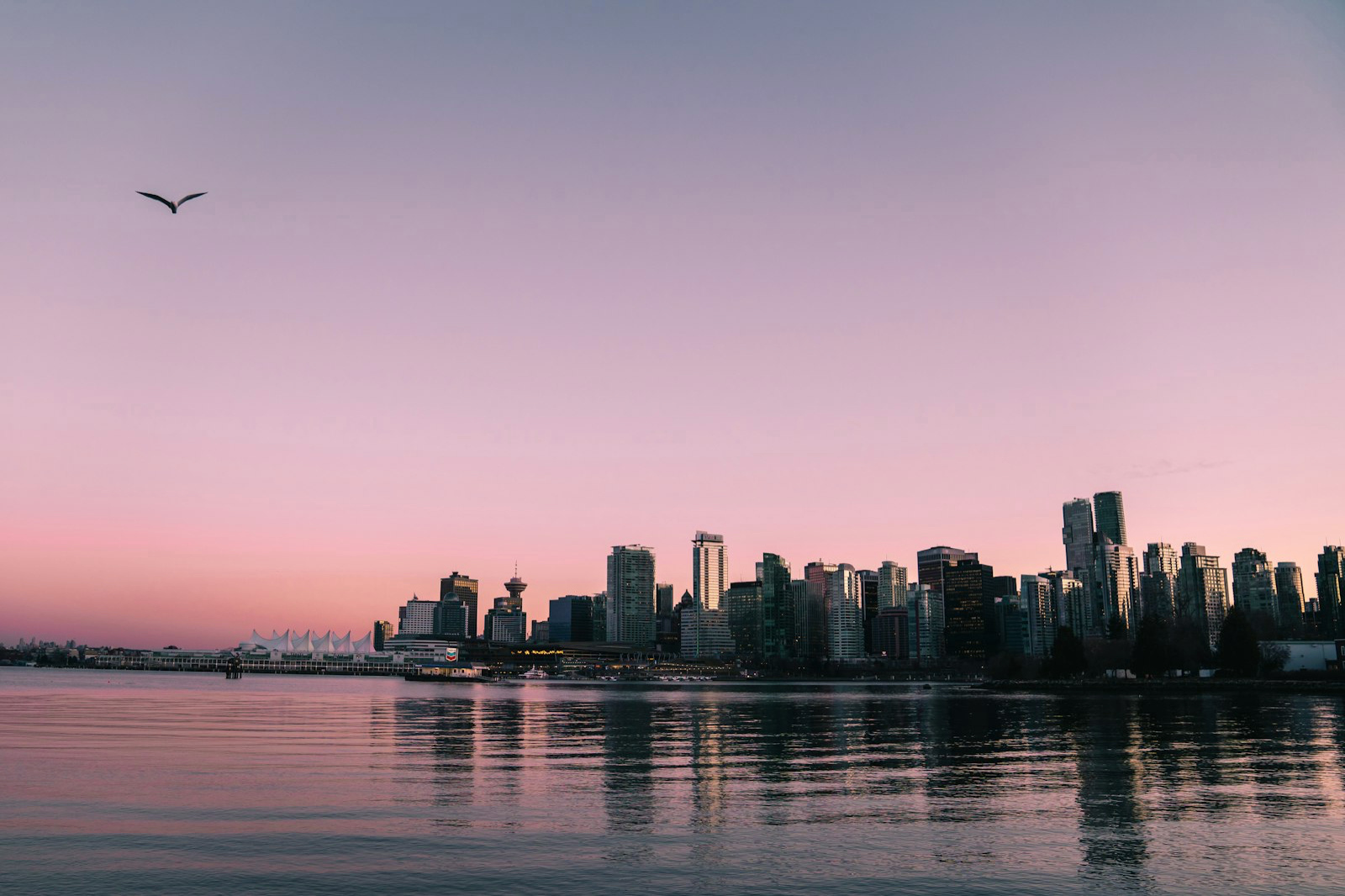
一句话理解 Ultra HDR
一个 Ultra HDR 文件就是一张普通的 JPEG,外加一层烘焙进去的额外信息:增益图(gain map)。基础图像就是每块屏幕都能显示的标准照片;增益图则是一张灰度指令图,它告诉支持 HDR 的显示器每个像素应该亮多少。在 HDR 屏幕上,高光(highlights)— 太阳、霓虹灯、反光 — 会比纯白更亮地发光。而在其他任何屏幕上,你看到的就是那张普通的 JPEG。
增益图是如何工作的
增益图是一个逐像素的亮度倍增器。在它较暗的地方,显示器呈现基础亮度;在它较亮的地方,显示器会把该区域提升到屏幕可用的额外亮度范围(即 HDR 的“余量”,headroom)。由于这种提亮信息是作为一张独立的图存储的,因此同一个文件在 SDR 和 HDR 屏幕上看起来都正确 — 不会有溢出截断,也不会有错乱的颜色。MakeHDR 以 32-bit float 精度,根据你照片自身的亮度计算出这张增益图,不用 AI,也不会凭空捏造细节。
Ultra HDR 与 HDR10、Dolby Vision 的区别
HDR10 和 Dolby Vision 是视频标准 — 它们为电影和电视描述 HDR。Ultra HDR 则是照片领域的对应方案:一种静态图像的增益图格式,标准化为 ISO 21496-1,采用 Adobe 的增益图 XMP(Adobe XMP)。Google 在 Android 上引入了“Ultra HDR”这个名称;Apple 也在 iPhone 的 HDR 照片中采用了相同的 ISO 增益图方案。因此,同一个 Ultra HDR JPEG 能在 Android、iOS 和网页上发光。
Ultra HDR 照片在哪里以 HDR 显示
Ultra HDR 会在 Google Photos、iOS 的 Photos 应用、Chrome 和 Safari 中以 HDR 渲染,也会在像 Instagram 这样支持它的应用中以 HDR 渲染。在配备 HDR 屏幕的手机和笔记本电脑上 — 也就是大多数现代设备 — 高光会真实地变亮。在较旧的 SDR 屏幕上,内嵌的基础 JPEG 会正常显示,因此画面不会看起来损坏或灰白褪色。正是这种优雅的回退机制,让 Ultra HDR 可以放心地在任何地方使用。
如何制作一张 Ultra HDR 照片
你不需要 32-bit 的 Photoshop 流程,也不需要付费插件。MakeHDR 直接在你的浏览器里,把任何已完成的 JPEG、PNG 或 HEIC 转换成符合标准的 Ultra HDR 文件 — 它在本地根据你的图像计算增益图,不用 AI,也无需上传。拖入一张照片,选择 HDR 强度,然后下载 Ultra HDR 的 .jpg 文件即可。