Почему моё HDR-фото выглядит по-разному на каждом экране?
Вы экспортируете HDR-фото из Lightroom, открываете его в Google Photos, проверяете в браузере — и везде видите разный результат. Обычно это не означает, что экспорт выполнен неправильно. HDR-фотография может содержать несколько корректных вариантов отображения, а каждое приложение само решает, как читать эти данные. В этом руководстве разберём основные элементы: SDR-базу, карту усиления, запас яркости дисплея и приложение назначения. Вы также получите надёжный рабочий процесс для публикации HDR-фотографий в 2026 году.
Увидьте разницу
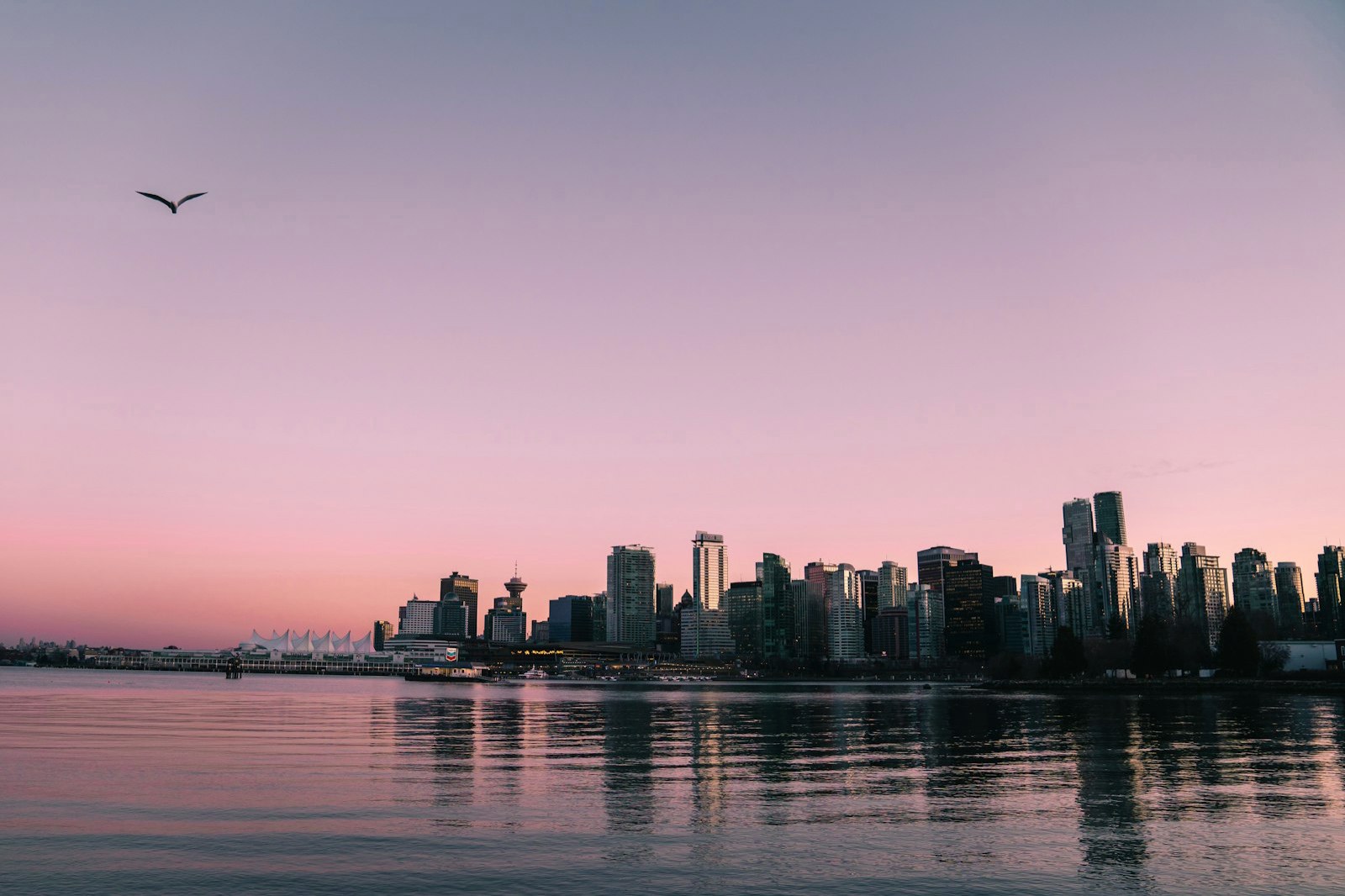
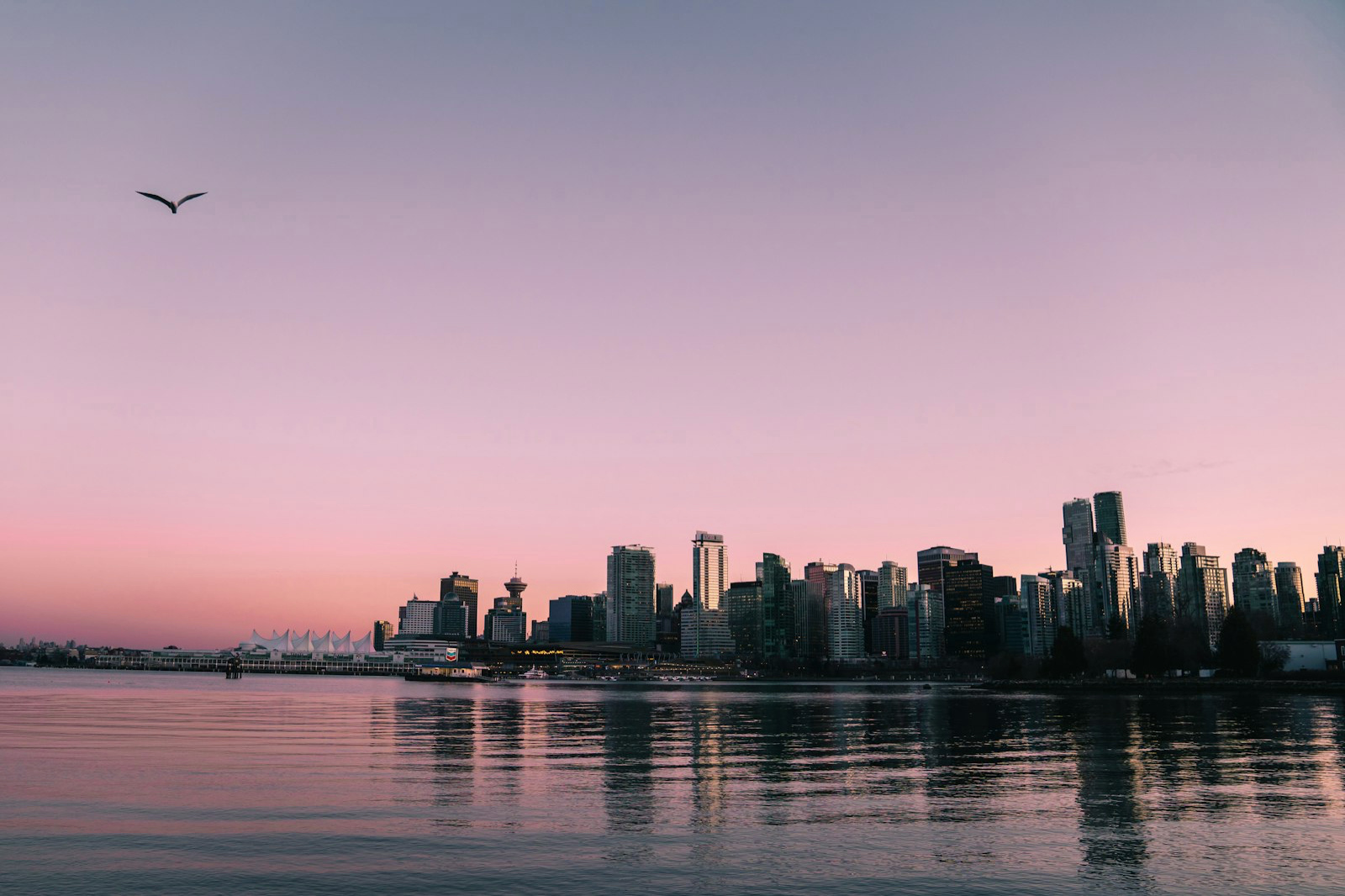
Короткий ответ
HDR-фото — это не просто более яркий JPEG. Изображение с картой усиления хранит обычную SDR-версию и дополнительные инструкции для HDR-дисплея. Совместимый просмотрщик объединяет их; просмотрщик без поддержки карты усиления показывает SDR-базу. Поэтому один и тот же файл может быть корректным в обоих случаях, но выглядеть по-разному: на HDR-дисплее светлые участки могут быть ярче обычного SDR-белого; на SDR-дисплее файл возвращается к обычной базовой версии; а приложение, которое перекодирует изображение или игнорирует метаданные, может ослабить или полностью потерять эффект карты усиления.
Что находится внутри HDR-фотографии?
Современный HDR на основе карты усиления рассчитан на обратную совместимость. В файле есть базовое SDR-изображение, которое открывает обычное ПО, карта усиления с попиксельными инструкциями для HDR-усиления и метаданные, необходимые для декодирования, масштабирования и применения карты. HDR-дисплей предоставляет запас яркости, благодаря которому дополнительная яркость становится видимой. ISO 21496-1:2025 формализует эту модель преобразования динамического диапазона. Google Ultra HDR и фотографии Apple с картой усиления используют родственную общую идею, но детали контейнера и метаданных не во всех рабочих процессах взаимозаменяемы. Карта усиления не восстановит детали, уже обрезанные в исходнике: если окно в исходном JPEG превратилось в ровное белое пятно, вернуть утраченную текстуру невозможно.
Почему Lightroom, Google Photos и Reddit показывают разный результат
Обсуждение на SonyAlpha, которое послужило поводом для этого руководства, наглядно показывает реальные трудности: фотограф редактировал снимок в HDR, Google Photos отображал Ultra HDR JPEG, а участникам всё равно пришлось разбираться с SDR, картами усиления, запасом яркости дисплея и сжатием платформы. Lightroom — это этап подготовки: его HDR Output может сохранить JPEG с SDR-изображением и картой усиления, а также работать с AVIF и JPEG XL. Adobe рекомендует JPEG для публикации, а TIFF или PSD — если HDR-редактирование ещё продолжается. Google Photos поддерживает Ultra HDR и может отображать HDR-версию, когда устройство и экран поддерживают HDR; иначе показывается SDR-фолбэк. Reddit и другие сервисы могут изменить размер, повторно сжать изображение или удалить дополнительные метаданные, поэтому фотограф сообщает, что сжатие Reddit не передало качество HDR-снимка. Воспринимайте это как повод проверить копию, которую отдаёт сервис, а не как универсальное утверждение. Наконец, два HDR-устройства могут показывать разную яркость из-за пиковой яркости, настроек, операционной системы и просмотрщика.
JPEG Ultra HDR, AVIF, JPEG XL или HEIC?
Одного лучшего формата для всех целей не существует. JPEG с картой усиления или Ultra HDR — самый безопасный вариант для широкой публикации: он сохраняет пригодную SDR-версию, хотя HDR-слой всё равно зависит от просмотрщика. AVIF подходит для современных веб-процессов, где вы контролируете просмотрщик: он обеспечивает эффективное сжатие и большую разрядность, но поддержка на стороне сервиса менее предсказуема. JPEG XL полезен, если ваш рабочий процесс явно его поддерживает. HEIF или HEIC хорошо подходит для экосистемы Apple, но за её пределами совместимость уже. TIFF или PSD лучше оставить в качестве рабочего мастера для дальнейшего редактирования, а не для обычной публикации. Для публичной ссылки или смешанной аудитории отдавайте JPEG с картой усиления, а высококачественный мастер храните отдельно.
Надёжный рабочий процесс для публикации HDR-фотографий
1. Сохраните мастер: оставьте версию RAW, TIFF или PSD для будущих правок. 2. Экспортируйте файл для публикации: используйте JPEG с картой усиления, когда важнее всего совместимость, а AVIF или JPEG XL — только после проверки поддержки на стороне сервиса. 3. Проверьте обе версии: откройте экспорт на HDR- и SDR-дисплее; HDR-версия должна показать дополнительный запас в светах, а SDR-версия — оставаться цельной. 4. Проверьте копию на сервисе: скачайте изображение обратно или откройте публичный URL, не предполагая, что загруженный файл остался идентичным байт в байт. 5. Когда важна точность, делитесь оригиналом: ссылка на исходный файл или сервис, который точно сохраняет метаданные карты усиления, надёжнее неизвестного перекодирования в социальной сети.
Как здесь помогает MakeHDR
MakeHDR — это этап подготовки файла к публикации после того, как изображение уже готово. Он может локально в браузере превратить готовый JPEG, PNG или HEIC в JPEG Ultra HDR с картой усиления. Конвертация выполняется детерминированно по пикселям вашего файла: изображение не загружается на сервер, а детали не выдумываются. Если исходник уже потерял детали из-за пересвета, карта усиления их не восстановит. Практический путь таков: закончите обработку в привычном редакторе, создайте файл для публикации с картой усиления, проверьте его на HDR- и SDR-экранах, а затем поделитесь версией, которую сохраняет сервис назначения.
Источники и примечания по проверке
Это руководство проверено по ISO 21496-1:2025, документации Google Ultra HDR Image Format и эталонному кодеку libultrahdr, документации Apple для разработчиков о картах усиления, документации Adobe о HDR Output в Lightroom и справке Google Photos по HDR. Обсуждение SonyAlpha используется как наблюдение из реальной практики, а не как доказательство поведения всех платформ.