Perché la mia foto HDR non è più luminosa?
Hai convertito una foto, sei su uno schermo che supporta l'HDR e… sembra identica. Non c'è niente di rotto. Il motivo più comune è controintuitivo: la luminosità del tuo schermo è troppo alta.
Guarda la differenza
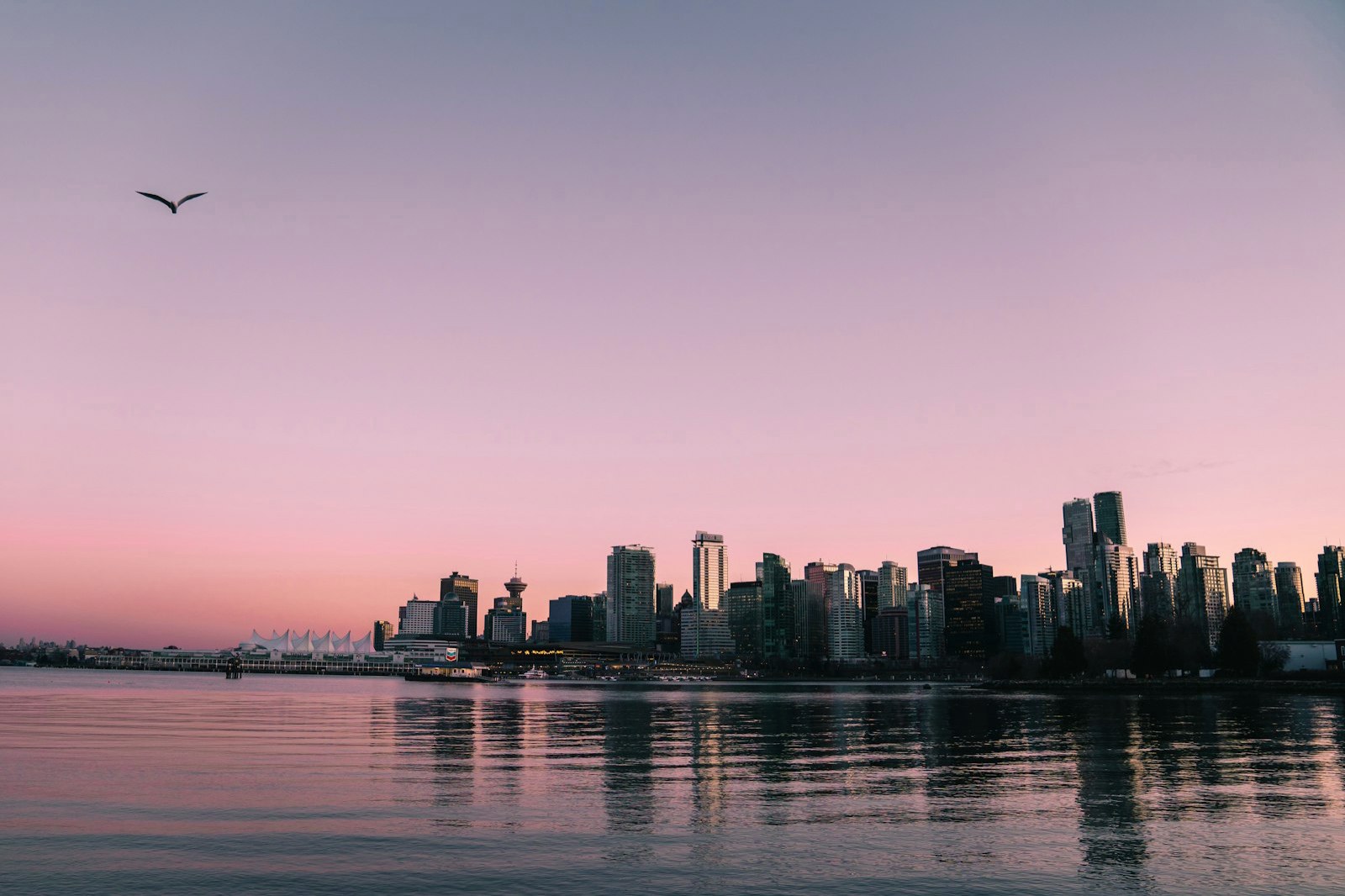
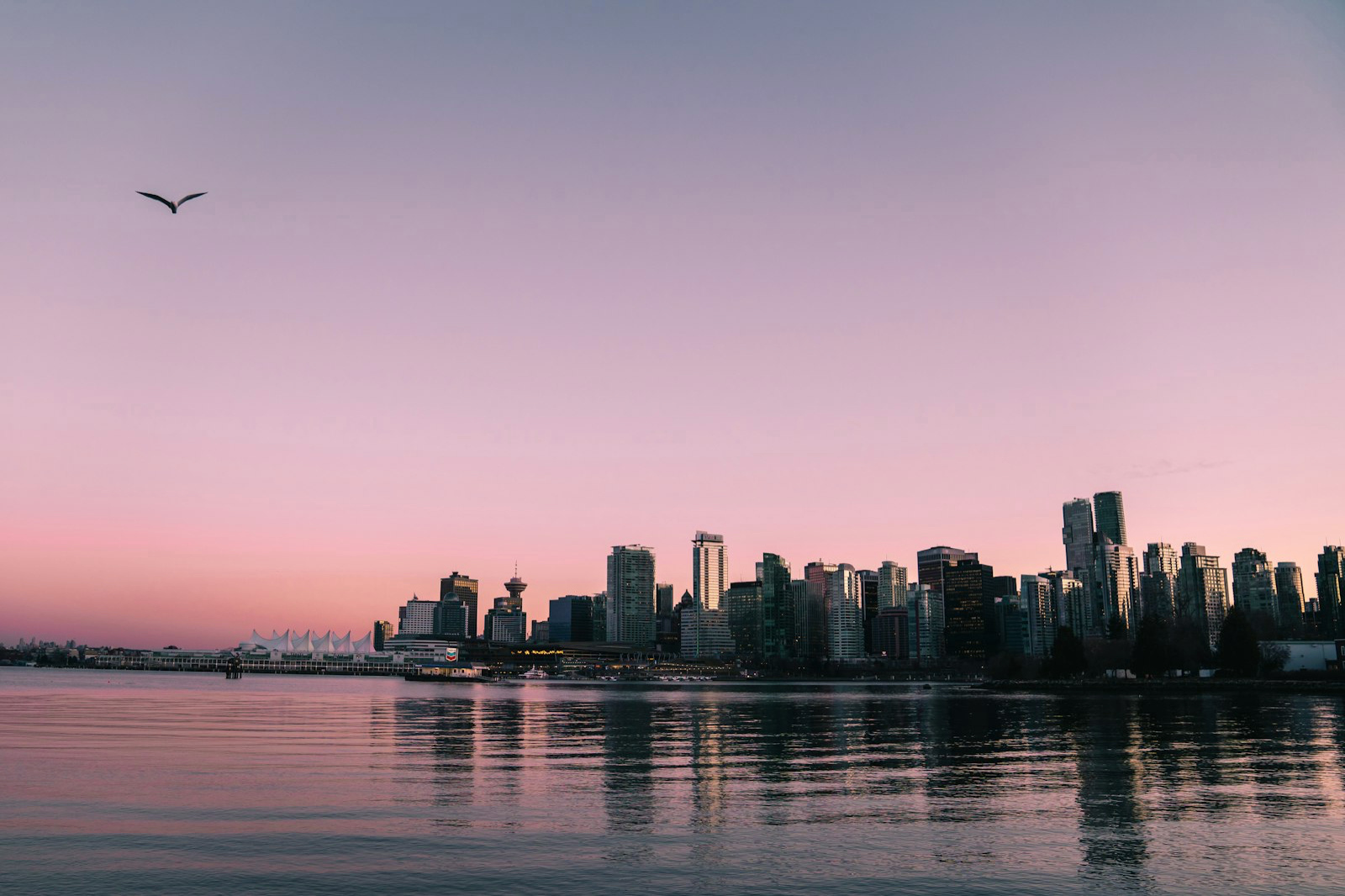
L'HDR ha bisogno di margine sopra il bianco
Una foto HDR non rende più luminosa tutta l'immagine. Lascia gran parte dello scatto esattamente dov'era e spinge solo le alte luci — un tramonto, un riflesso, una lampada — oltre la luminosità del bianco normale. Quel margine extra sopra il bianco si chiama headroom. Se il tuo schermo non ha headroom, quelle alte luci non hanno dove andare: si fermano al bianco e la foto sembra identica a una standard.
Alla massima luminosità non resta headroom
Ecco la parte che nessuno ti dice: l'headroom non è fisso, dipende dall'impostazione di luminosità. Il tuo schermo ha un numero massimo di nits che può produrre. Quando porti la luminosità al 100%, il bianco normale li usa già tutti — non ne avanza nessuno in cui le alte luci possano salire. Abbassa la luminosità e il bianco si attenua, liberando la parte alta dell'intervallo perché l'HDR la usi. Ecco perché abbassare la luminosità può far sembrare una foto HDR più luminosa, non più scura.
Non tutti gli schermi HDR hanno lo stesso margine
Gli schermi differiscono enormemente per quanto headroom possono offrire. Un display Liquid Retina XDR (MacBook Pro 14"/16", Pro Display XDR) o un iPhone OLED moderno arrivano a circa 4 stop di headroom — cioè alte luci fino a 16× più luminose del bianco, e l'effetto è inconfondibile. Un normale schermo da laptop da 500 nit, come il MacBook Pro 13" o il MacBook Air, si ferma a circa 1 stop — il doppio del bianco. Su questi l'HDR è reale ma sempre sottile, e alla massima luminosità sparisce del tutto.
Provalo in dieci secondi
Apri la foto convertita, mettila affiancata all'originale e porta la luminosità dello schermo a circa il 70%. Guarda le alte luci. Se iniziano a staccarsi dal resto dell'immagine e a risplendere, il tuo display era semplicemente senza headroom — adesso stai vedendo l'HDR. Se non cambia nulla a nessun livello di luminosità, il tuo schermo non fa HDR affatto, che è una situazione diversa (e non risolvibile).
Il file è a posto in ogni caso
Niente di tutto questo cambia ciò che hai esportato. La tua foto porta con sé la sua gain map HDR completa ovunque vada: risplenderà su un iPhone, su una TV HDR, su Instagram e su qualsiasi display che abbia headroom da offrire — anche se lo schermo su cui la stai controllando adesso non riesce a mostrarlo. Giudicare un file HDR su uno schermo senza headroom è come giudicare una stampa a colori sotto una luce rossa.