Press kit
MakeHDR writes an ISO 21496-1 gain map into JPEGs you already have, so they show real highlight headroom on an HDR display and stay ordinary JPEGs everywhere else. Everything below is free to use and needs no clearance.
Read this before you open the files
View the HDR files on an HDR display with screen brightness at about 50-70%, not at 100%. This sounds backwards and it is the thing most people get wrong: a gain map pushes highlights above paper white, so at full brightness the display has already spent its headroom and the effect largely disappears. Turn it down and the photo comes alive.
The before/after pairs on this page are the real files, not renderings, and so are the app screenshots below — their photo area carries a gain map too. What is a simulation is any before/after flattened into a single ordinary image, such as the ones on the App Store listing, where the format cannot carry a gain map.
Sample pairs
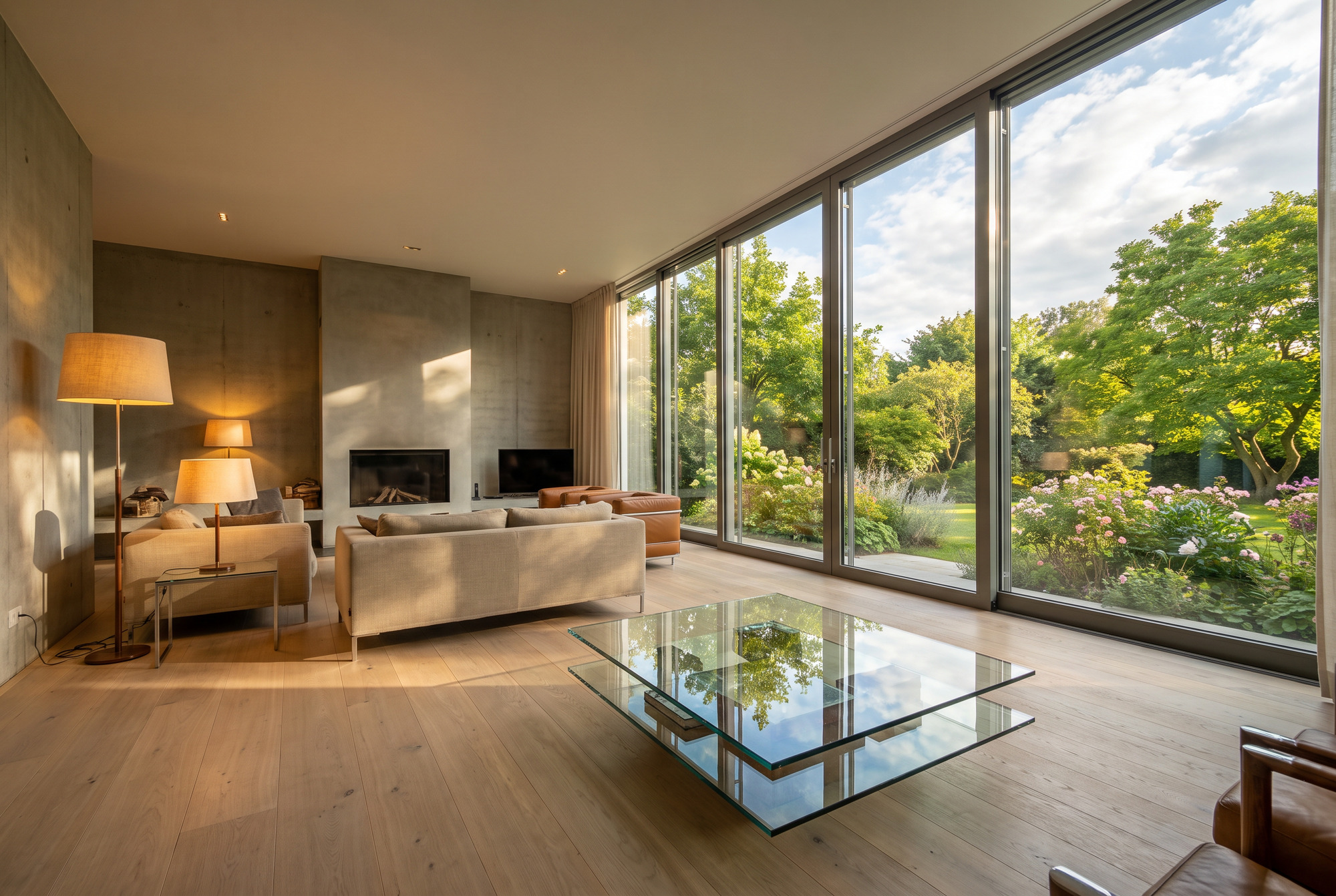
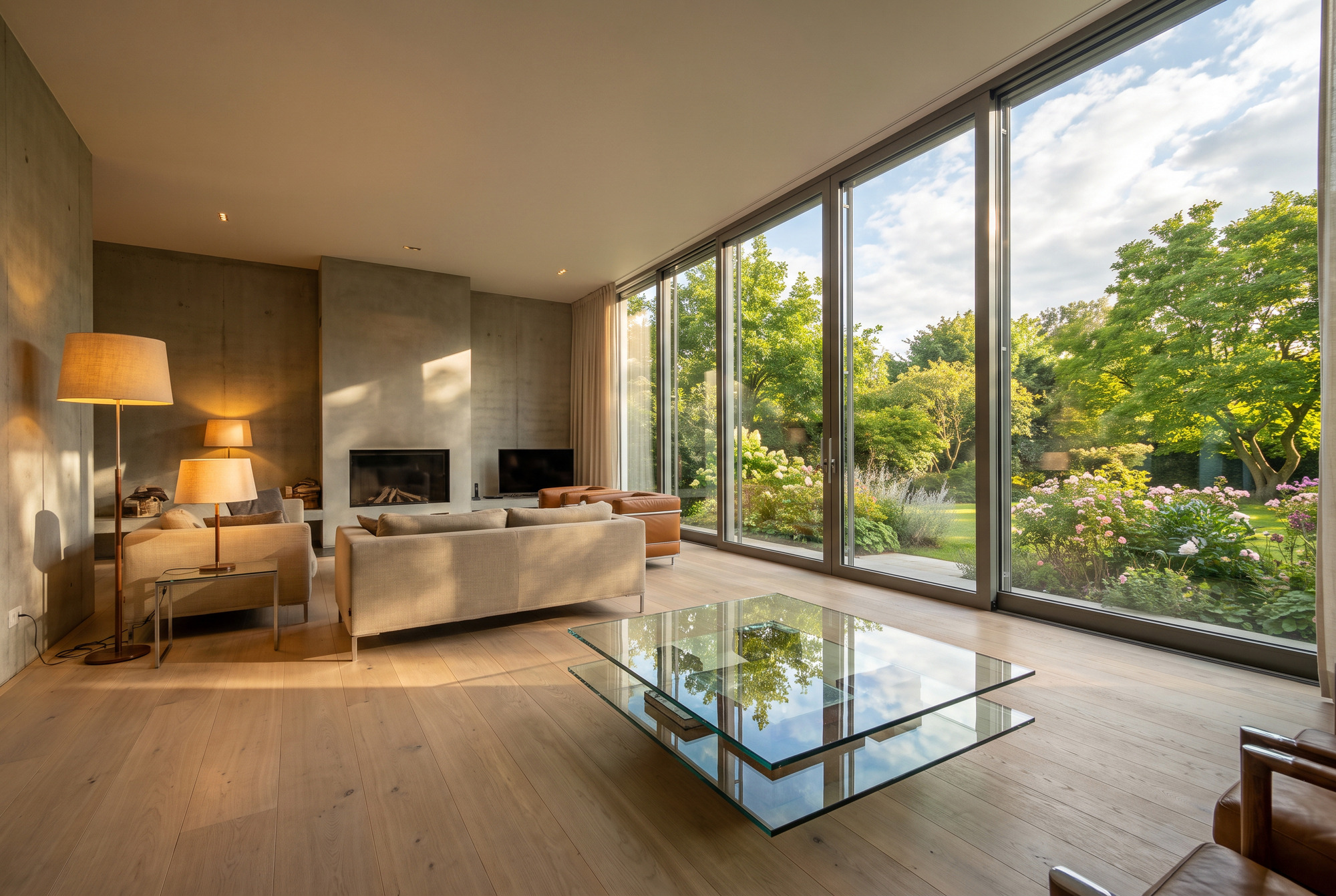
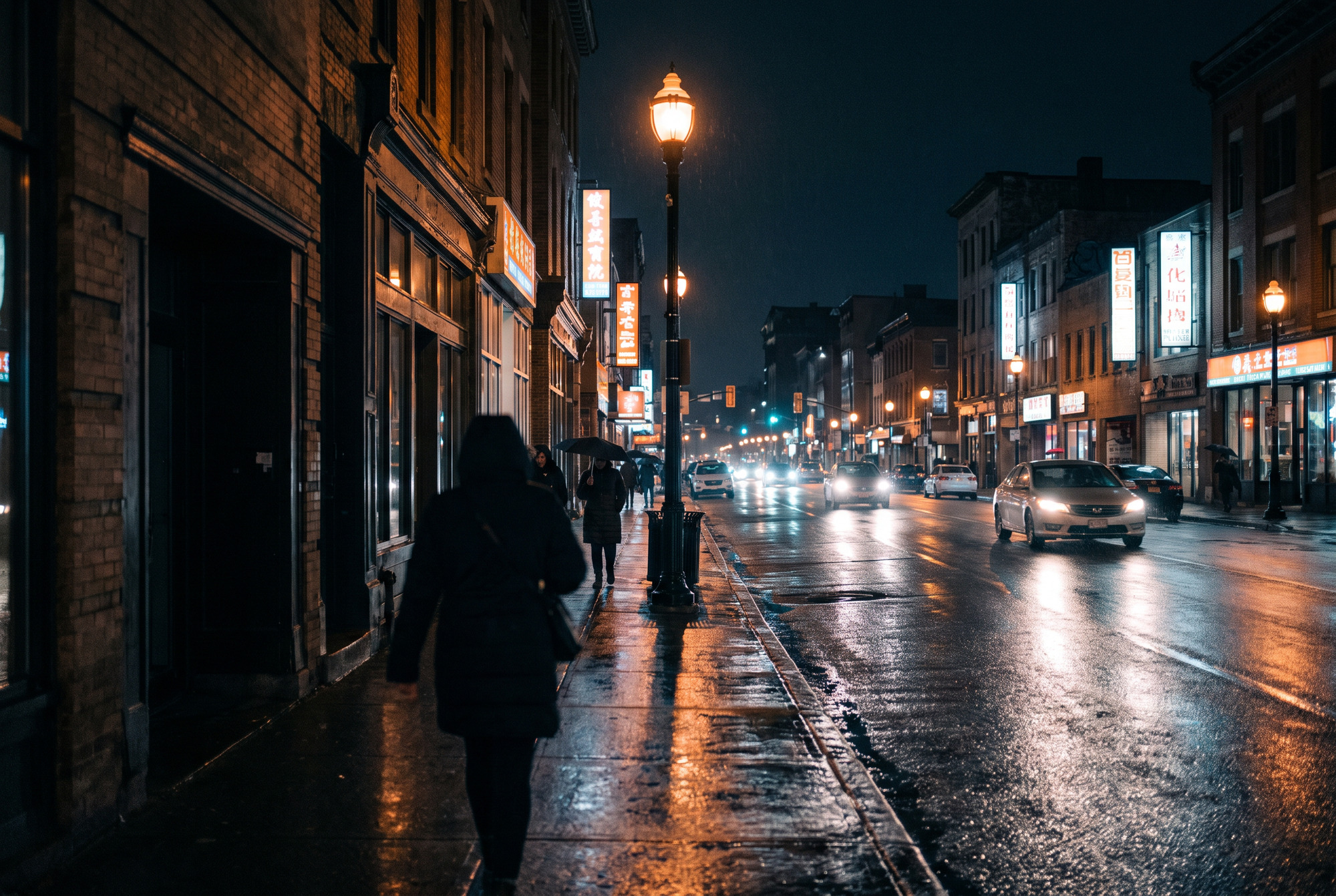
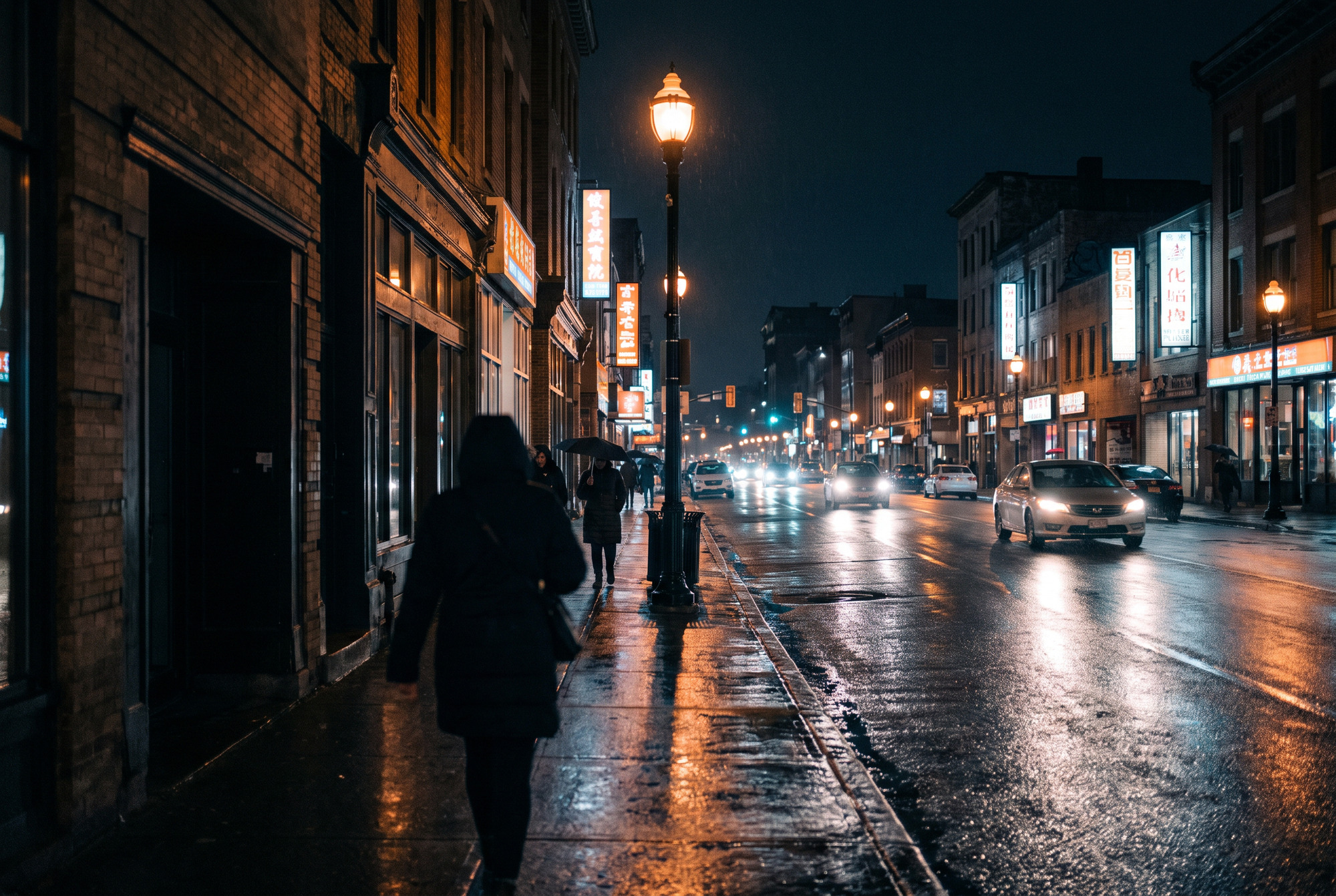
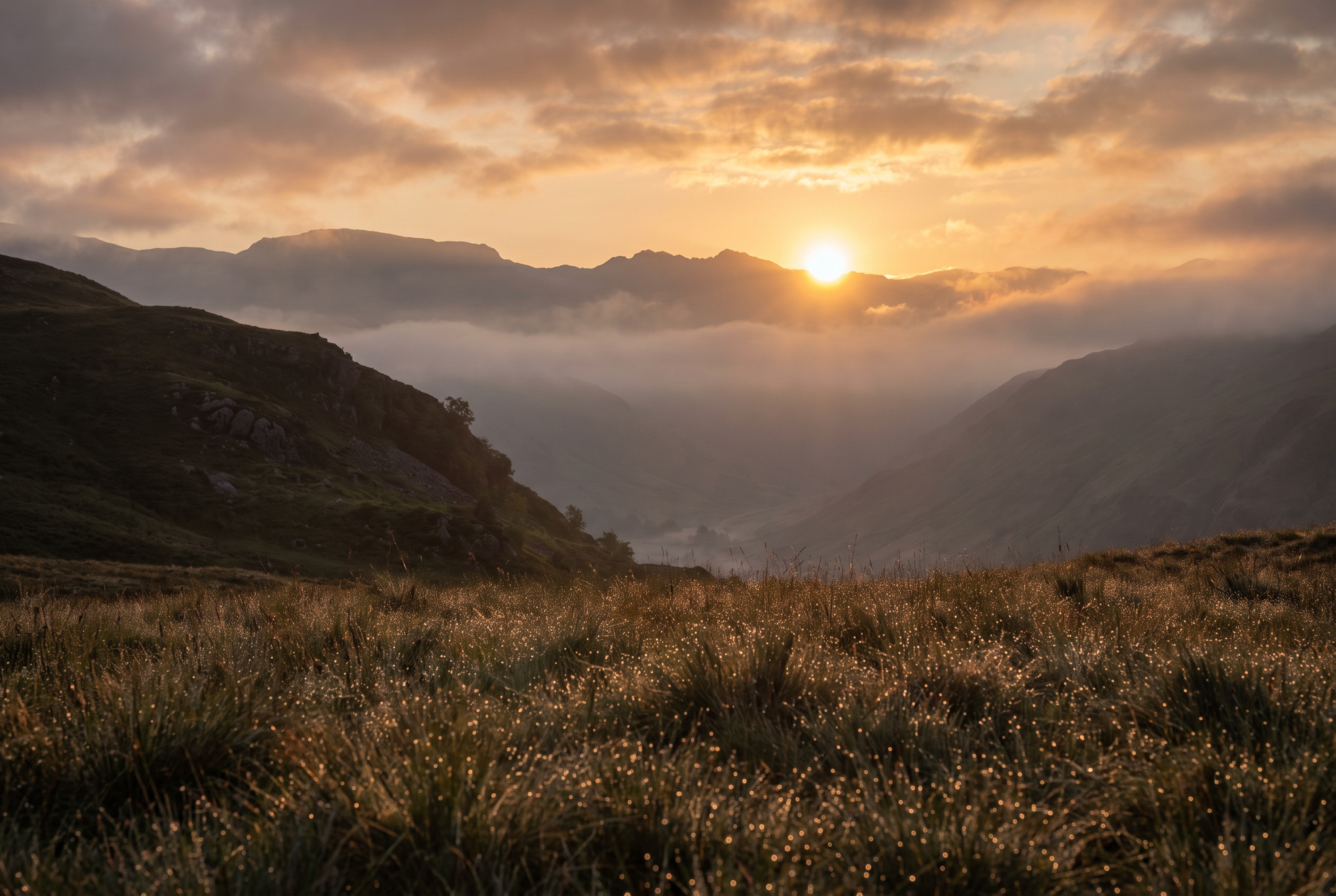
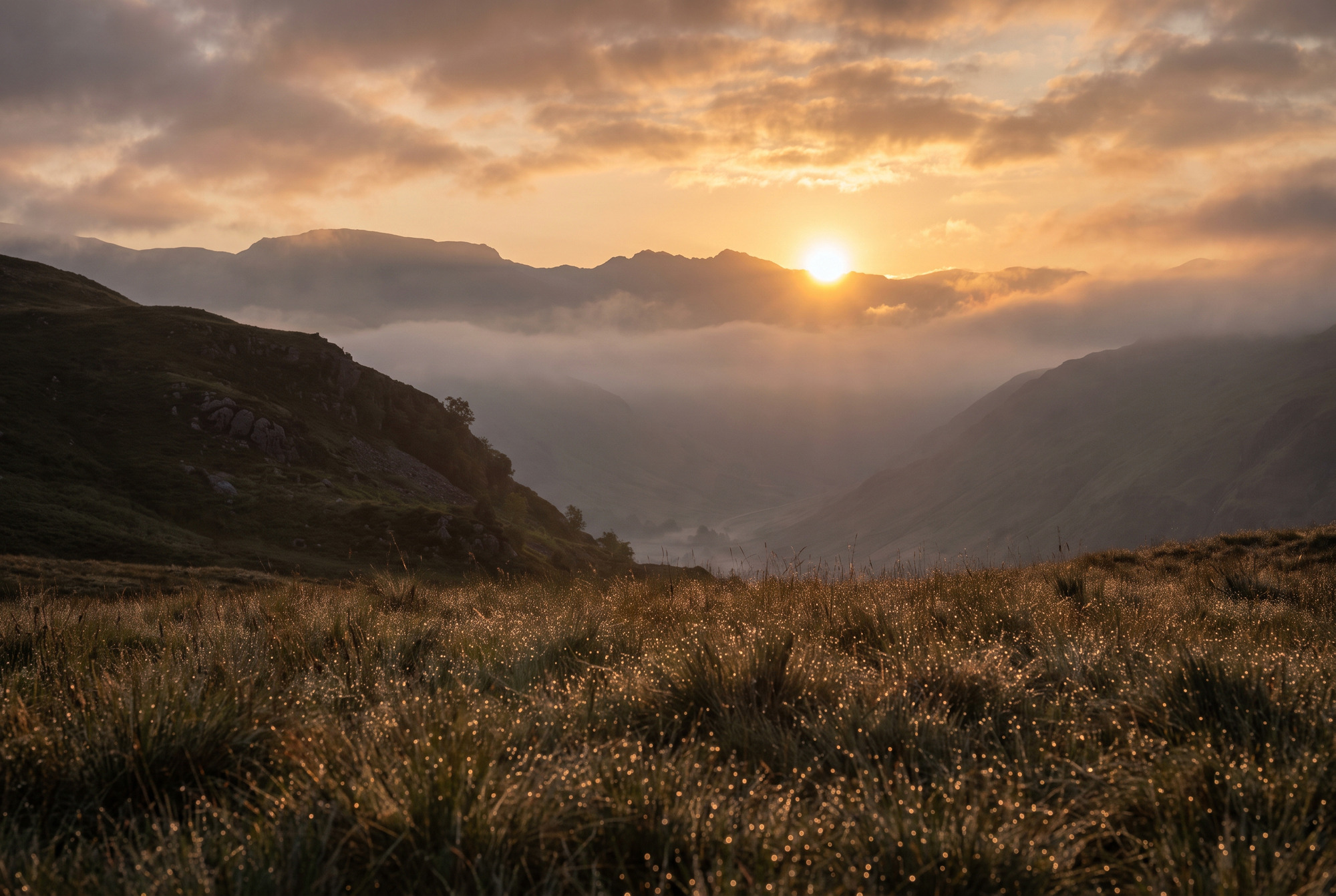
Each scene ships twice. The two files share the same base image — measured, their average RGB levels differ by less than a tenth of a level, which is JPEG recompression noise and not an edit. Nothing was brightened, saturated or graded. On an SDR screen the pair looks identical, and that is the point: the difference lives entirely in the gain map.
Architectural interior
The window is several stops brighter than the room and still holds detail. The glass table and polished concrete carry the speculars.
Wet night street
Point light sources with visible cores, long reflections on the asphalt, and shadows that keep detail instead of crushing.
Backlit landscape
Sun just above the ridge, clouds lit from within, and thousands of dew speculars across the foreground.
The app
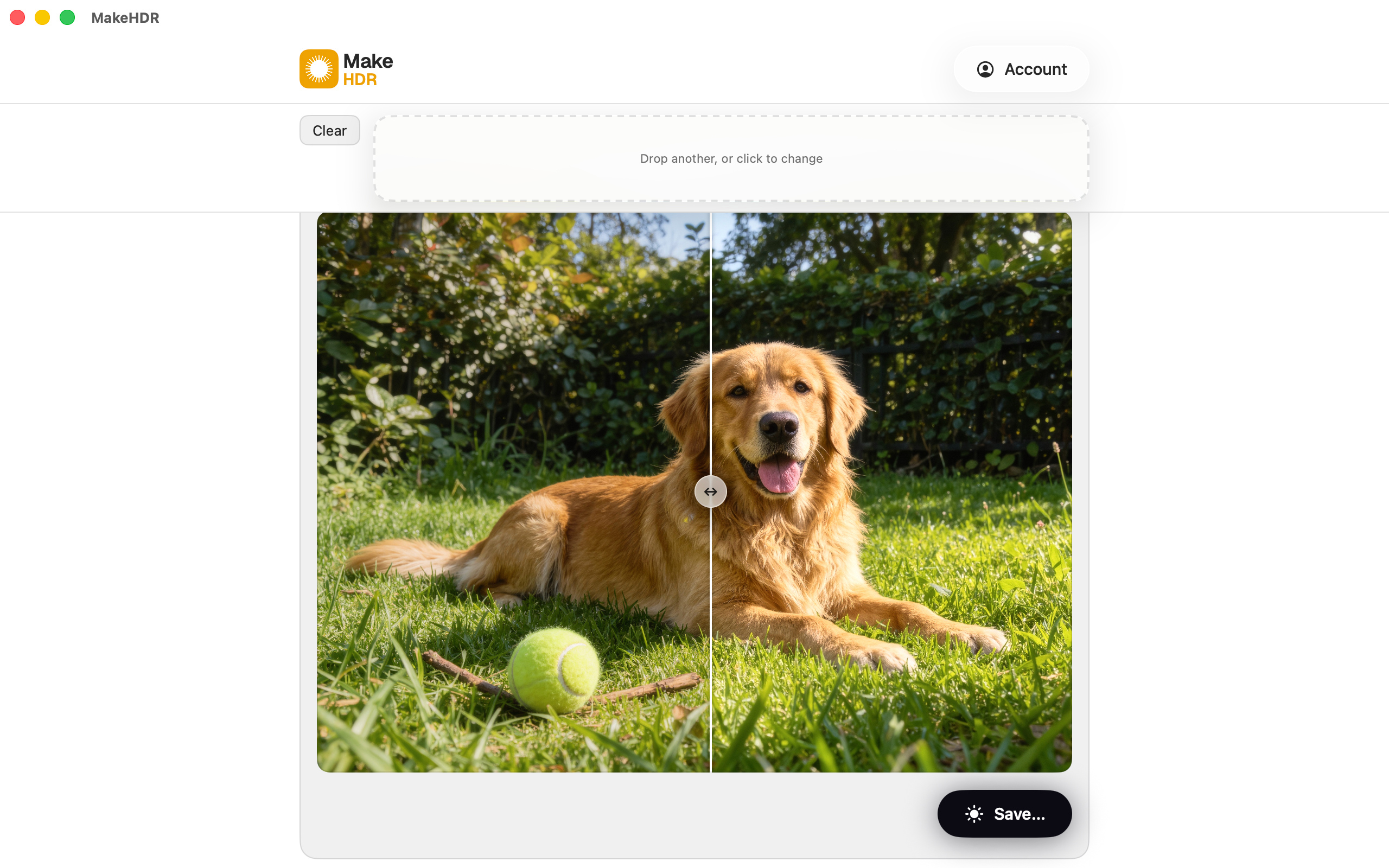
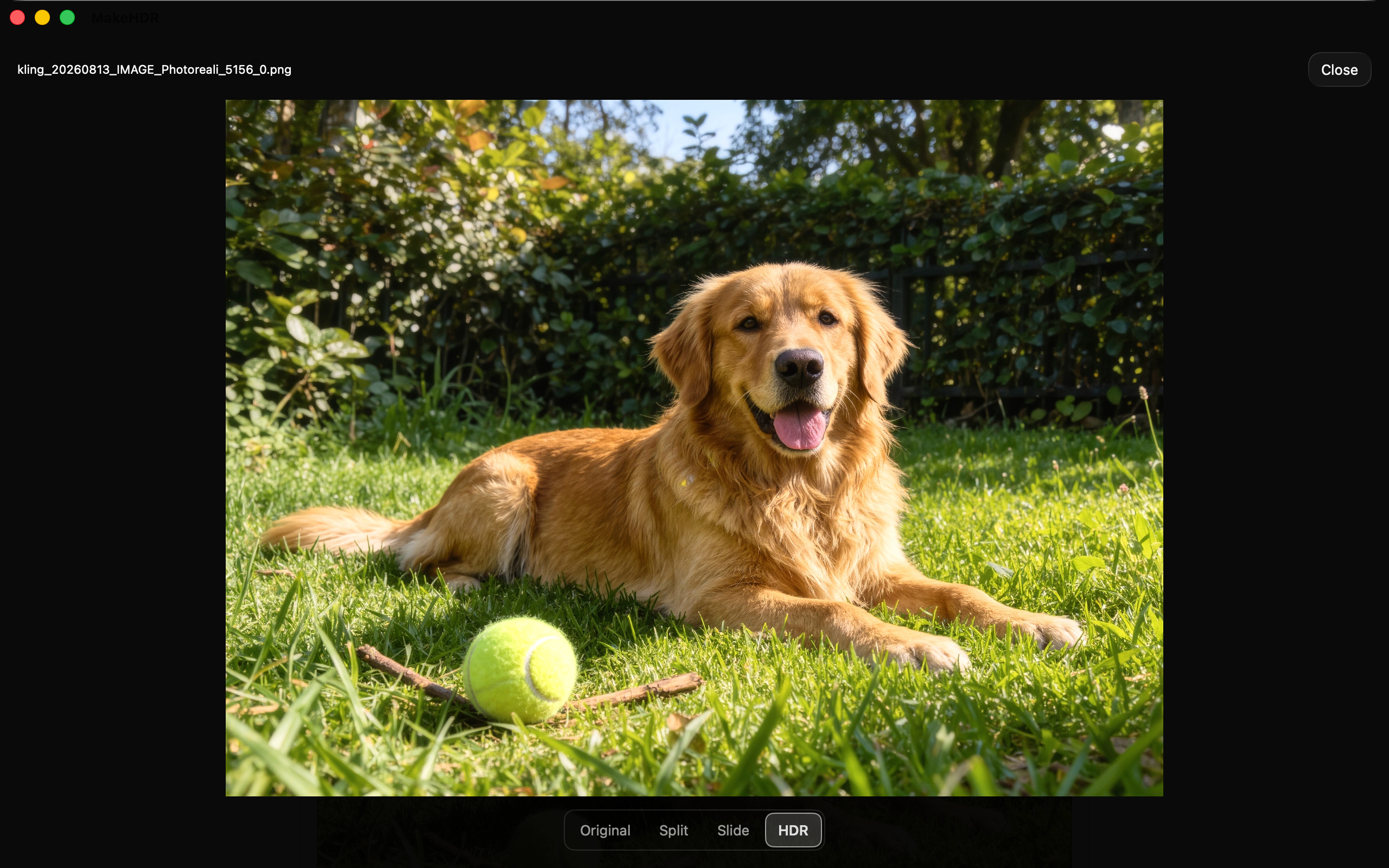
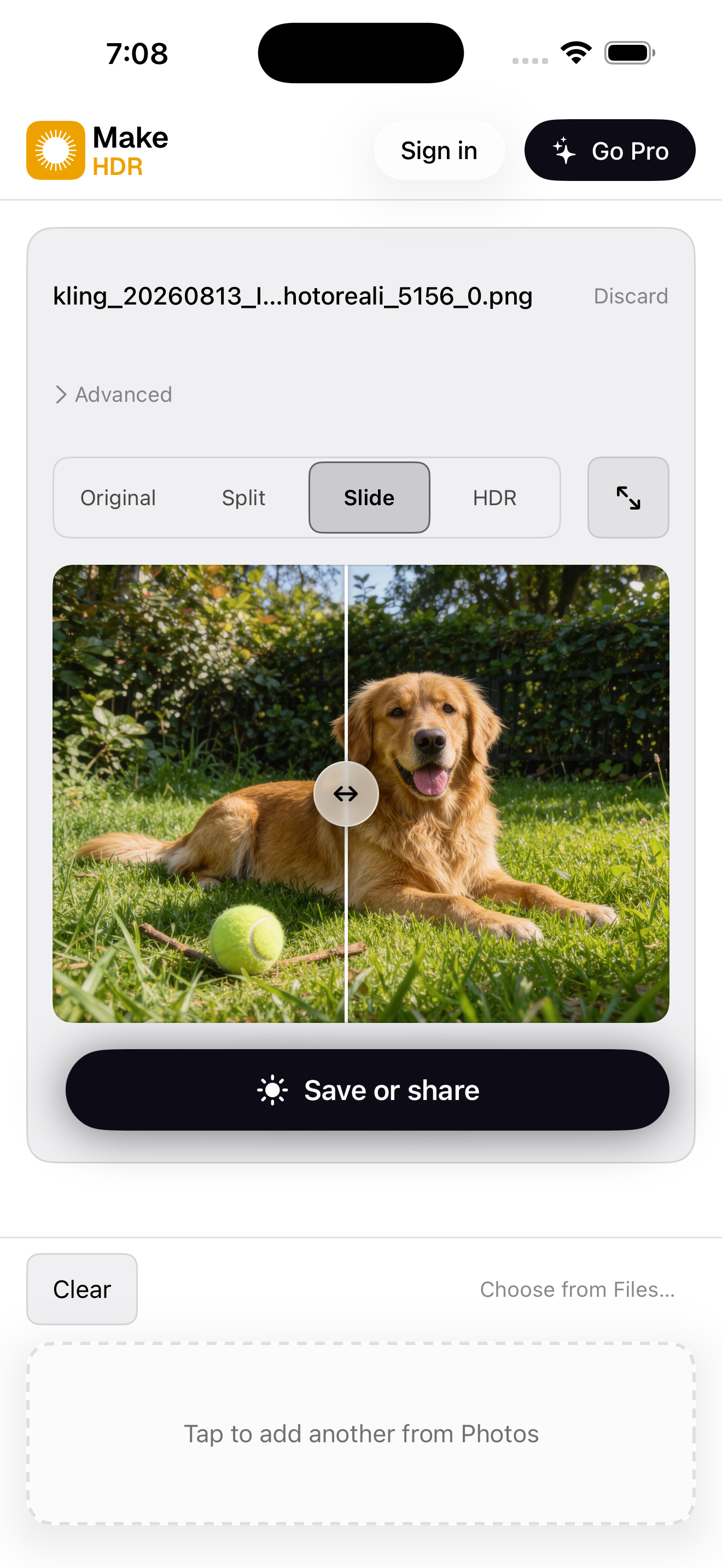
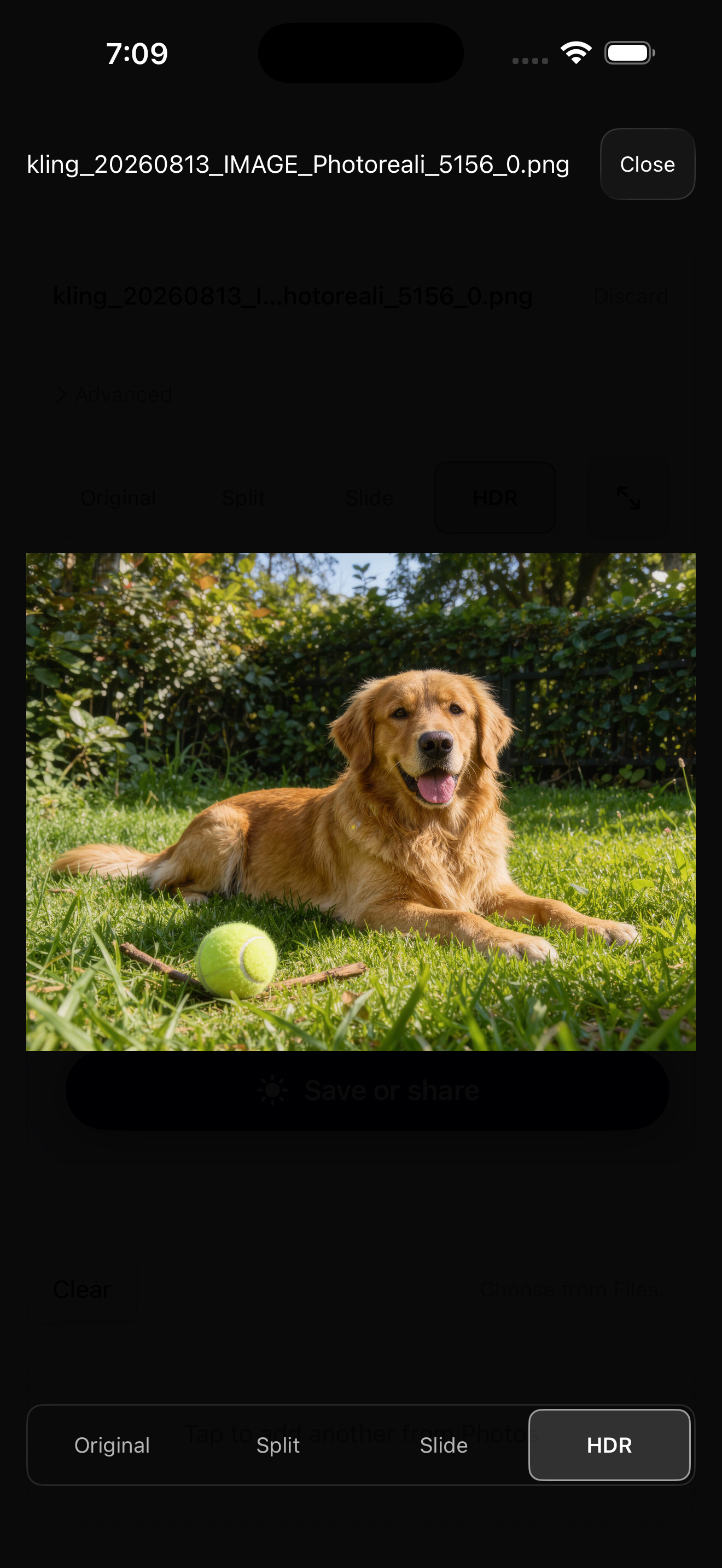
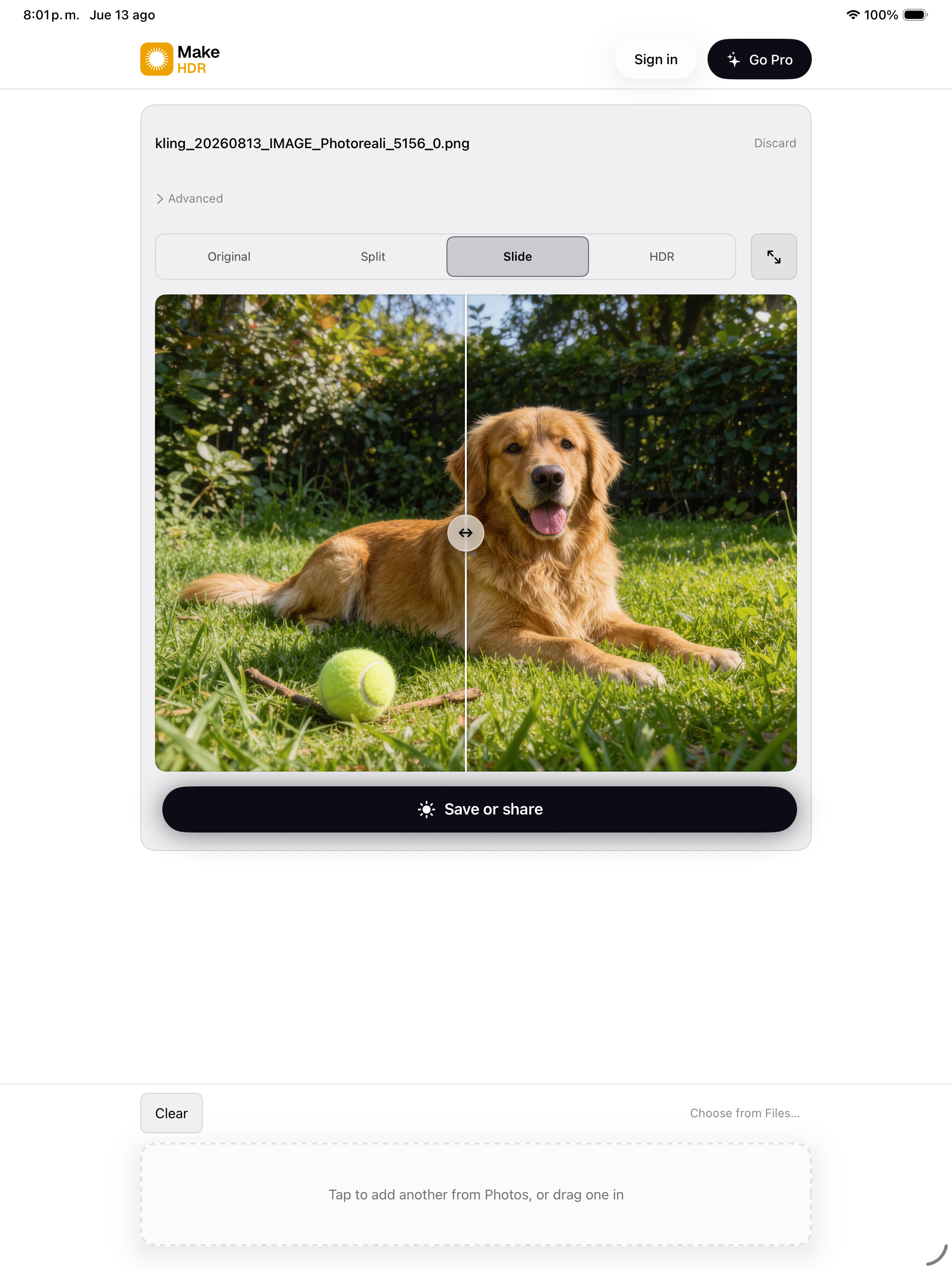
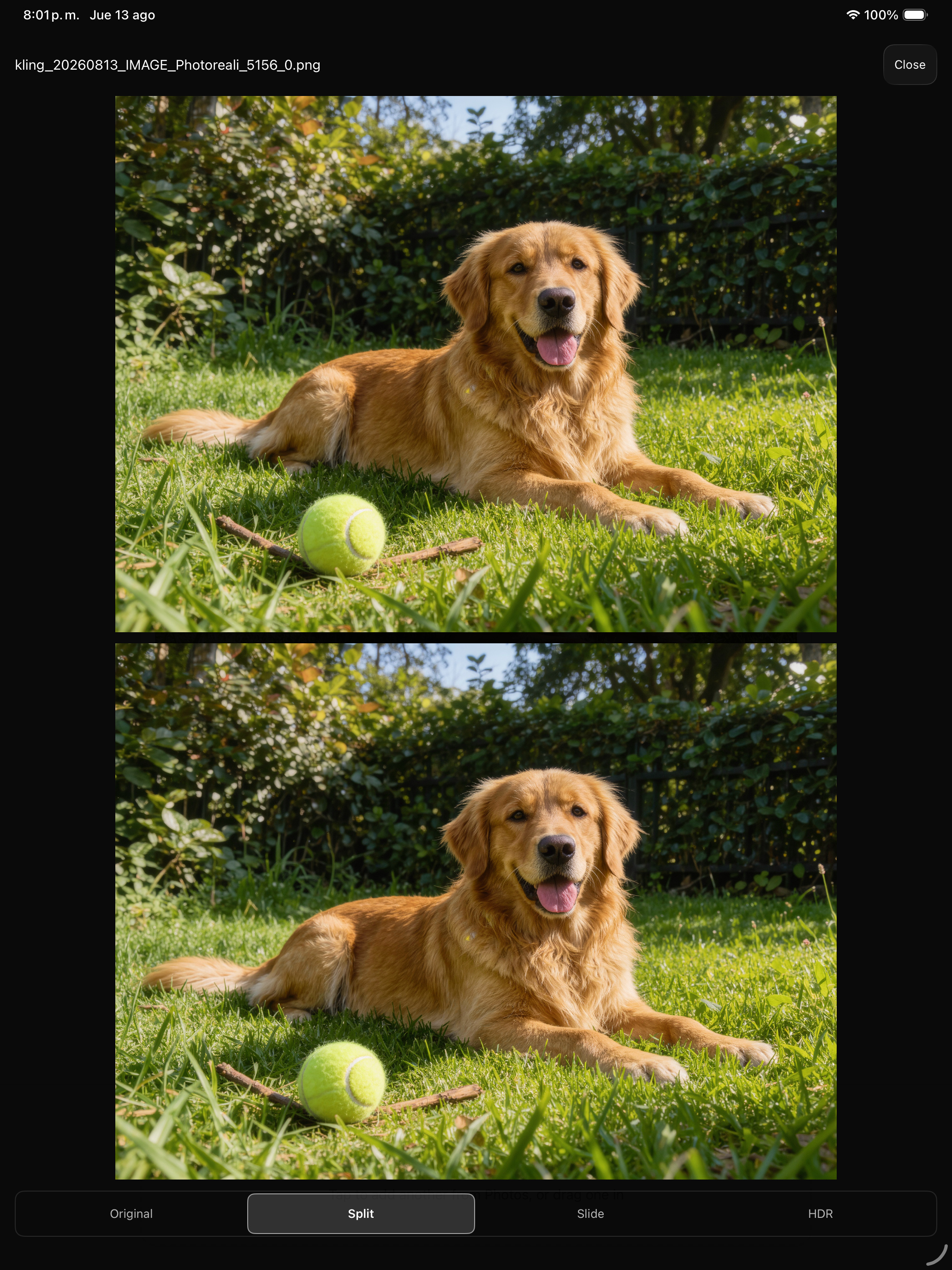
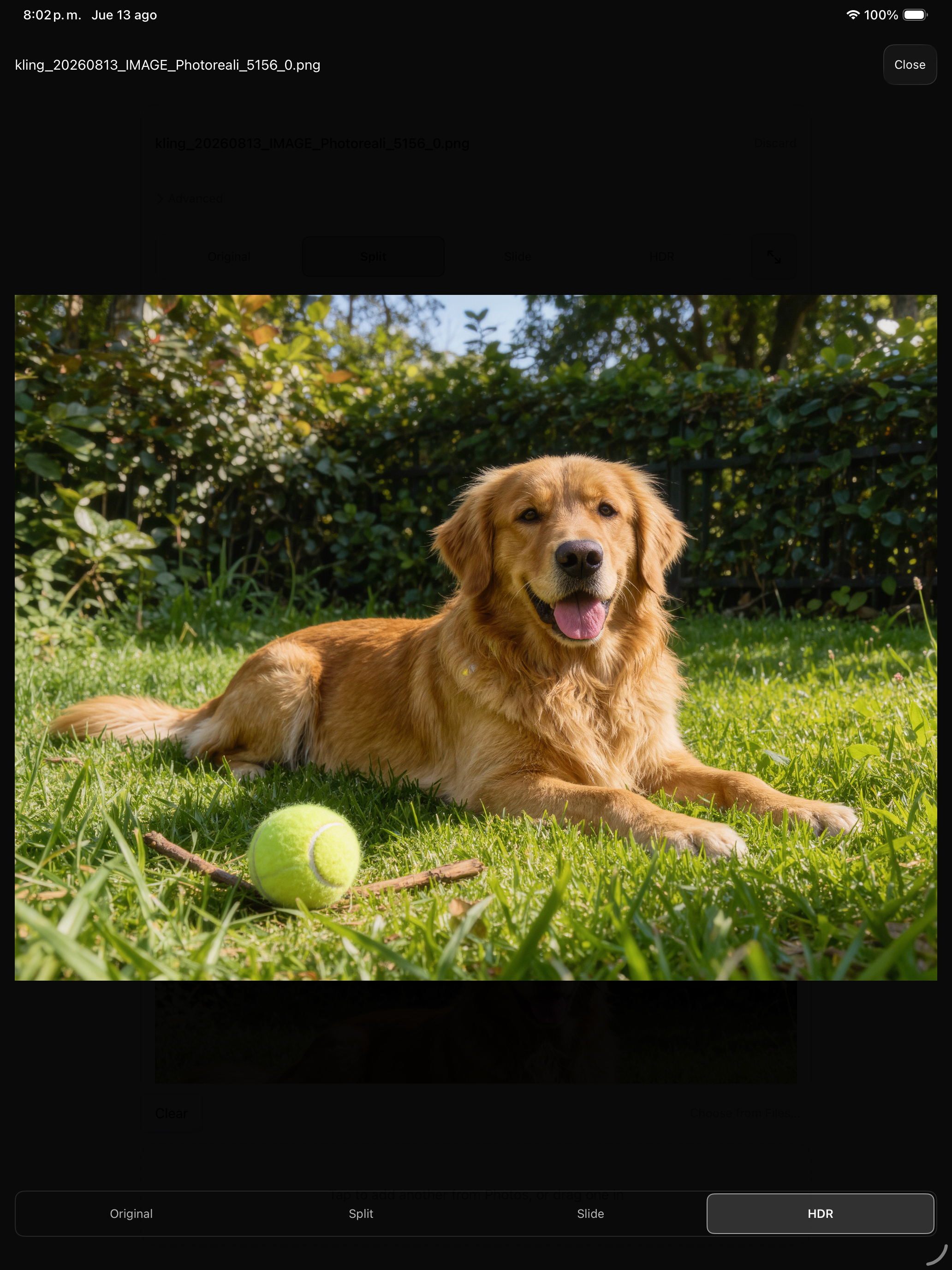
One app across iPhone, iPad and Mac. Three ways to compare a conversion: Slide drags a curtain between the original and the HDR, Split shows both at once, and HDR gives the converted file the whole screen.
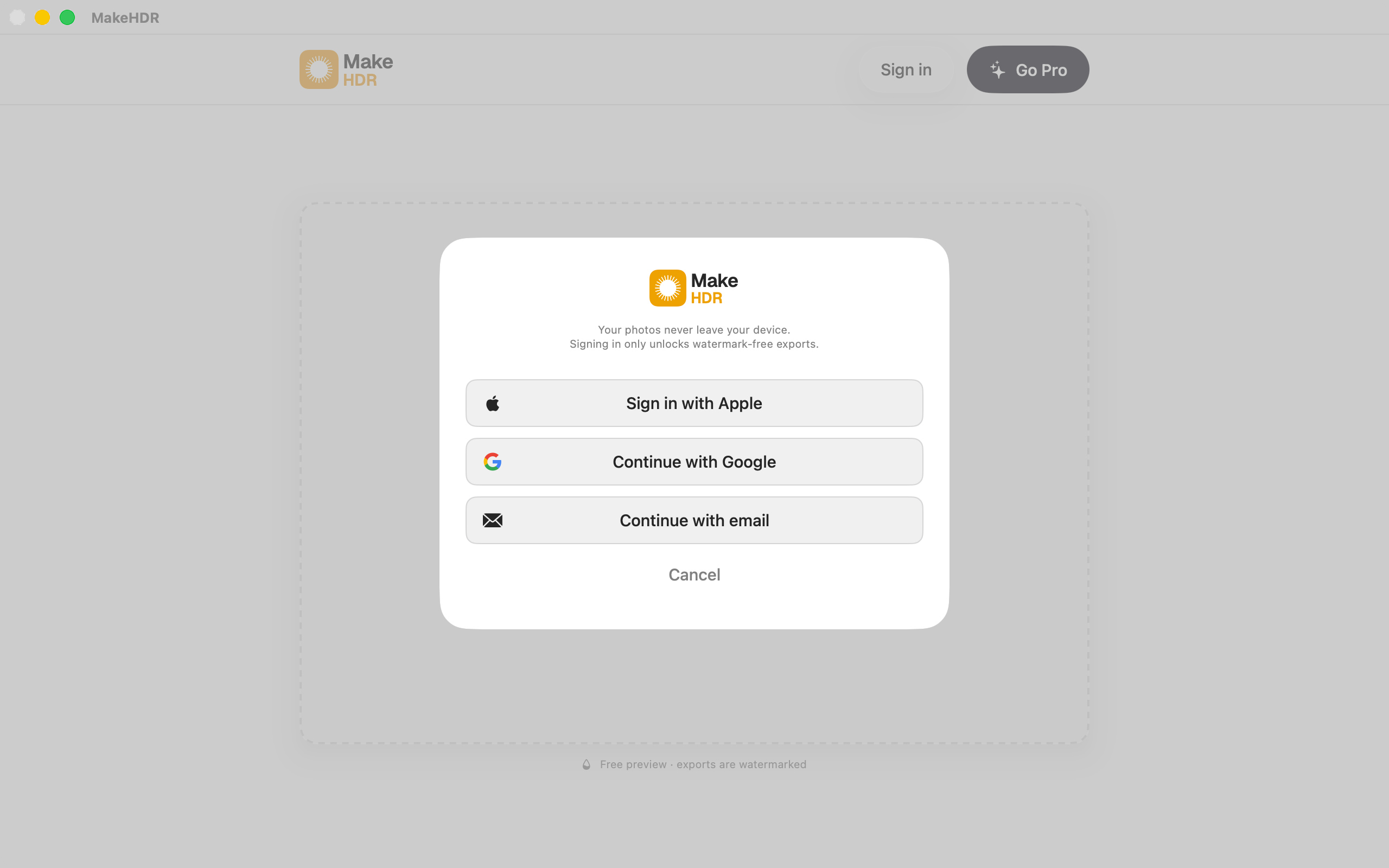
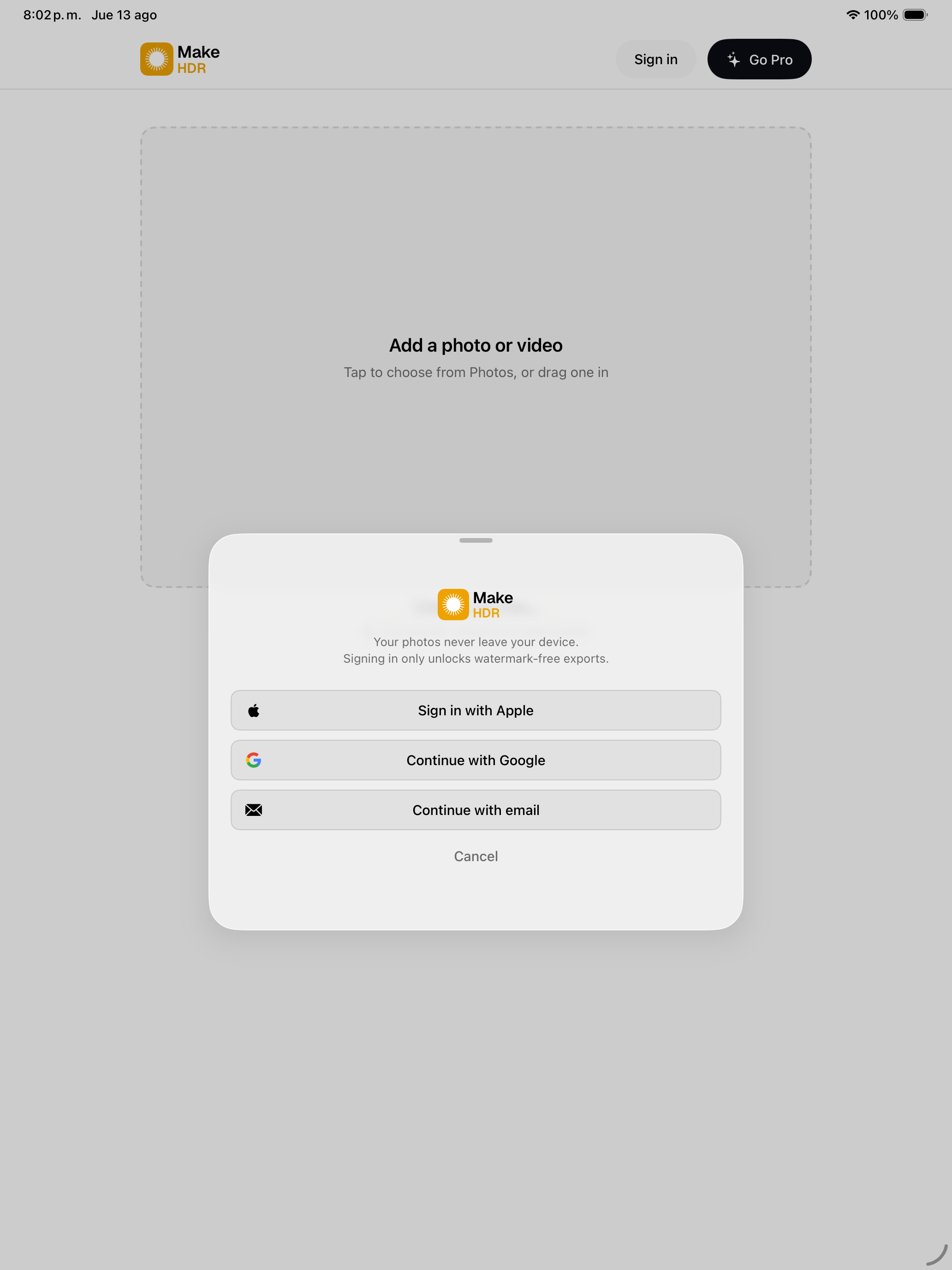
These screenshots are not flat pictures of the app. The photo area of each comparison carries a real gain map, so on an HDR display the comparison works inside the screenshot — in Slide only the right of the divider brightens, in Split only the lower pane. The interface itself stays SDR: the app does not make its own chrome glow.
Mac · 2560 × 1600
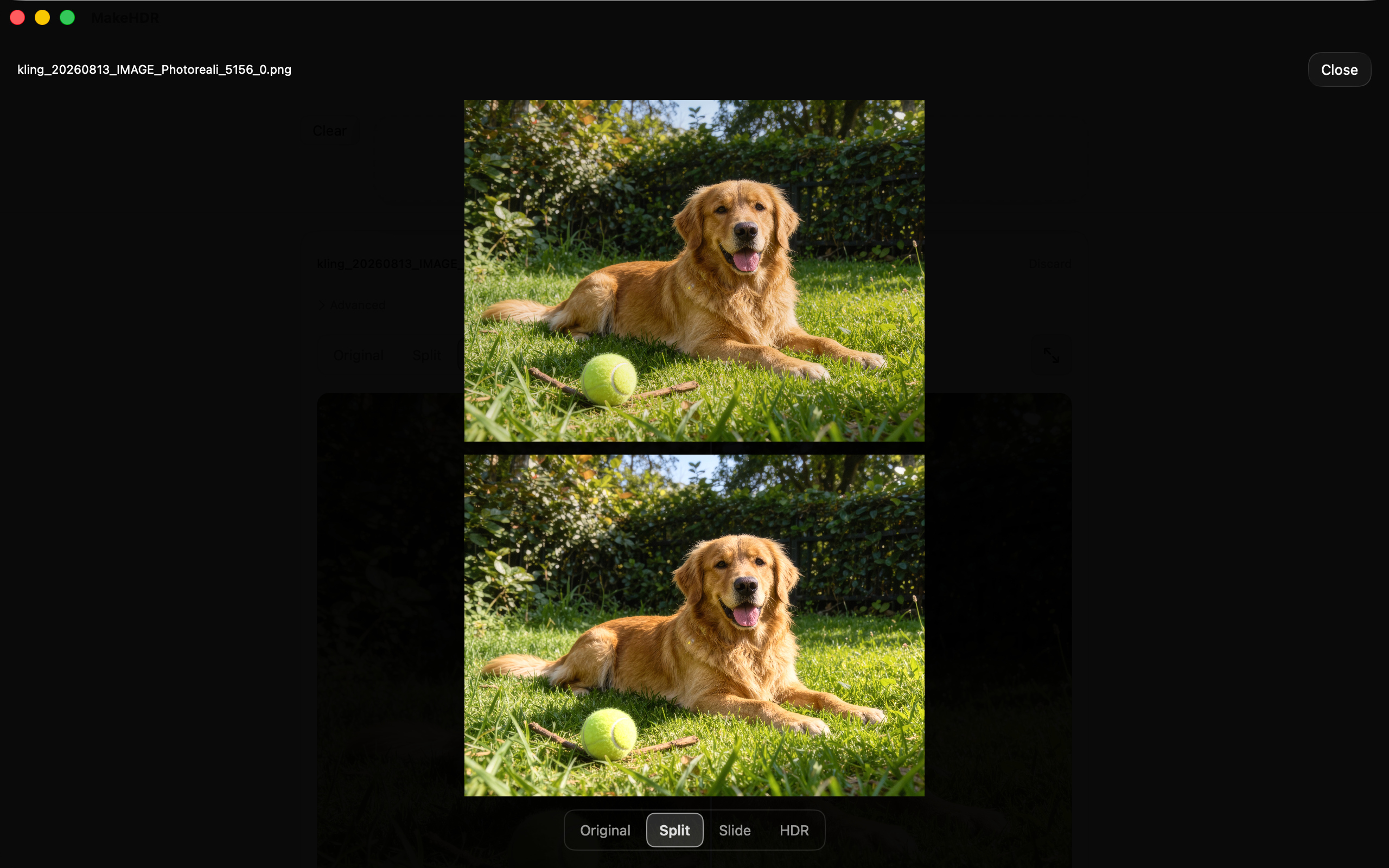
iPhone · 1320 × 2868
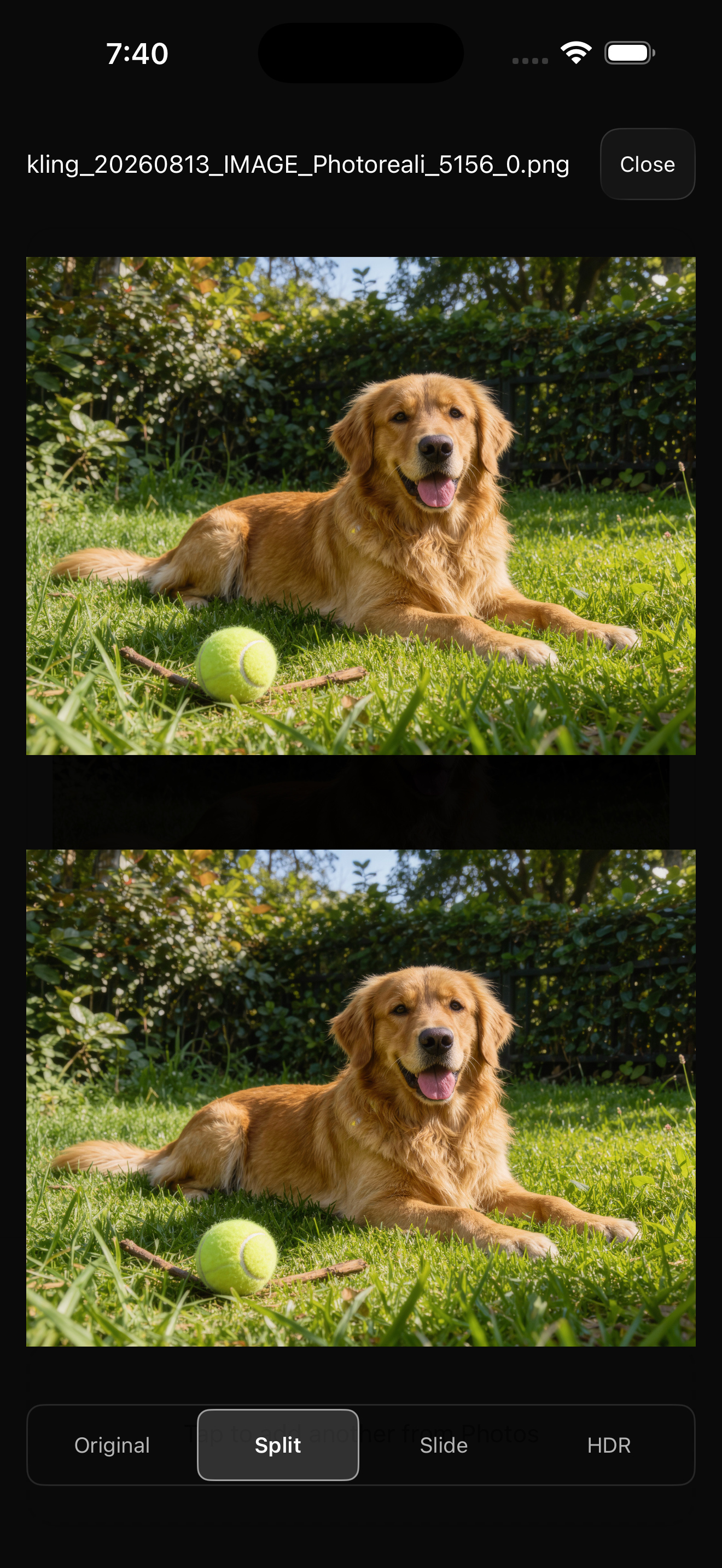

What it does
You hand it a JPEG you already have and it writes an ISO 21496-1 gain map into the file — the standard behind Apple's Adaptive HDR. On an HDR display the highlights go past paper white. On anything else it is still a plain JPEG that opens everywhere. Video works the same way: it re-encodes through VideoToolbox to 10-bit BT.2020 with PQ or HLG, with no resolution cap.
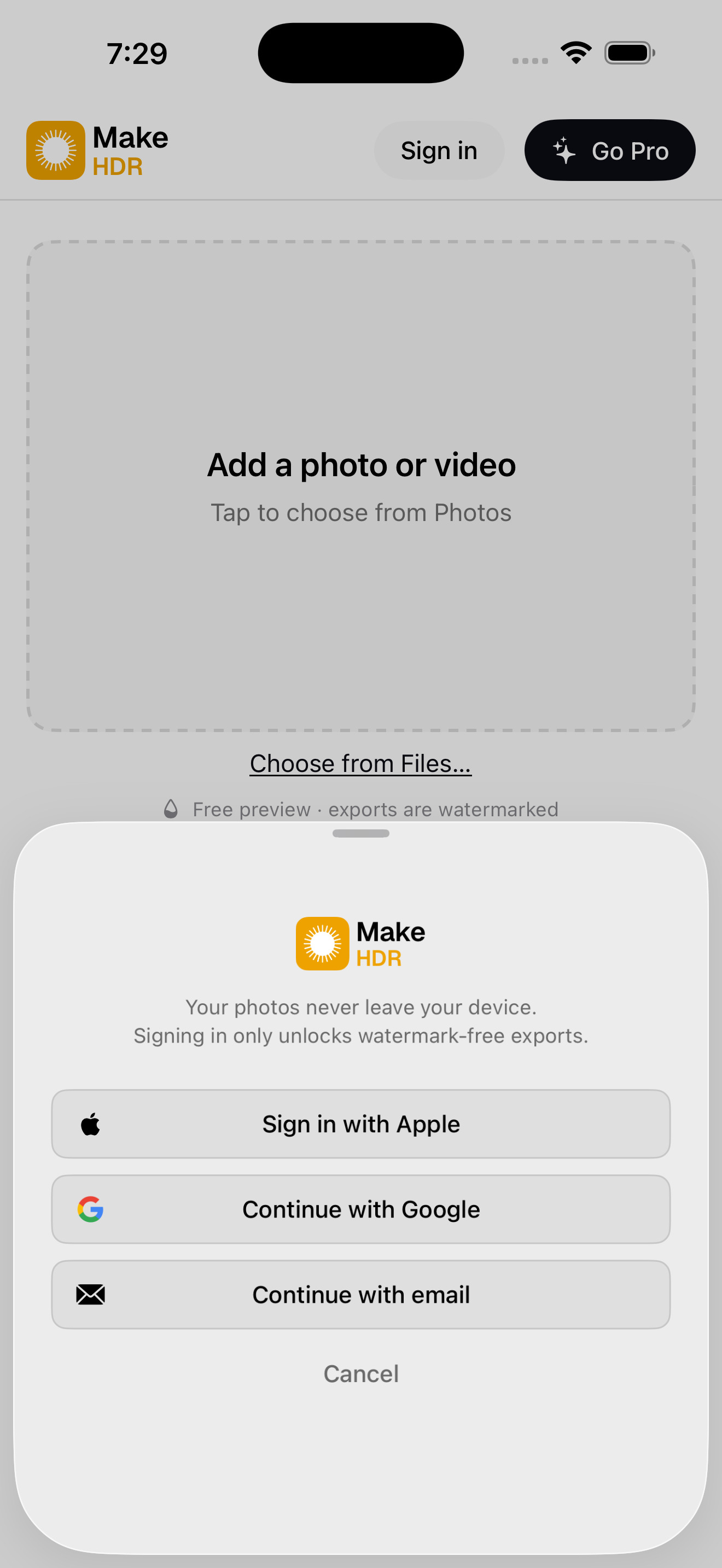
Nothing is generated and nothing is uploaded. It is a deterministic calculation over the luminance already in the file, running entirely on device. That second part is why the first users showed up: real estate photographers handle photos of houses that are not listed yet, and every other converter is a website you upload to.
The limitation, up front
On an SDR screen the output looks identical to the input. That is the compatibility guarantee, not a bug.
And if a highlight is already clipped in the source JPEG there is no detail left to recover — the gain map does not invent any. It lifts what is there, and a blown-out area stays flat. This is a delivery format, not a rescue tool.
About the sample images
The three source images are AI-generated, then converted by MakeHDR exactly the way a photograph would be. Saying so up front because it cuts both ways. The conversion itself uses no AI — it is fixed arithmetic out of ISO 21496-1 over the luminance already in the file; what MakeHDR does not use AI for is building the gain map, and where the input pixels came from is irrelevant to it. And because they are synthetic, these files carry no model release and no stock licence, so you can publish them as they are with nothing to clear.
If you would rather test it on real photography, the free tier is unlimited and needs no account. Point it at your own library at makehdr.com/app and make your own before/after.
Facts
- Developer
- Eliecer Valerio Salas — solo developer, Costa Rica
- Platforms
- Universal iPhone / iPad / Mac, plus visionOS
- Requires
- iOS 26 / macOS 26
- Standard
- ISO 21496-1 gain maps (Apple Adaptive HDR)
- Video
- 10-bit BT.2020 PQ/HLG via VideoToolbox, no resolution cap
- App ID
- 6792379506
- App Store
- https://apps.apple.com/app/id6792379506
- Contact
- support@makehdr.com
Pricing
Free tier: unlimited photos and video, batch and ZIP included, with a watermark burned into the export. No account required. Paid is a single one-time purchase of $39.99 — there is no subscription. It covers the web converter and the iPhone, iPad and Mac apps, and it does not expire. Through launch it is $24.99 (38% off), until September 30, 2026.