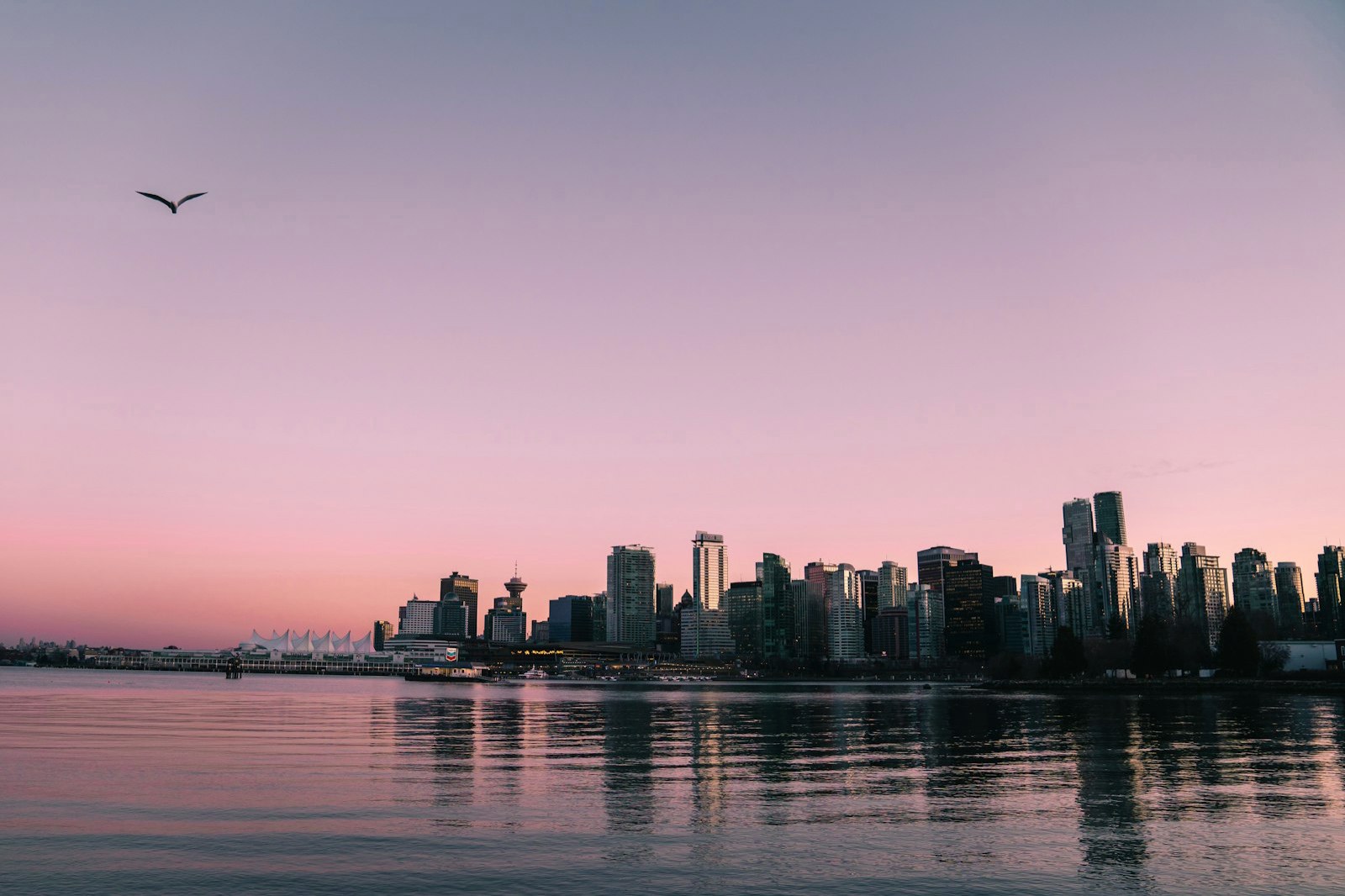
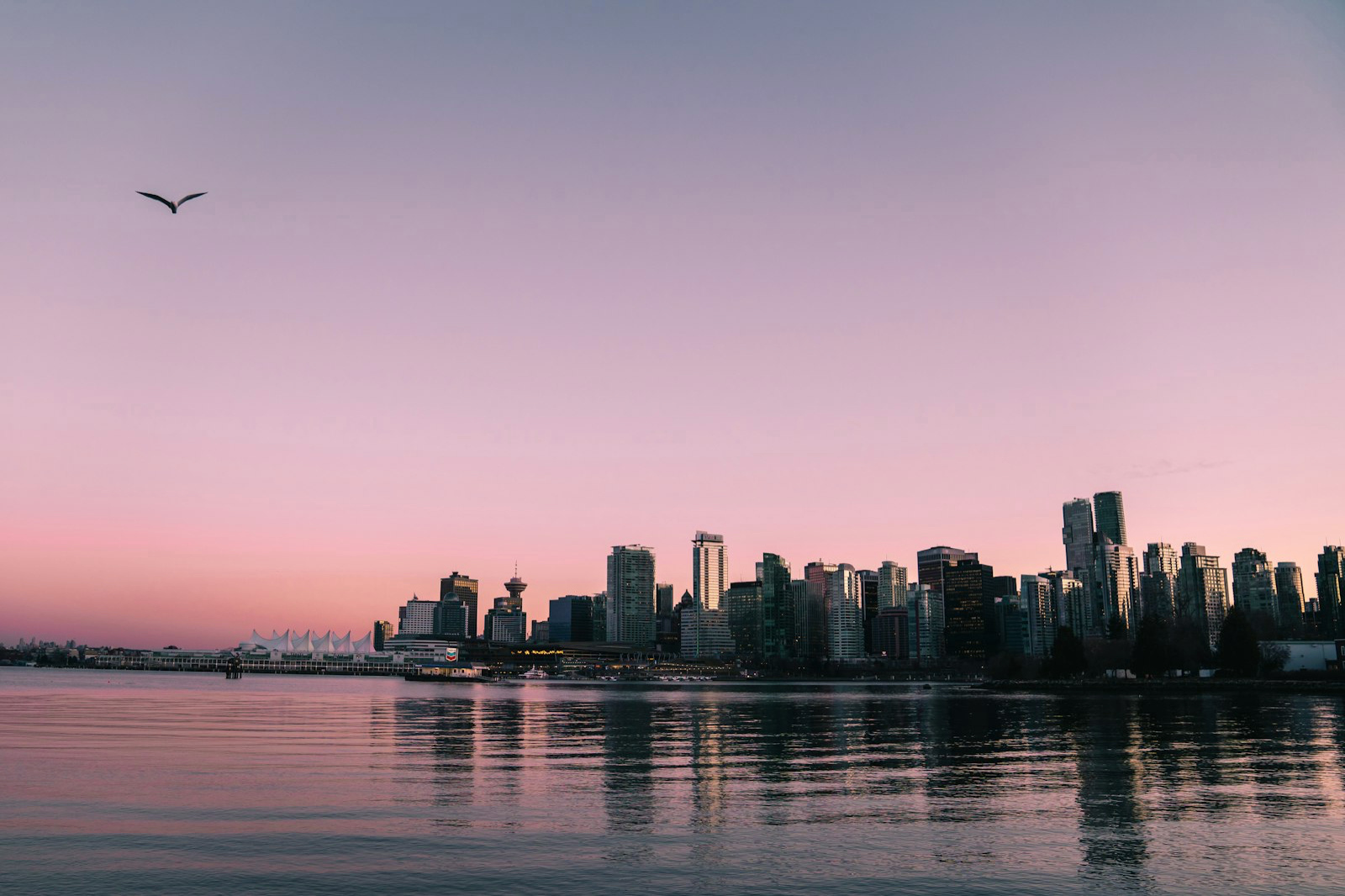
This display isn't HDR — content shows at standard (SDR) brightness
How to post HDR photos and Reels on Instagram
Instagram displays true HDR, for photos and video — but your camera roll exports are usually SDR. Here's how to convert a photo so it glows in your feed, plus how to make an HDR Reel from a clip.
This display isn't HDR — content shows at standard (SDR) brightness
See the difference
SDR
HDR
This display isn't HDR — content shows at standard (SDR) brightness
1
Convert your photo to Ultra HDR
Drop your JPEG into MakeHDR and download the Ultra HDR version — the exact gain-map format Instagram renders in HDR. Got a clip instead? Convert it to HDR the same way and post it as a Reel.
2
Get the file onto your phone without recompressing it
AirDrop the original from your computer. WhatsApp, Drive and email all recompress, and that strips the gain map before Instagram ever sees it.
3
Post from the Instagram app on your phone
Not from a desktop browser. We tested both on August 7th, 2026: uploaded from the web, Instagram strips the HDR; uploaded from the iPhone app, it survives. Most guides online still say the opposite — they predate Instagram's end-to-end Dolby Vision support on iOS. No crop, no filters.
4
See it glow — at 50-70% brightness
On HDR phones your photo appears brighter than the SDR posts around it. Check it at about 50-70% screen brightness: at 100% there's no headroom left above paper white and the effect mostly disappears. Viewers without HDR screens see your normal photo, nothing broken.
No AI and nothing uploaded: the HDR is computed on your device, from your own pixels.
Frequently asked questions
Yes. Instagram renders Ultra HDR gain-map photos in HDR on recent iPhones.
You may be viewing on a non-HDR screen, or the file lost its gain map through screenshotting or re-export. Post the original Ultra HDR JPG.
Not for photos — the converter runs in your phone's browser, nothing to install. For an HDR Reel, use the MakeHDR app on your iPhone, or convert your clip on a computer with Chrome or Edge, then post from your phone.
That happens when a photo is pushed too hard. MakeHDR builds the gain map from your photo's own light and offers Subtle, Balanced and Maximum so highlights pop without looking blown out.
Reels yes, Stories no. A clip converted with MakeHDR stays true HDR when you post it as a Reel, and feed photos keep their gain map too. Stories never shows it: we tested it on August 9th, 2026 — same file, same phone, posted from the app with nothing layered on top — and it still comes out flat. So it isn't your text and stickers compositing over the image, the way it's usually explained. The gain map travels, it just never lights up.
Because a gain map works by pushing highlights above paper white. At 100% your display has already spent its headroom, so there's nowhere left to go. Turn it down to 50-70% and the photo comes alive.