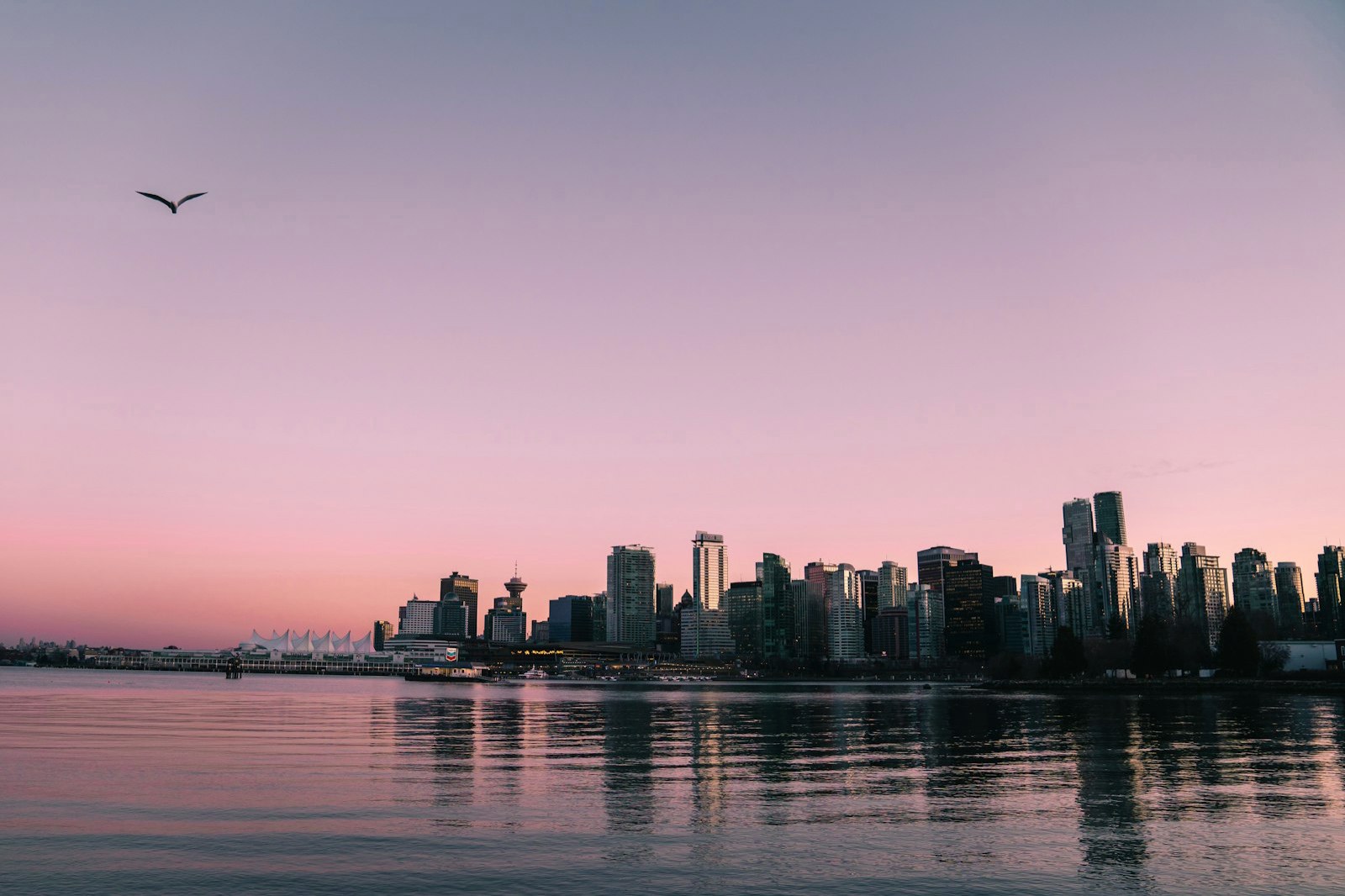
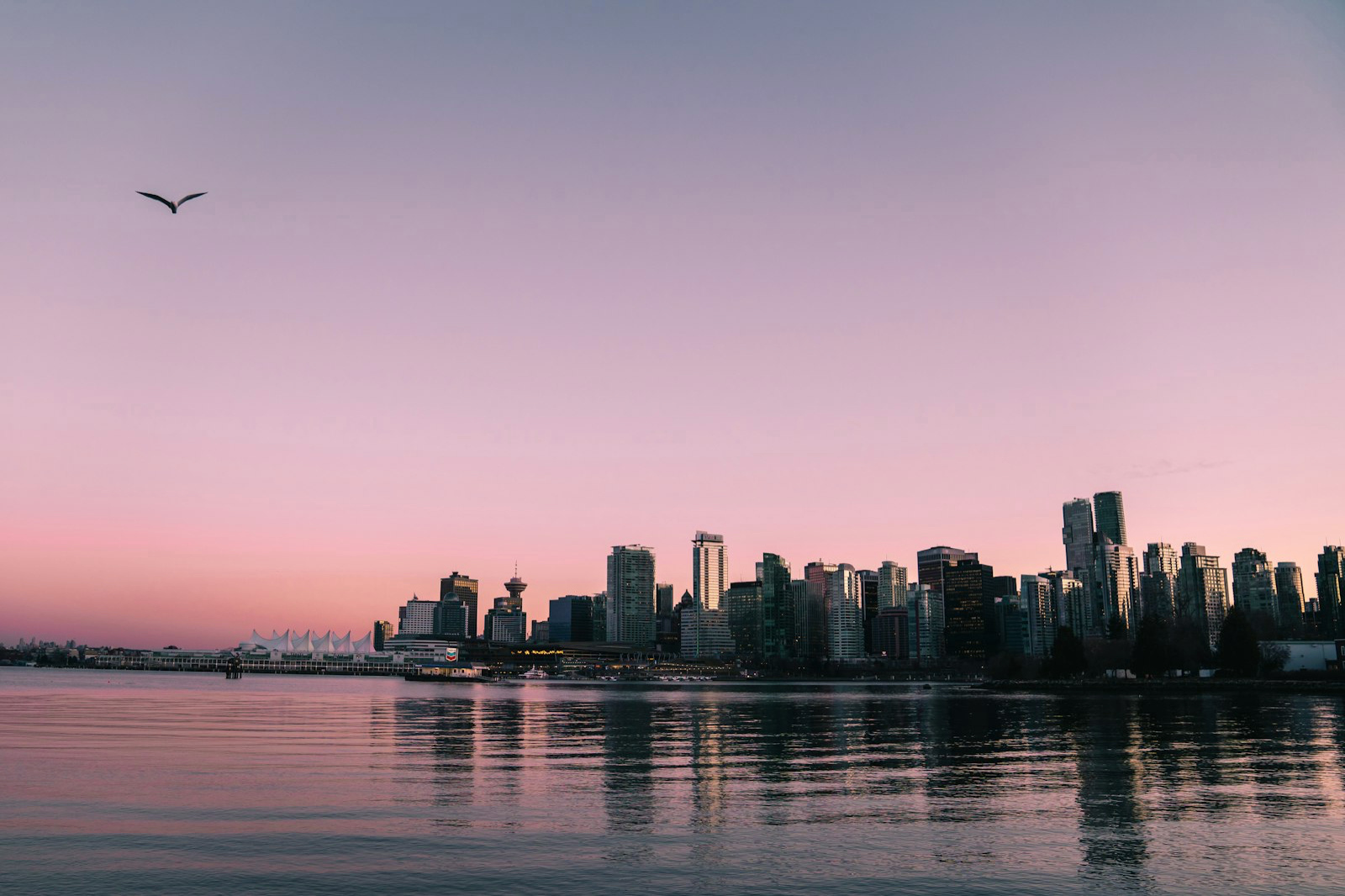
此显示屏不支持 HDR — 内容将以标准(SDR)亮度显示
如何让照片变成HDR — 转换任意JPEG
把照片转换成HDR只需一次拖放:不需要编辑技巧,不需要插件,也不需要AI,大约十秒钟就能完成。转换器会根据照片本身的光线生成真实的增益图,所以在HDR屏幕上明亮的部分会发光,其余部分则和原照片完全一样。下面就是把任意JPEG变成真正的Ultra HDR照片的方法 — 如果你有视频片段,也可以用同样的方式把视频转换成HDR。
此显示屏不支持 HDR — 内容将以标准(SDR)亮度显示
看看区别
此显示屏不支持 HDR — 内容将以标准(SDR)亮度显示
- 1
打开 MakeHDR 并拖入你的照片
前往转换器,拖入任意 JPEG 或 PNG——来自你的手机、相机或电脑。不会上传任何内容;它在你的浏览器中处理。
- 2
选择你的 HDR 强度
选择柔和、平衡或最大。MakeHDR 会根据你照片自身的光线构建真正的逐像素增益图——无 AI,不凭空捏造细节。
- 3
下载你的 Ultra HDR JPG
保存文件。它在 HDR 手机、Instagram 和 Google Photos 上发光,在其他任何地方都会回退为你的普通照片。
常见问题
把完成的JPEG、PNG或HEIC拖入转换器,选择轻微、均衡或最大强度,然后下载Ultra HDR文件。整个过程都在浏览器中完成,照片不会离开你的设备。
不需要这样做。合并包围曝光的多张照片是老式的色调映射方法,最终得到的仍然是SDR文件。MakeHDR只用一张完成的照片就能构建HDR,增加的是真实的显示亮度,而不只是一种视觉效果。
相机的HDR设置只决定新拍照片的拍摄方式。要让你已有的照片以HDR显示,需要先转换它们:增益图会随JPEG一起保存,所以在照片应用、Instagram和Google Photos中都会发光显示。
真正的 HDR 照片带有一个增益图,能让明亮区域在 HDR 屏幕上显示得更亮。MakeHDR 从你现有的照片中计算出那个增益图(Ultra HDR / ISO 21496-1)。
不需要。照片转换器在你的浏览器里运行 —— 无需应用、无需插件、无需 Photoshop。如果你想转换视频或处理 4K,还有 MakeHDR 应用(iPhone、iPad 和 Mac)。
能。任何成片 JPEG 或 PNG 都可以,包括手机照片。
要看到发光效果,是的 — 大多数现代手机和笔记本都有 HDR 屏幕。文件处处可用,在较旧屏幕上会回退为普通照片。