How-to guides
Step-by-step guides to making true HDR photos and video with MakeHDR — no Photoshop, no plugins, no AI. Pick a guide:
See the difference
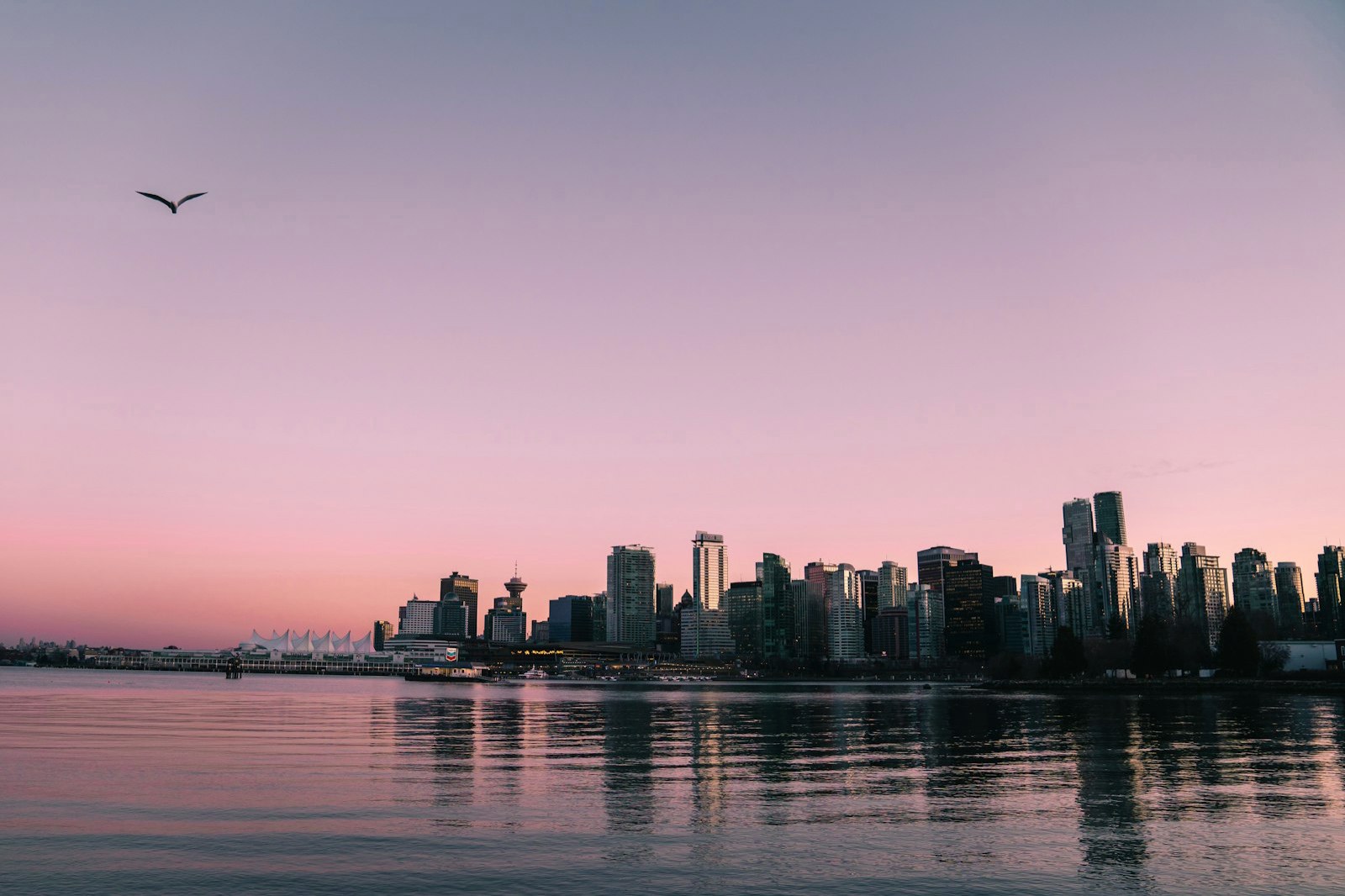
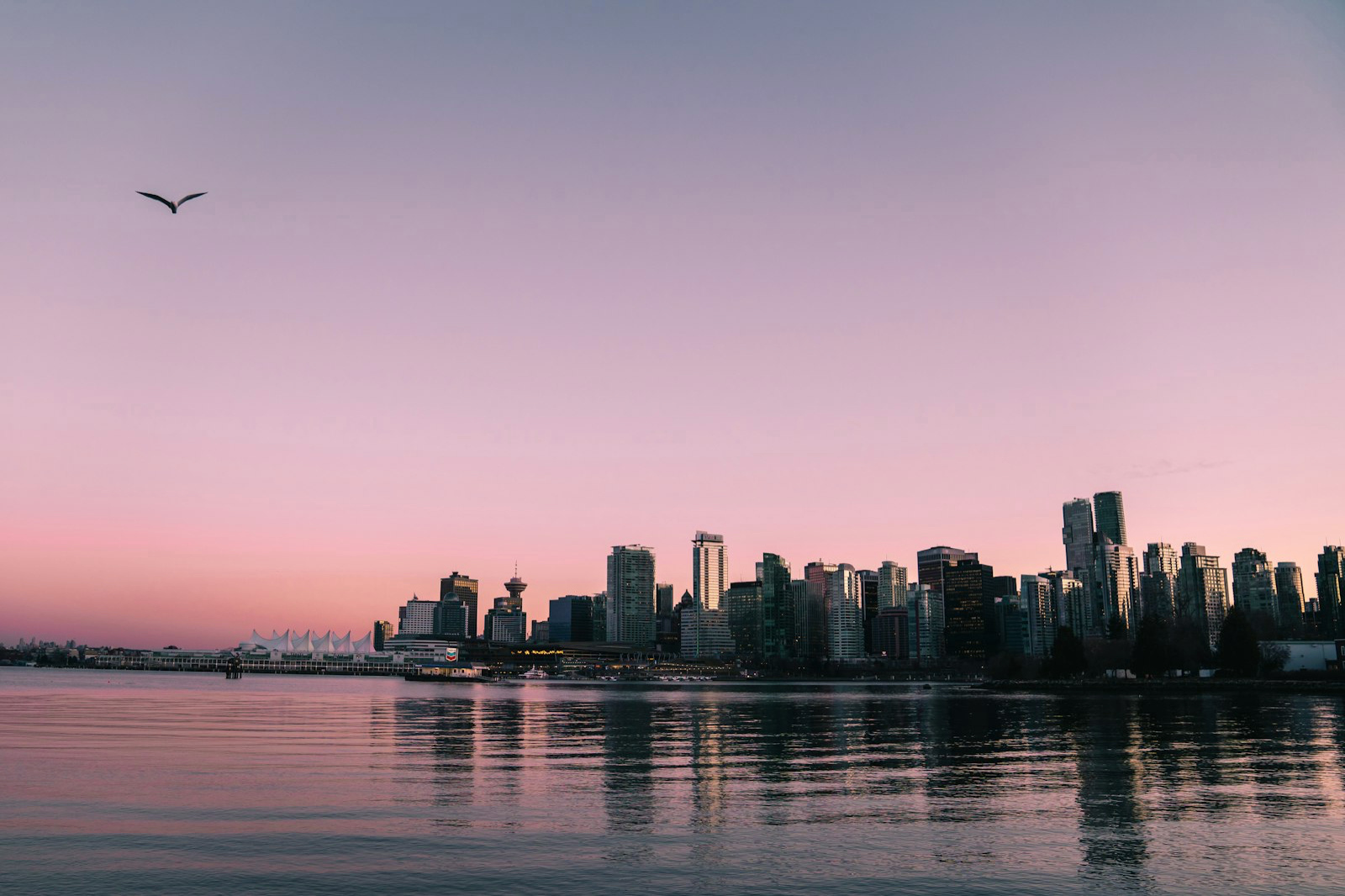
How to make a photo HDR — convert any JPEG
Converting a photo to HDR takes one drop: no editing skills, no plugins, no AI, about ten seconds. The converter writes a real gain map from your photo's own light, so on an HDR screen the bright parts shine while the photo stays exactly your photo everywhere else. Here's how to make any JPEG a real Ultra HDR photo — and if you have a clip, you can convert video to HDR the same way.
How to post HDR photos and Reels on Instagram
Instagram displays true HDR, for photos and video — but your camera roll exports are usually SDR. Here's how to convert a photo so it glows in your feed, plus how to make an HDR Reel from a clip.
How to convert a JPEG to Ultra HDR
Ultra HDR is a JPEG with an embedded gain map — the format Google, Apple and Instagram render in HDR. Here's how to convert any ordinary JPEG into one.
How to get HDR photos on iPhone
iPhones show HDR beautifully — but a regular JPEG won't glow until it carries a gain map. Here's how to make any photo display in HDR on iPhone.
How to convert a video to HDR
You can turn an ordinary SDR clip into true HDR video right in your browser — no editing skills, no AI. On an HDR screen the bright parts physically glow. Here's exactly how.
How to make an HDR Reel
Instagram is video-first and phones are HDR, so an HDR Reel stands out brighter than the SDR clips around it. Here's how to convert your clip before you post.
How to convert 4K video to HDR on Mac
For full 4K and long clips, the MakeHDR Mac app uses your Mac's hardware encoder — fast, sustained and uncapped. Here's how to convert a 4K video to true HDR.