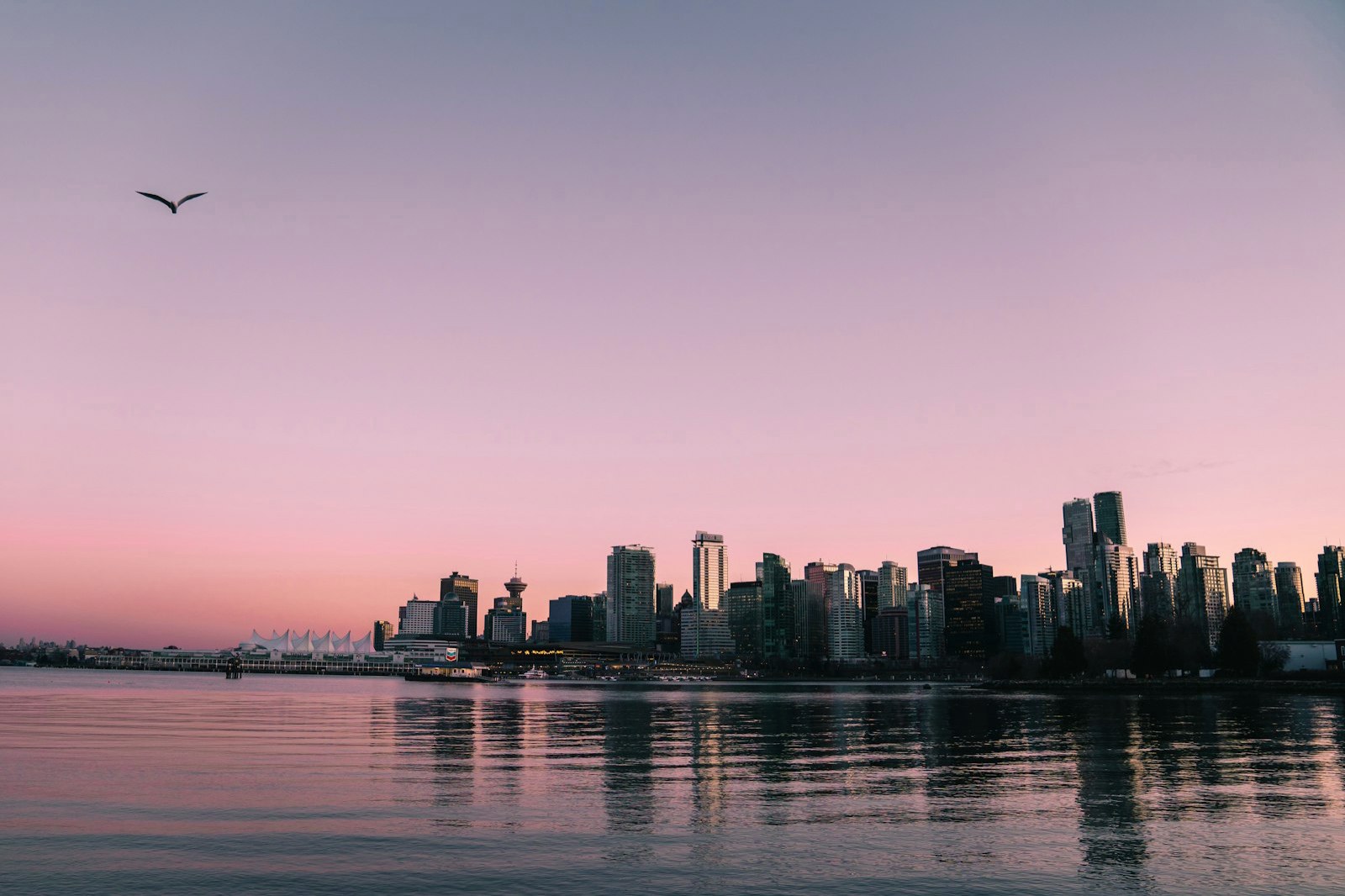
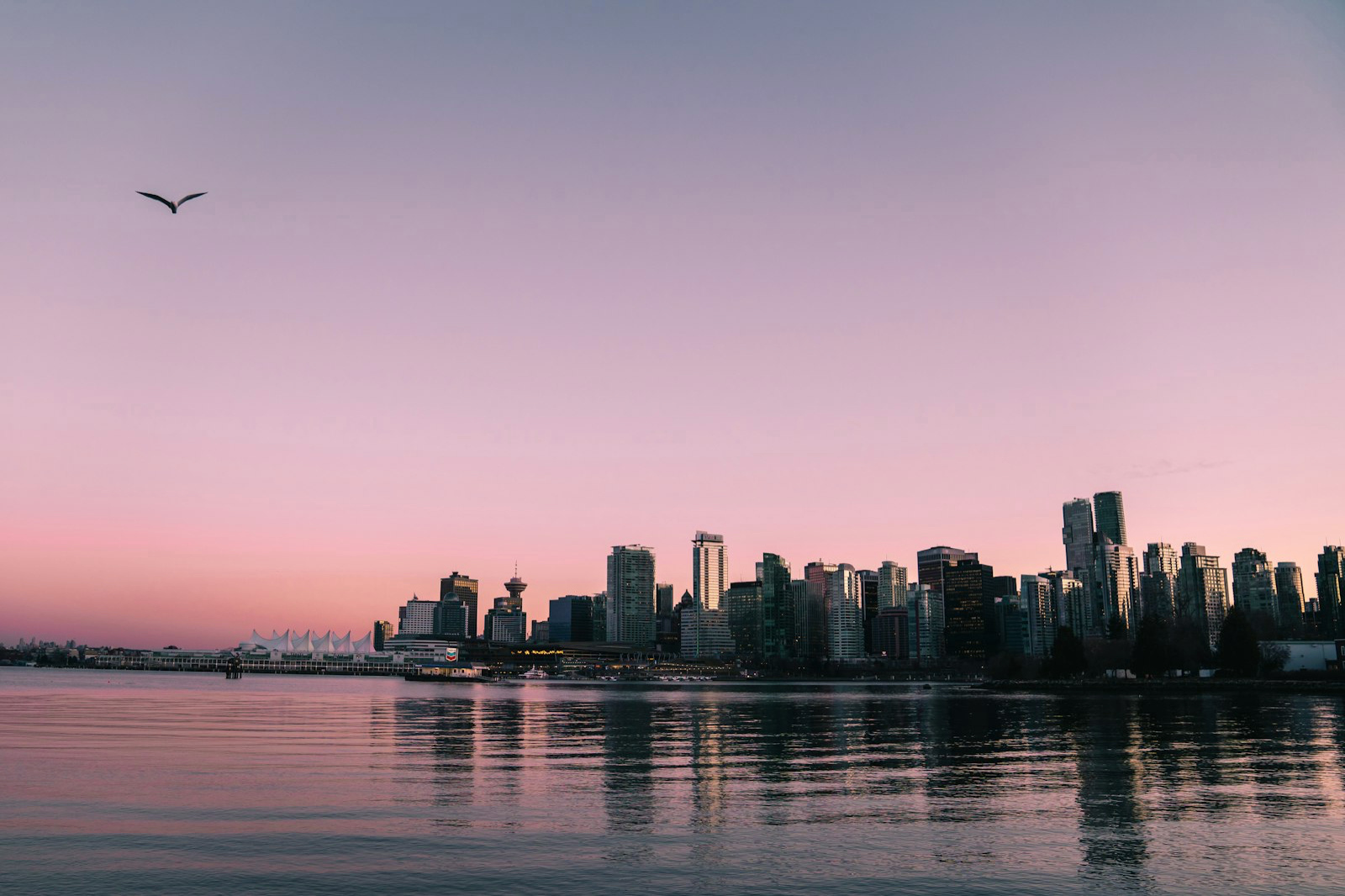
This display isn't HDR — content shows at standard (SDR) brightness
How to convert a JPEG to Ultra HDR
Ultra HDR is a JPEG with an embedded gain map — the format Google, Apple and Instagram render in HDR. Here's how to convert any ordinary JPEG into one.
This display isn't HDR — content shows at standard (SDR) brightness
See the difference
SDR
HDR
This display isn't HDR — content shows at standard (SDR) brightness
1
Drop your JPEG into MakeHDR
Open the converter and drag in any JPEG. It's processed locally in your browser — no upload.
2
MakeHDR builds the gain map
It computes a standards-compliant Ultra HDR gain map (ISO 21496-1 + Adobe XMP) from your image's own luminance, encoded with Google's libultrahdr.
3
Download the Ultra HDR JPG
Your file works everywhere a normal JPEG does, and glows in HDR where supported.
No AI and nothing uploaded: the HDR is computed on your device, from your own pixels.
Frequently asked questions
Ultra HDR is an ordinary JPEG with an extra layer baked in — a gain map that tells HDR screens how much brighter to push each highlight. It's a real standard (ISO 21496-1) used by Google, Apple and Instagram. HDR displays use that layer to make highlights glow; every other screen just sees a normal JPEG.
No. A filter changes contrast in an SDR file. Ultra HDR carries real HDR data that displays physically brighter on HDR screens.
No. Your SDR base image is preserved exactly; the gain map is added on top.
No. HDR10 and Dolby Vision are video standards. Ultra HDR is the photo gain-map standard (ISO 21496-1) used by Google, Apple and Instagram for still images. For HDR video, MakeHDR outputs 10-bit BT.2020 with PQ or HLG instead.
On an HDR phone or display in Google Photos, the Apple Photos app, Chrome, Safari and Instagram. SDR screens show the base JPEG.