HDR vs SDR: what's the difference?
SDR (standard dynamic range) is the way photos have always worked — every pixel maxes out at plain white. HDR (high dynamic range) photos can push the bright parts beyond that, so on an HDR screen the sun, neon and reflections physically glow. Here's the real difference and when it matters.
See the difference
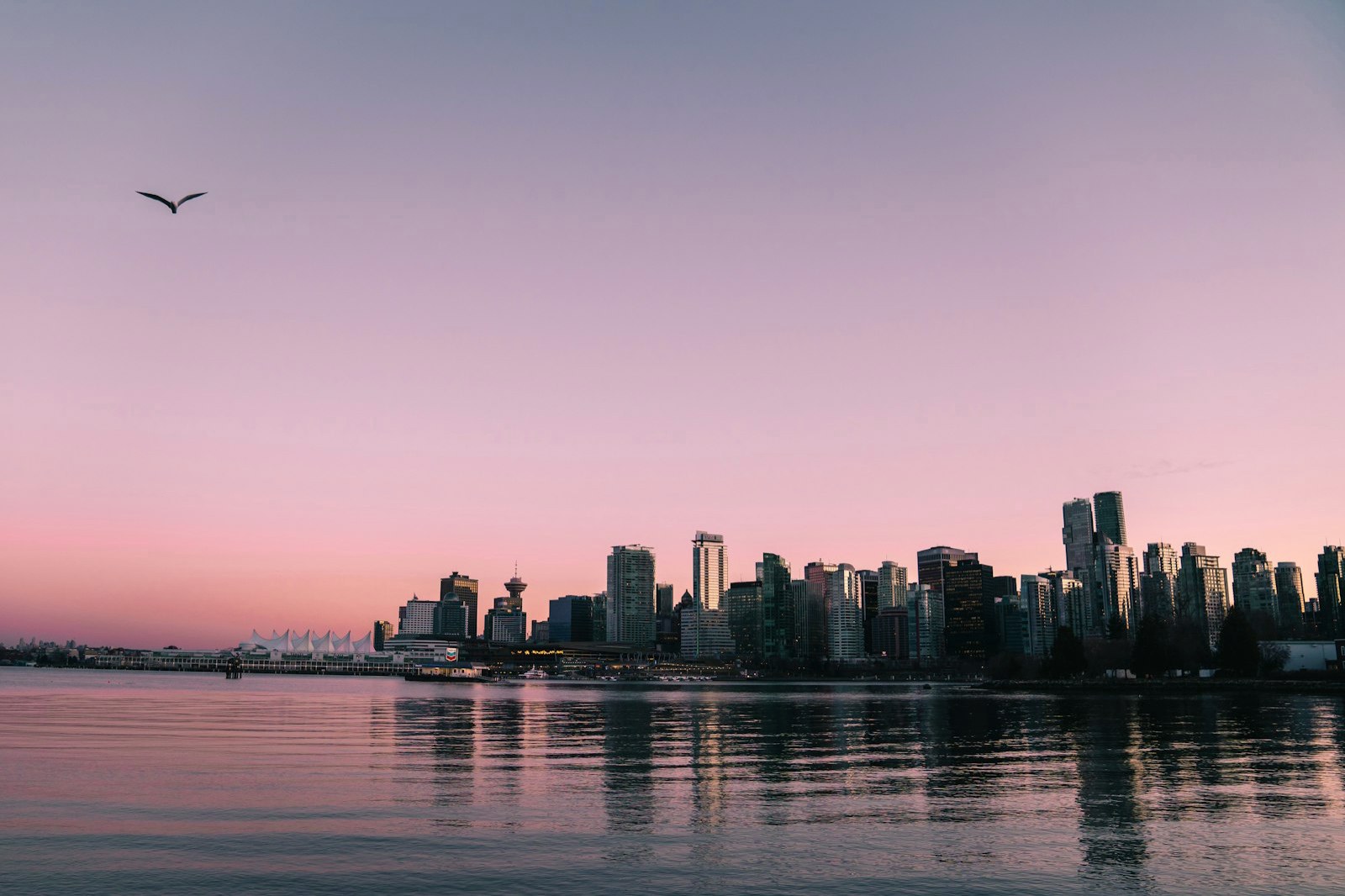
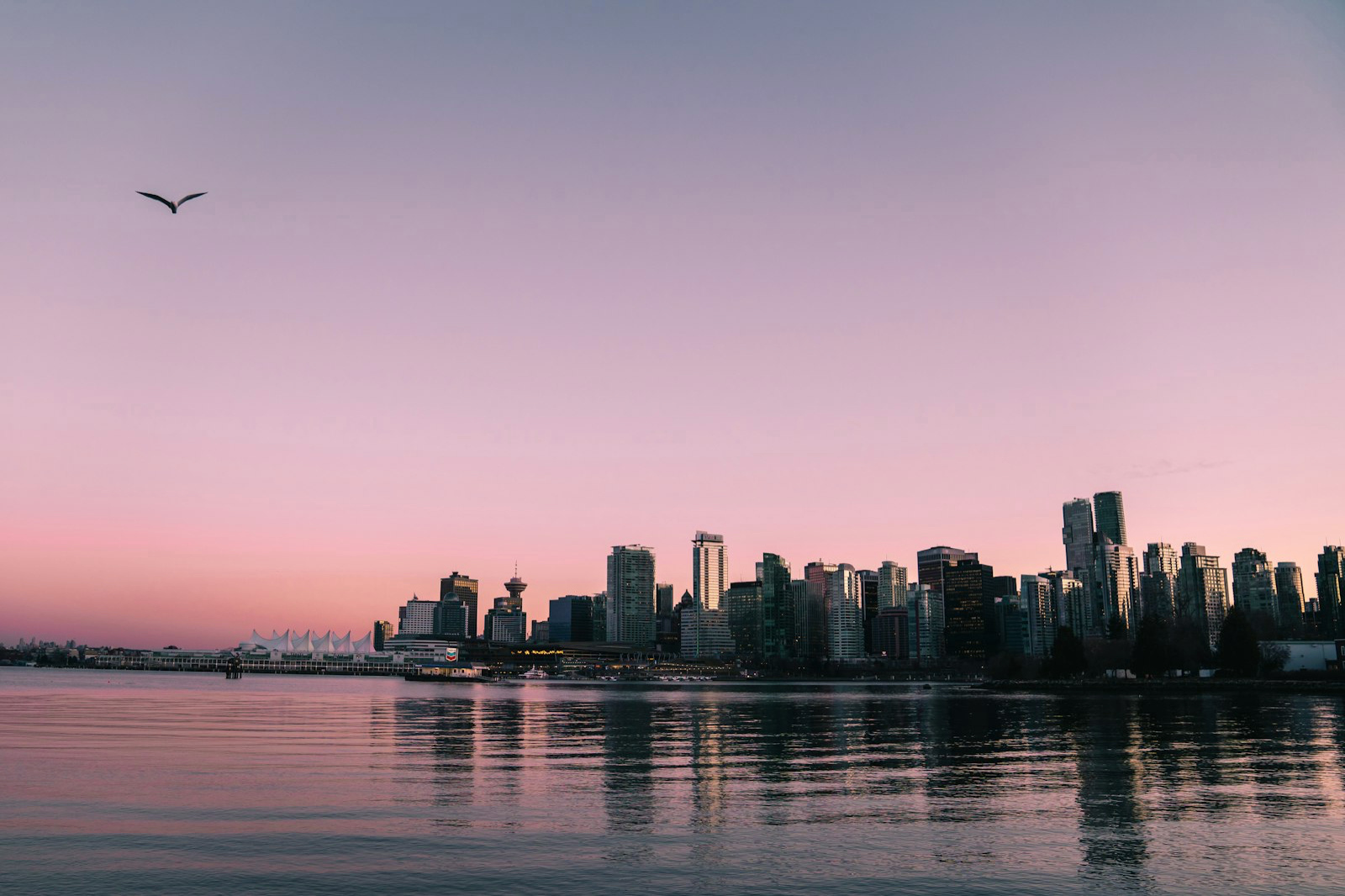
SDR: bright tops out at white
In an SDR photo, the brightest a pixel can get is the screen's normal white. Capture a sunset or a bright window and the highlights 'clip' — they flatten to the same white and lose detail and impact. Every standard JPEG, and every screen for decades, has been SDR.
HDR: highlights go beyond white
An HDR photo carries extra brightness information (a gain map). On an HDR-capable screen, the highlights render brighter than the surrounding white — that's why an HDR photo looks lit from within. It's not a contrast trick: HDR highlights are physically brighter on screen.
Where you actually see the difference
You need an HDR display to see HDR — and most modern phones and laptops have one. On those screens an HDR photo visibly out-shines the SDR photos around it, in Instagram, Google Photos or your camera roll. On older SDR screens, an HDR photo simply shows its normal SDR base, so nothing looks broken.
HDR photo is not the 'HDR' filter
Don't confuse true HDR with the 'HDR' or 'HDR Scape' filters in editing apps. Those are tone-mapping effects that change contrast inside an SDR file — the result is still SDR. True HDR (gain-map / Ultra HDR) adds real brightness range a display can show. One is a look; the other is real headroom.
How to turn an SDR photo into HDR
MakeHDR converts any SDR JPEG, PNG or HEIC into a true gain-map HDR (Ultra HDR) photo in your browser — no AI, no upload. It computes the HDR gain map from your photo's own light, so your SDR shot keeps its look and gains real glow on HDR screens.