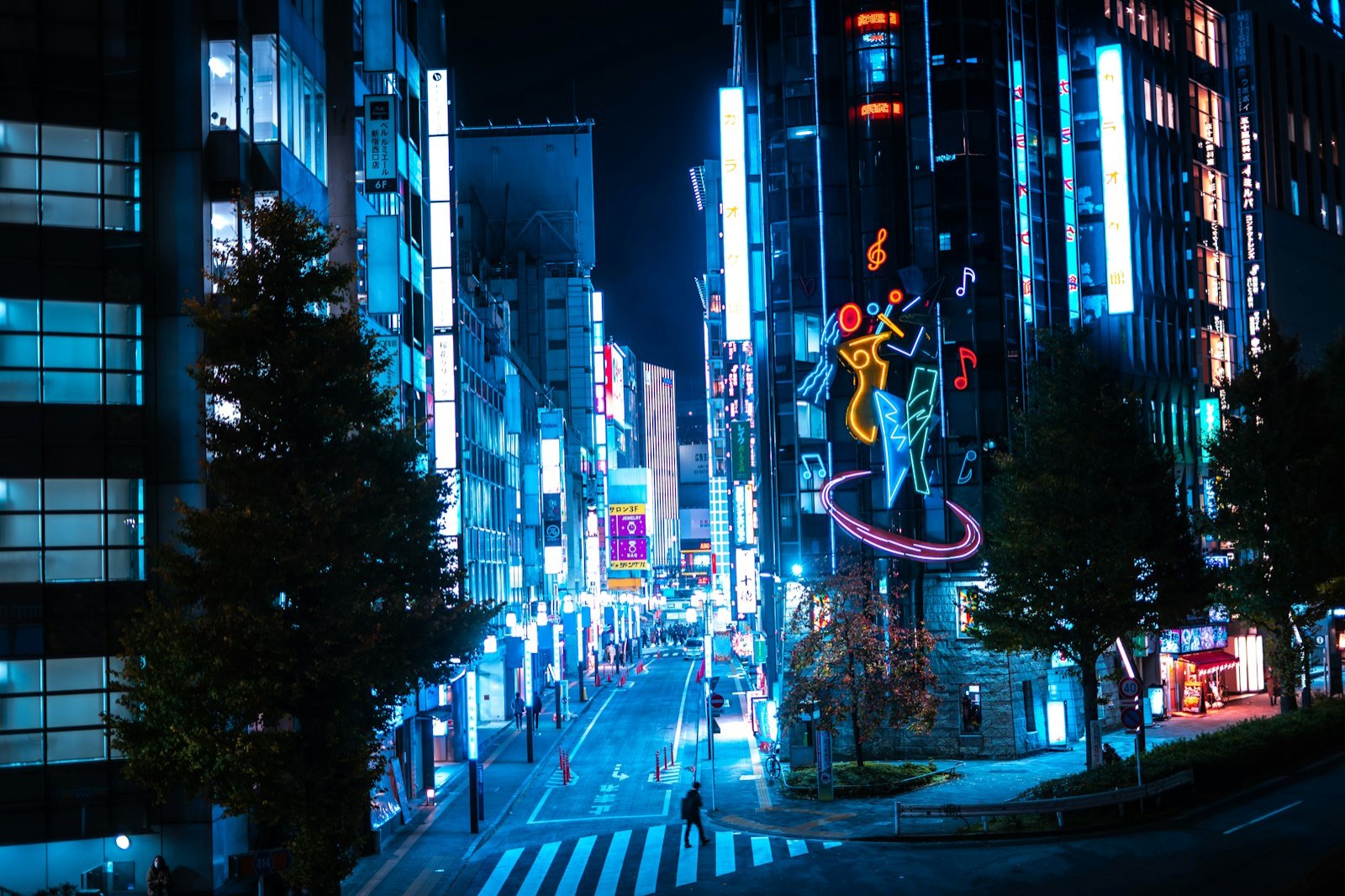
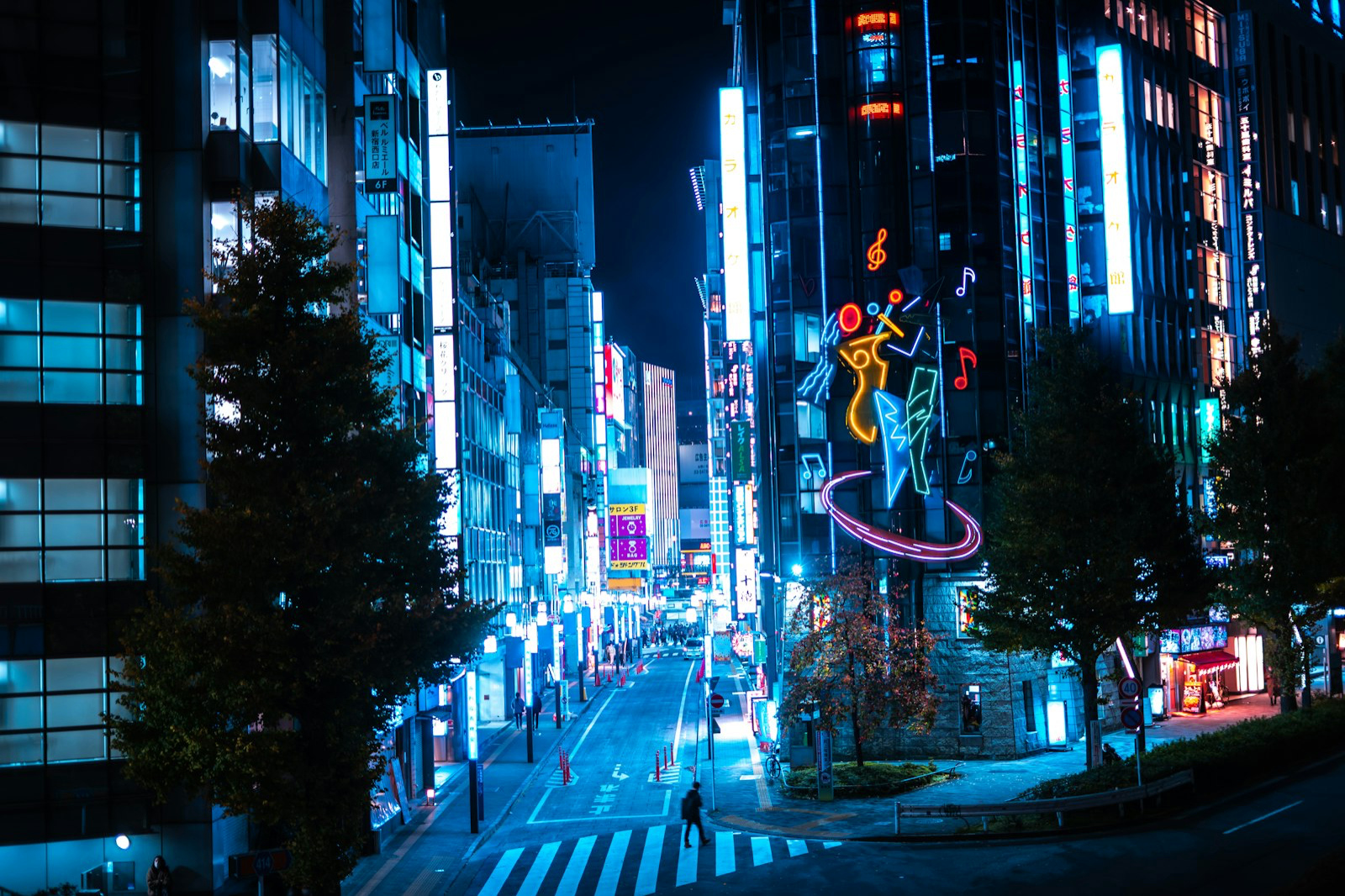
This display isn't HDR — content shows at standard (SDR) brightness
Make your Instagram posts glow
Instagram displays true HDR photos — but your camera roll exports are usually SDR. Convert before you post and your photo lights up against everyone else's feed. Posting Reels? You can convert video to HDR, too. HDR shows in single-photo posts and Reels published from the Instagram app; carousels, Stories and uploads from the web or the API don’t support it.
This display isn't HDR — content shows at standard (SDR) brightness
See the difference
SDR
HDR
This display isn't HDR — content shows at standard (SDR) brightness
The format Instagram actually uses
MakeHDR exports Ultra HDR JPG — the exact gain-map format Instagram and iPhone render in HDR.
Still perfect on old screens
HDR photos degrade gracefully: viewers without HDR displays see your normal photo, nothing broken.
No app, no upload
Runs in your browser, photos never leave your device. Convert and post in under a minute.
No AI and nothing uploaded: the HDR is computed on your device, from your own pixels.
Frequently asked questions
Yes. Instagram renders Ultra HDR gain-map photos in HDR on recent iPhones. Convert before posting and your photo appears brighter than the SDR posts around it.
No. The standard image is preserved underneath the gain map, so anyone on a non-HDR display simply sees your normal photo — nothing blown out or broken.
No app. MakeHDR runs in your browser, your photo never leaves your device, and you get a ready-to-post Ultra HDR JPG in under a minute.
No. Instagram shows HDR in single-photo posts and Reels published from its iPhone app. Carousels, Stories and uploads from the web or the API play at standard brightness, so post a single photo or a Reel to get the glow.