Kit de prensa
MakeHDR escribe un gain map ISO 21496-1 dentro de los JPEG que ya tienes, así que muestran margen real de altas luces en una pantalla HDR y siguen siendo JPEG normales en todo lo demás. Todo lo que hay aquí abajo es de uso libre y no requiere ninguna autorización.
Lea esto antes de abrir los archivos
Mira los archivos HDR en una pantalla HDR con el brillo al 50-70%, no al 100%. Suena al revés y es justo lo que casi todo el mundo hace mal: un gain map empuja las altas luces por encima del blanco de papel, así que a brillo pleno la pantalla ya gastó su margen y el efecto prácticamente desaparece. Bájalo y la foto cobra vida.
Los pares antes/después de esta página son los archivos reales, no renders, y lo mismo vale para las capturas de la app que están más abajo: su área de foto también lleva gain map. Lo que sí es una simulación es cualquier antes/después aplanado en una sola imagen corriente, como las de la ficha del App Store, donde el formato no puede llevar gain map.
Pares de muestra
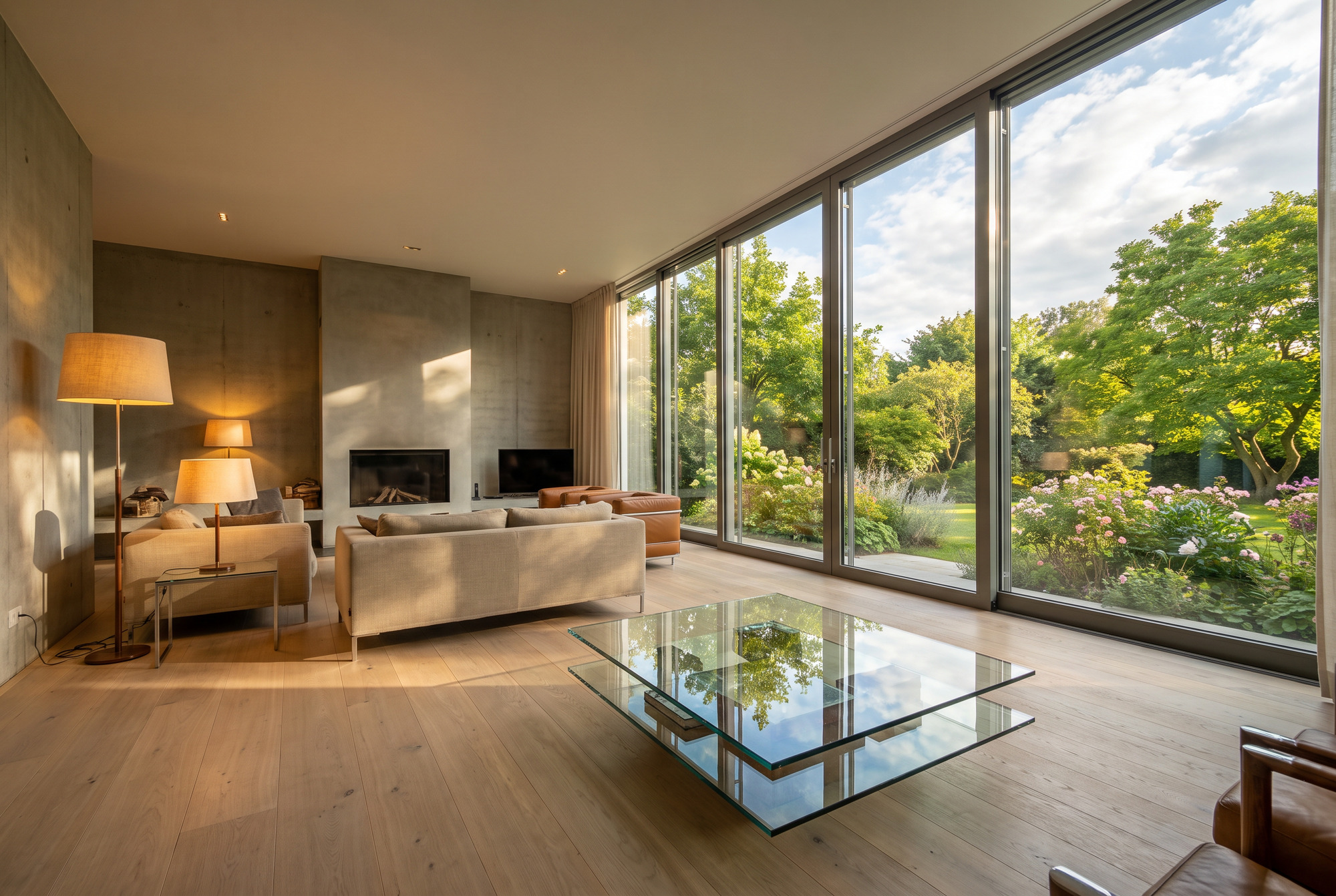
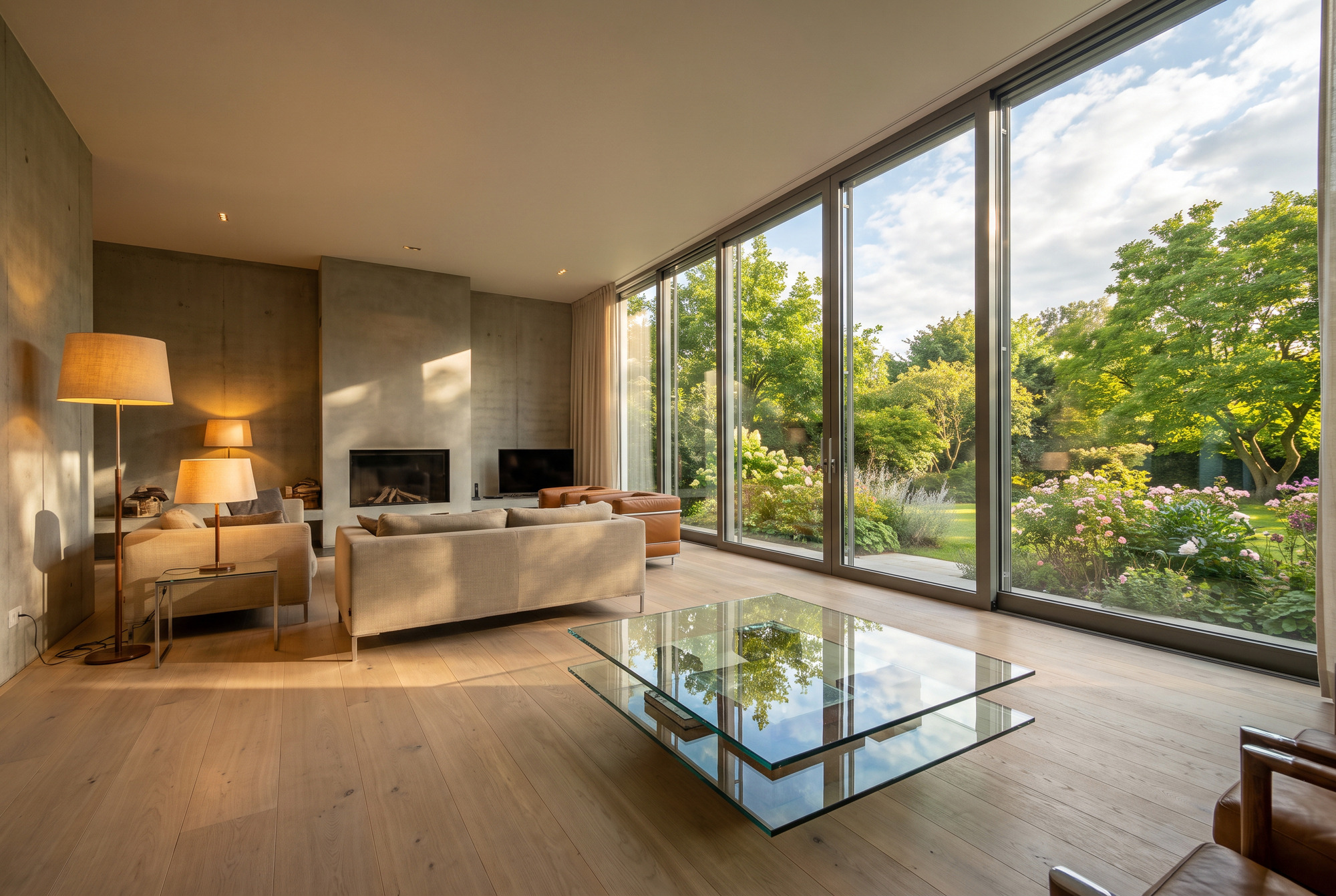
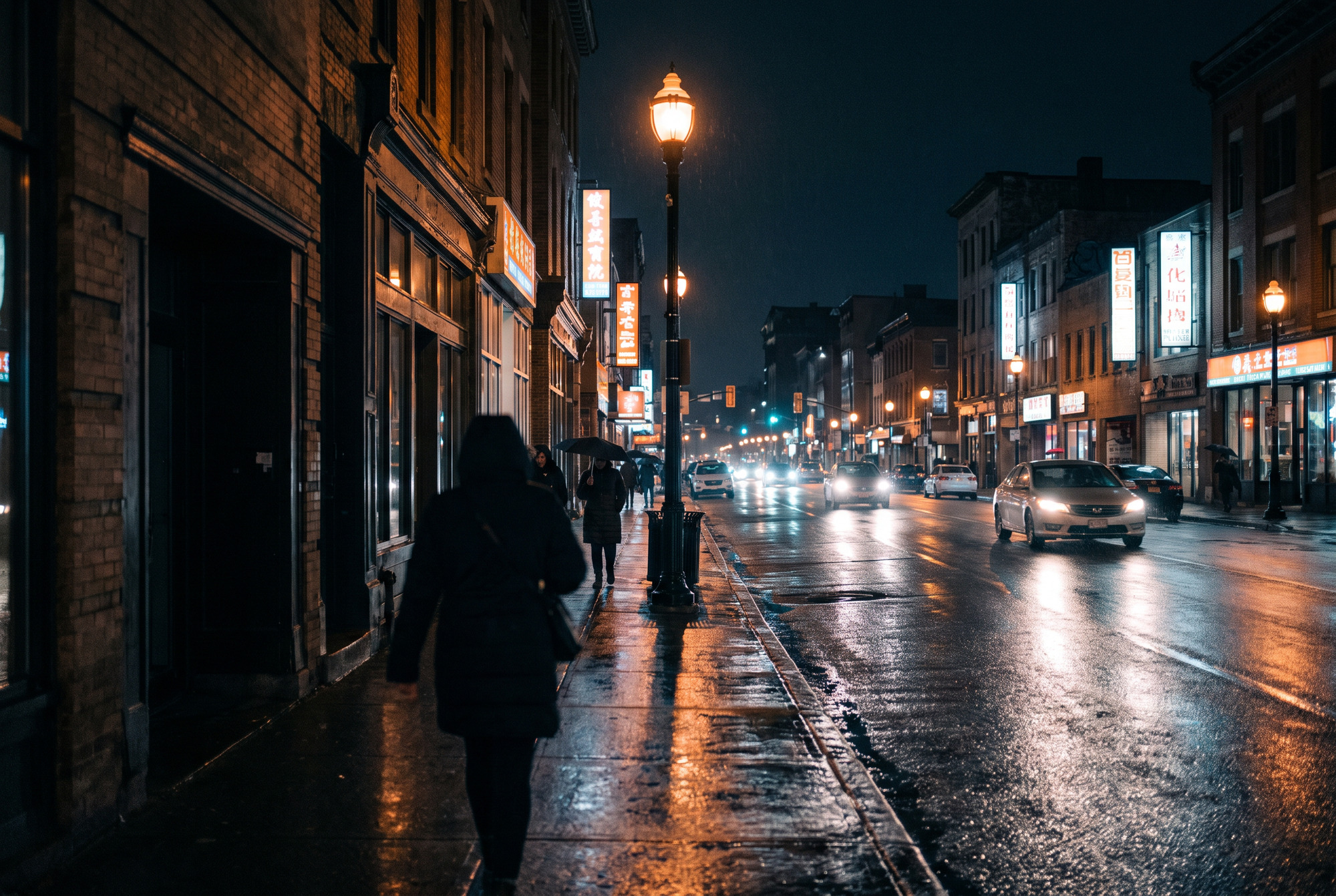
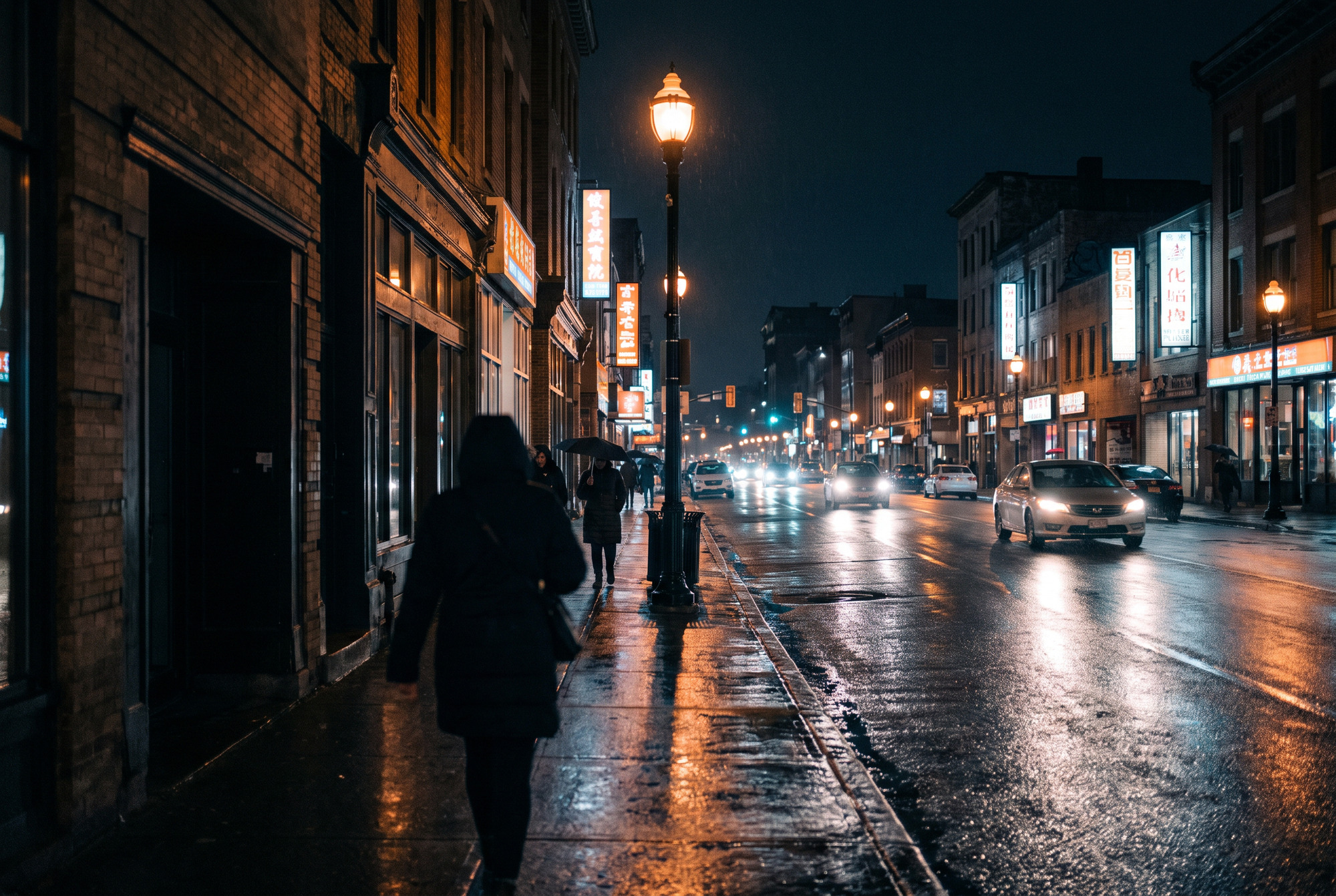
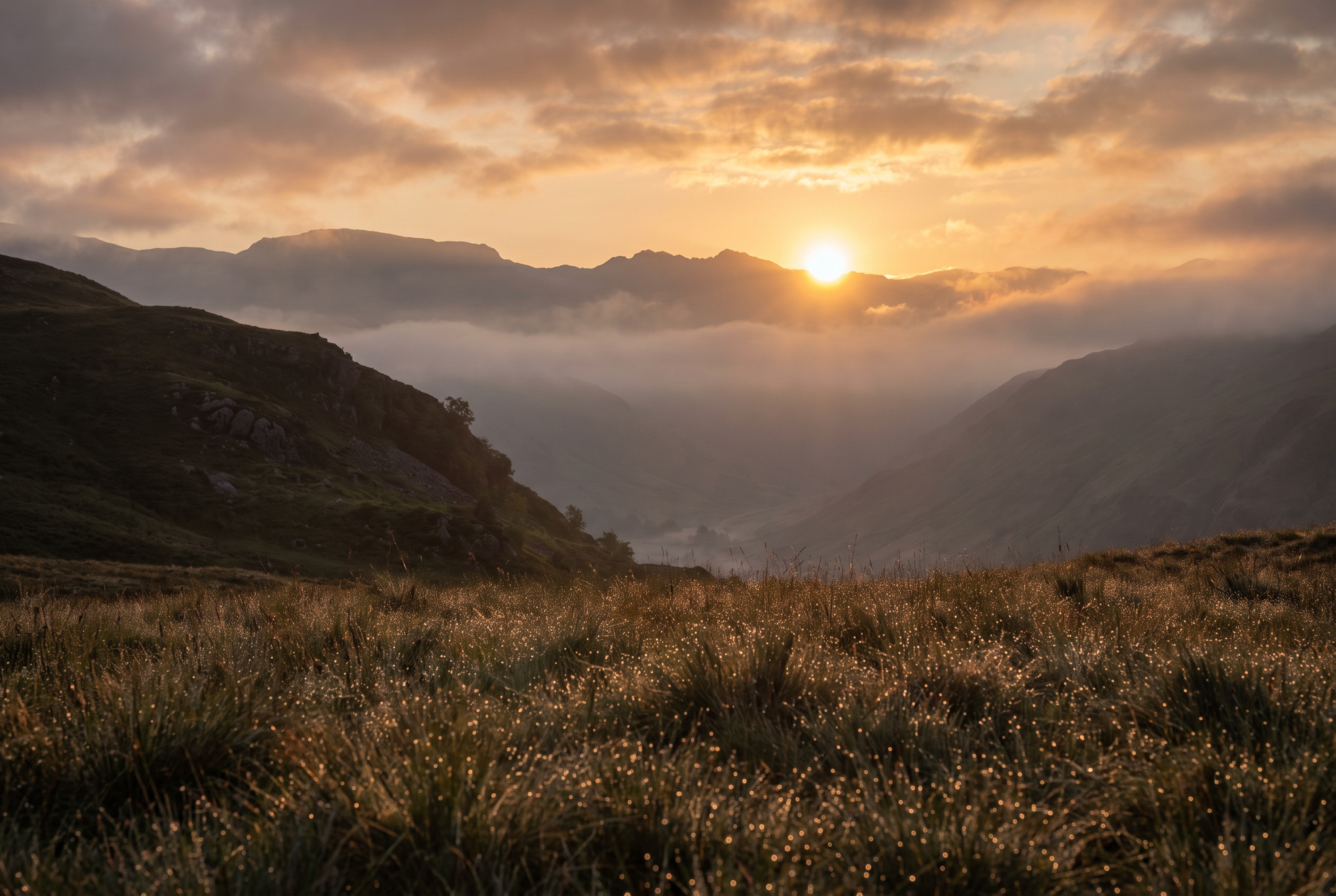
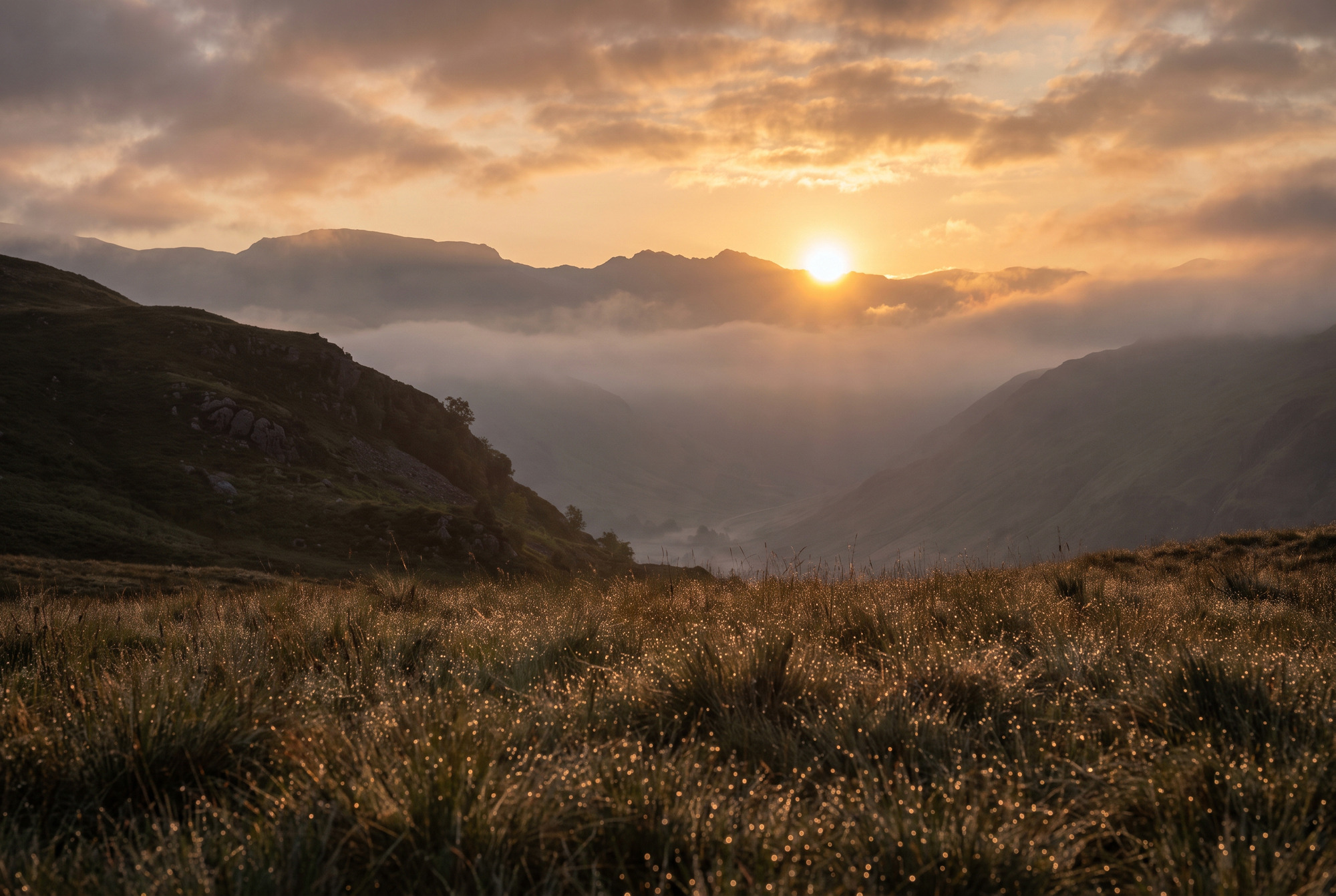
Cada escena viene dos veces. Los dos archivos comparten la misma imagen base — medidos, sus niveles RGB promedio difieren en menos de una décima de nivel, que es ruido de recompresión JPEG y no una edición. No se subió el brillo, ni se saturó, ni se hizo ningún grading. En una pantalla SDR el par se ve idéntico, y de eso se trata: la diferencia vive por completo en el gain map.
Interior de arquitectura
La ventana está varios pasos más brillante que la habitación y aun así conserva detalle. La mesa de vidrio y el concreto pulido cargan los brillos especulares.
Calle mojada de noche
Fuentes de luz puntuales con núcleo visible, reflejos largos sobre el asfalto y sombras que conservan detalle en vez de irse a negro.
Paisaje a contraluz
El sol apenas sobre la cresta, nubes iluminadas por dentro y miles de brillos de rocío por todo el primer plano.

La app
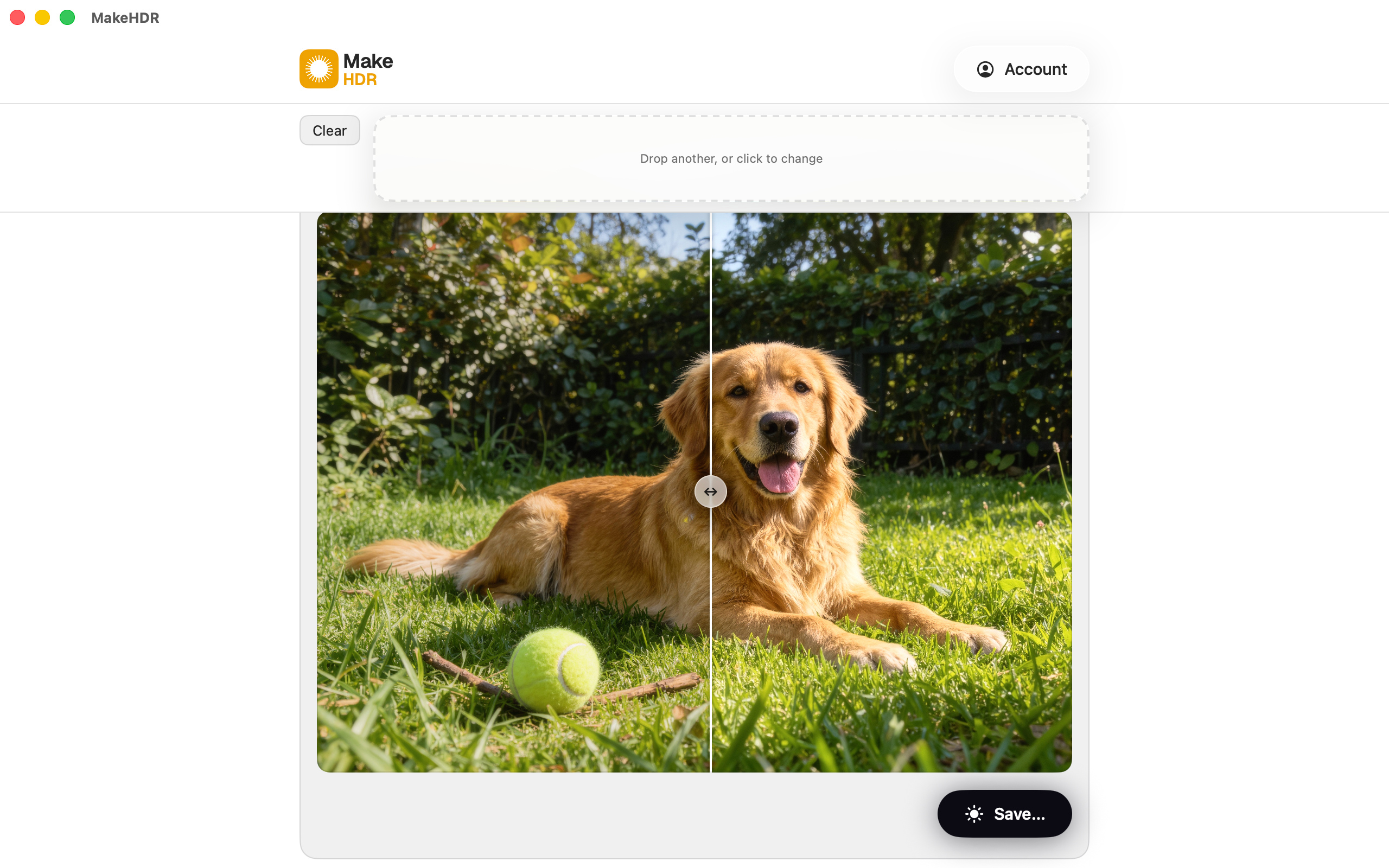
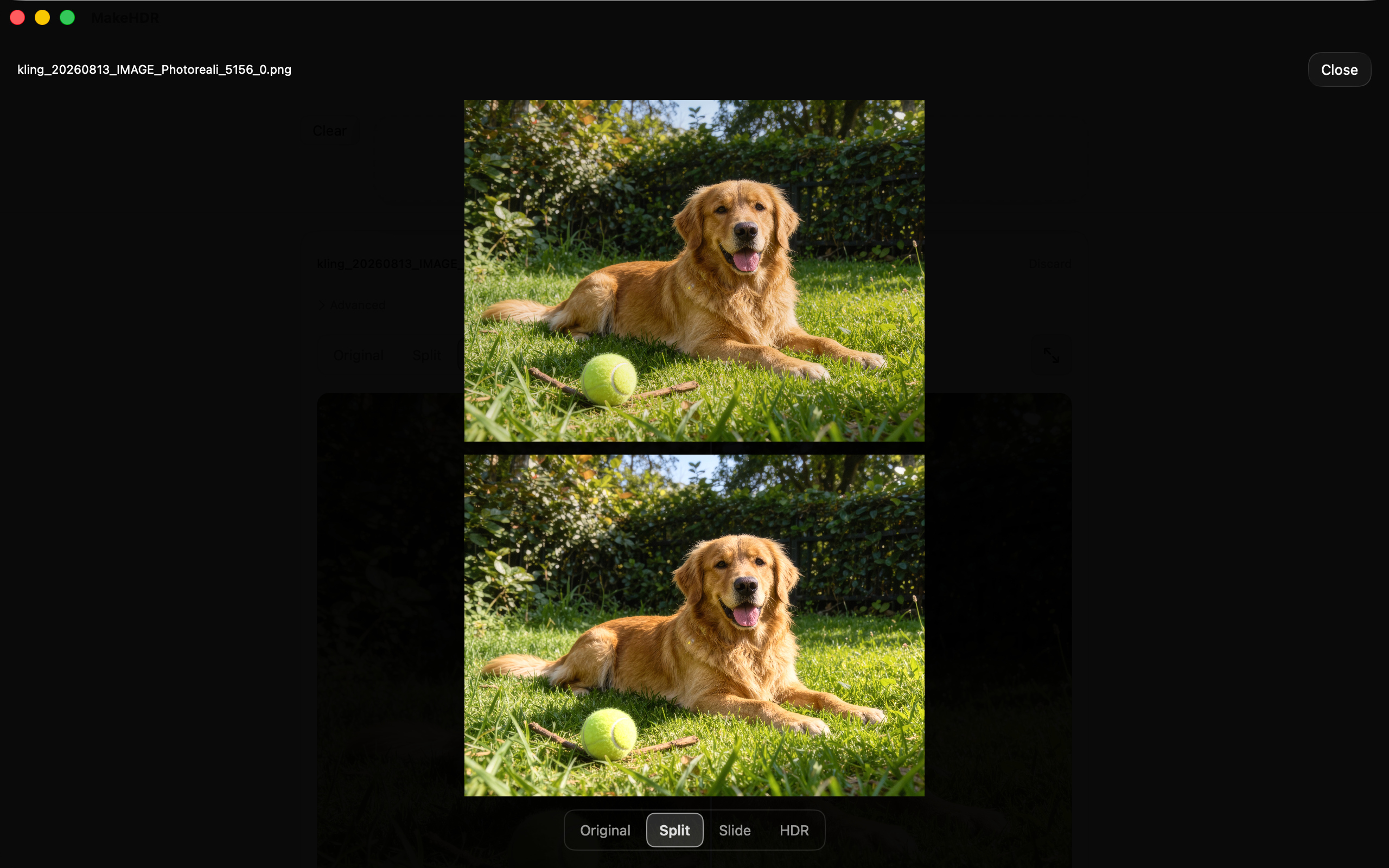
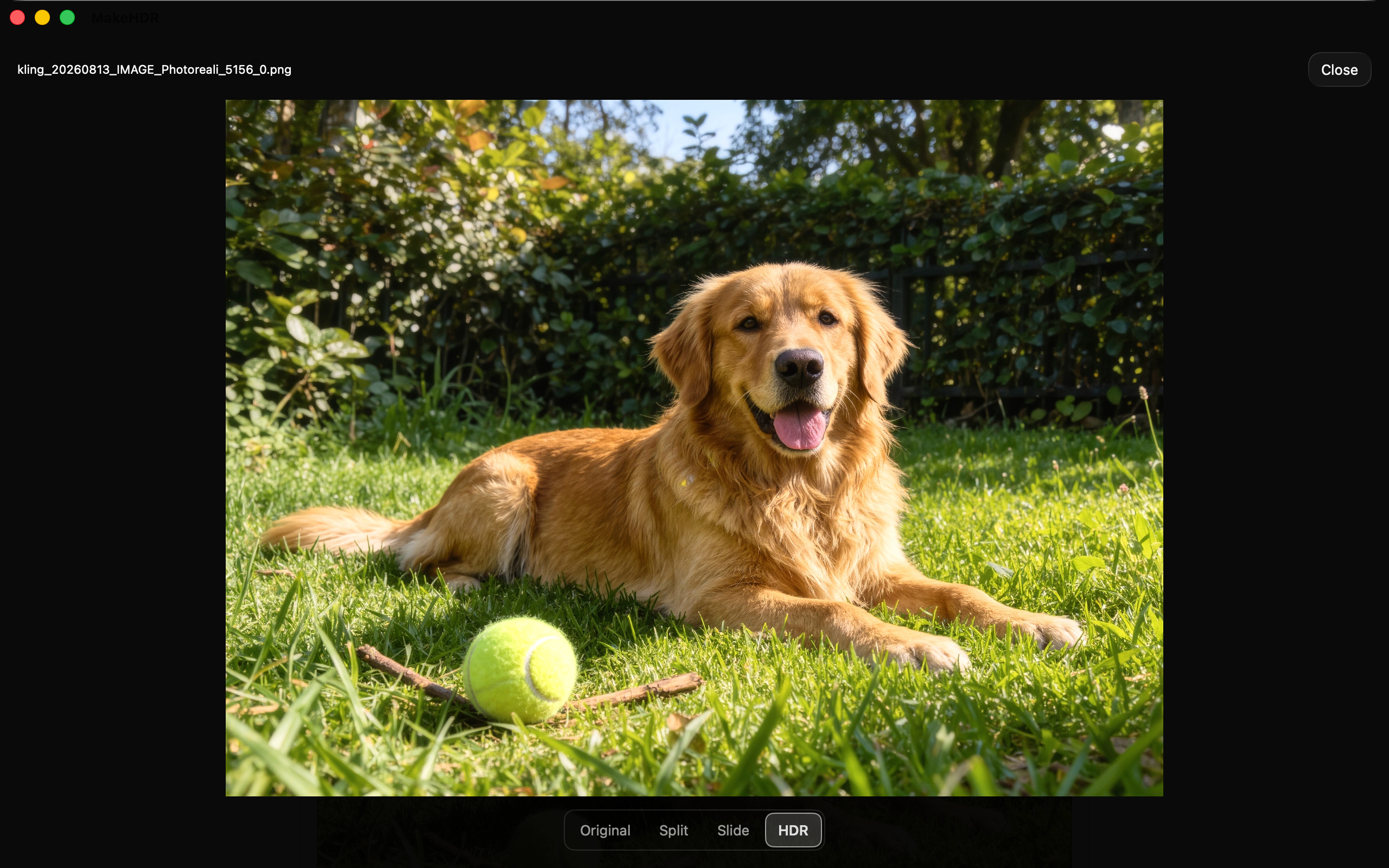
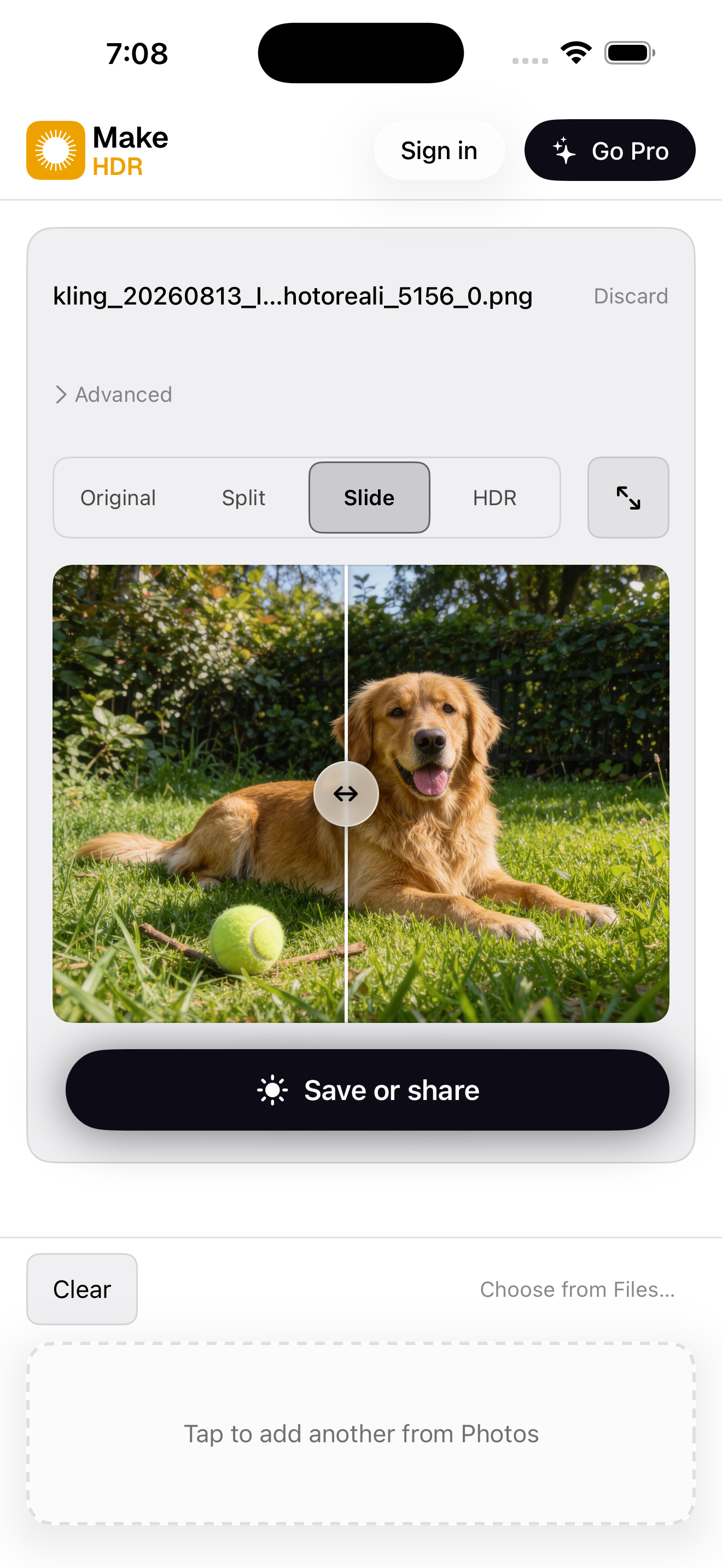
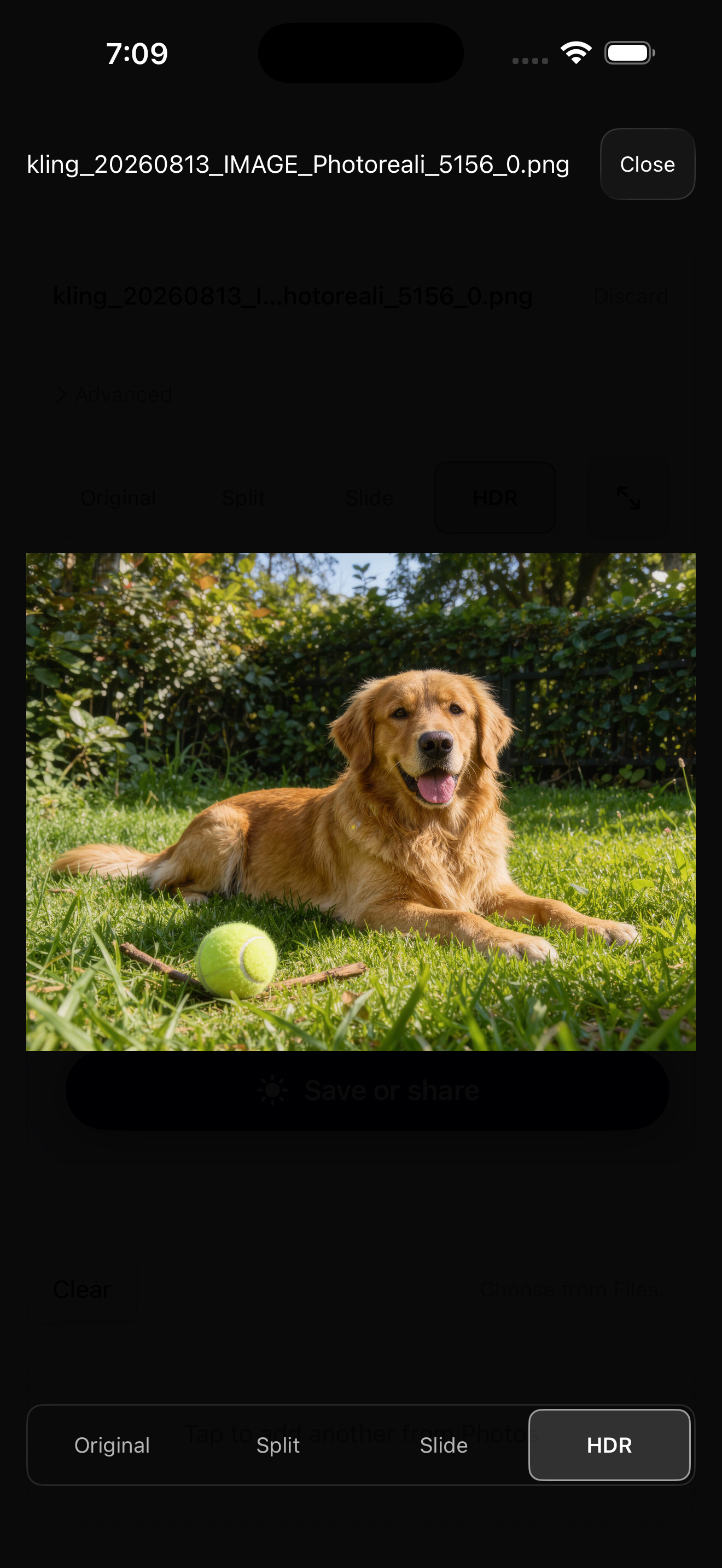
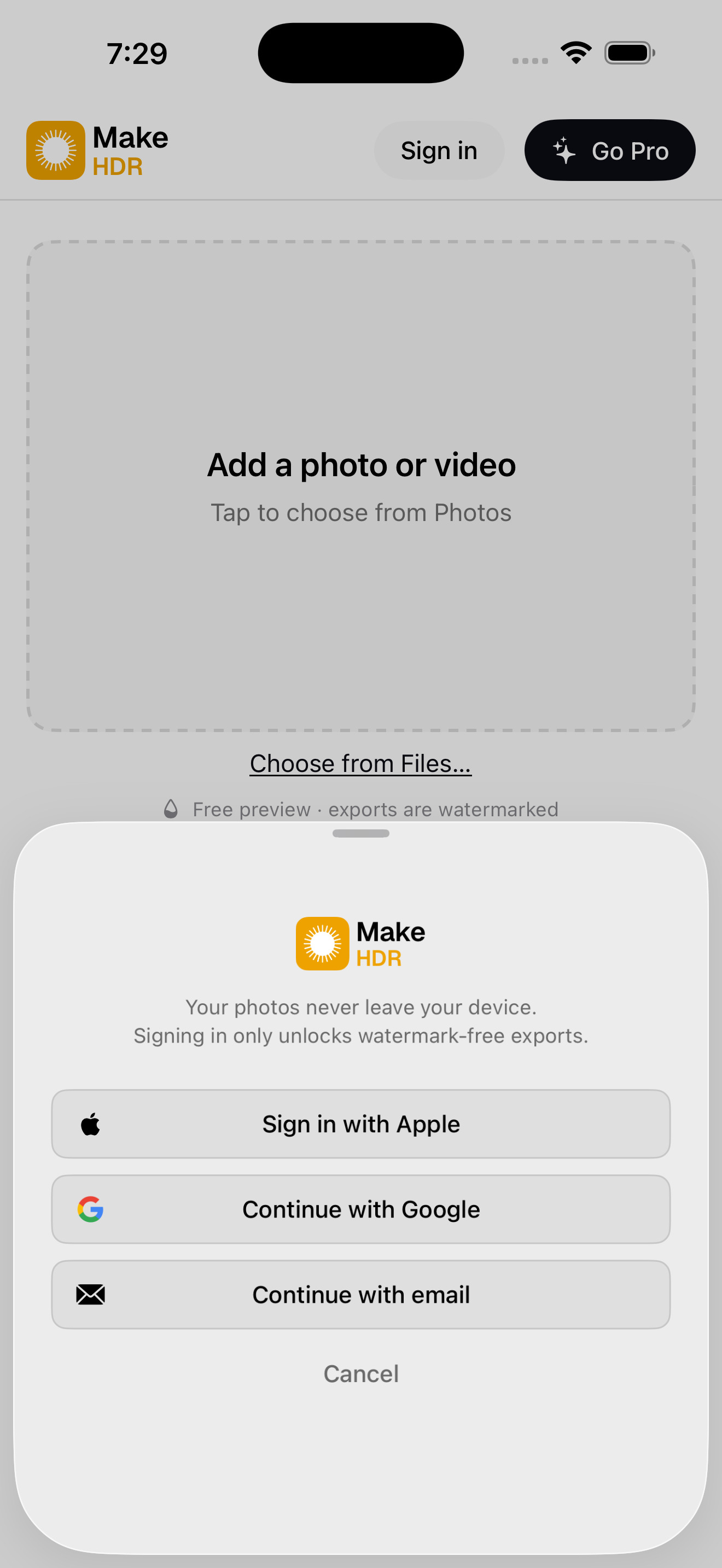
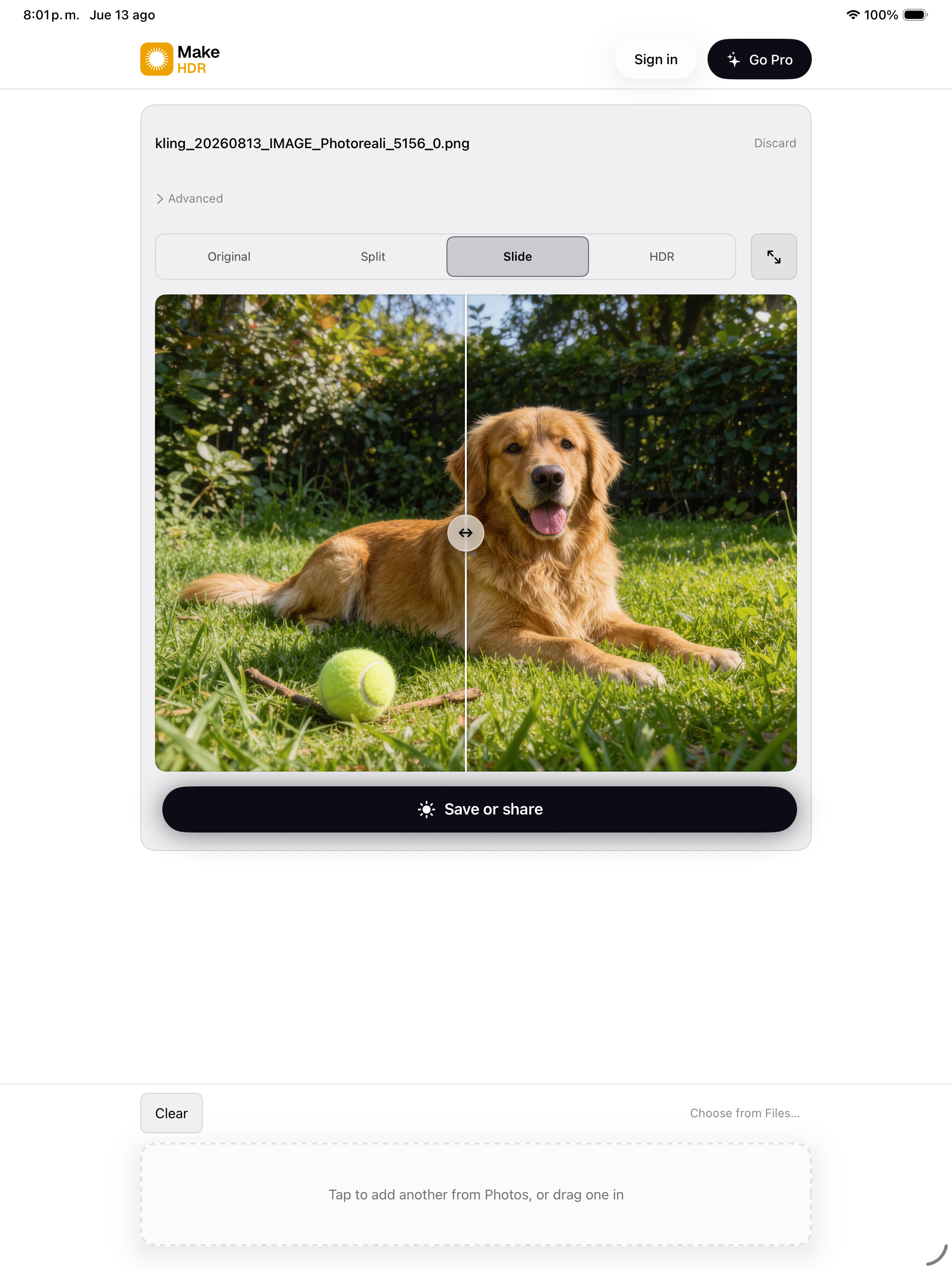
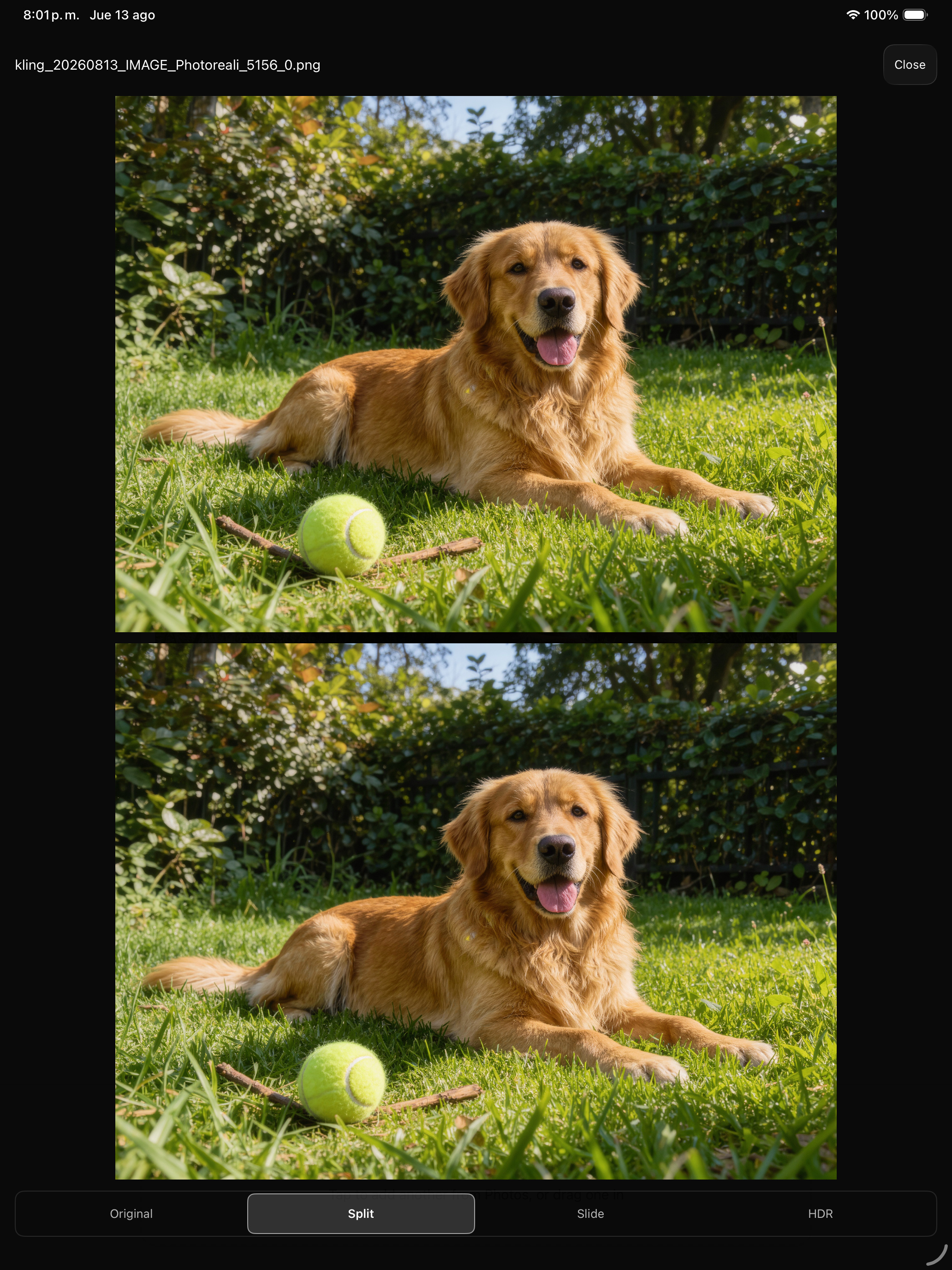
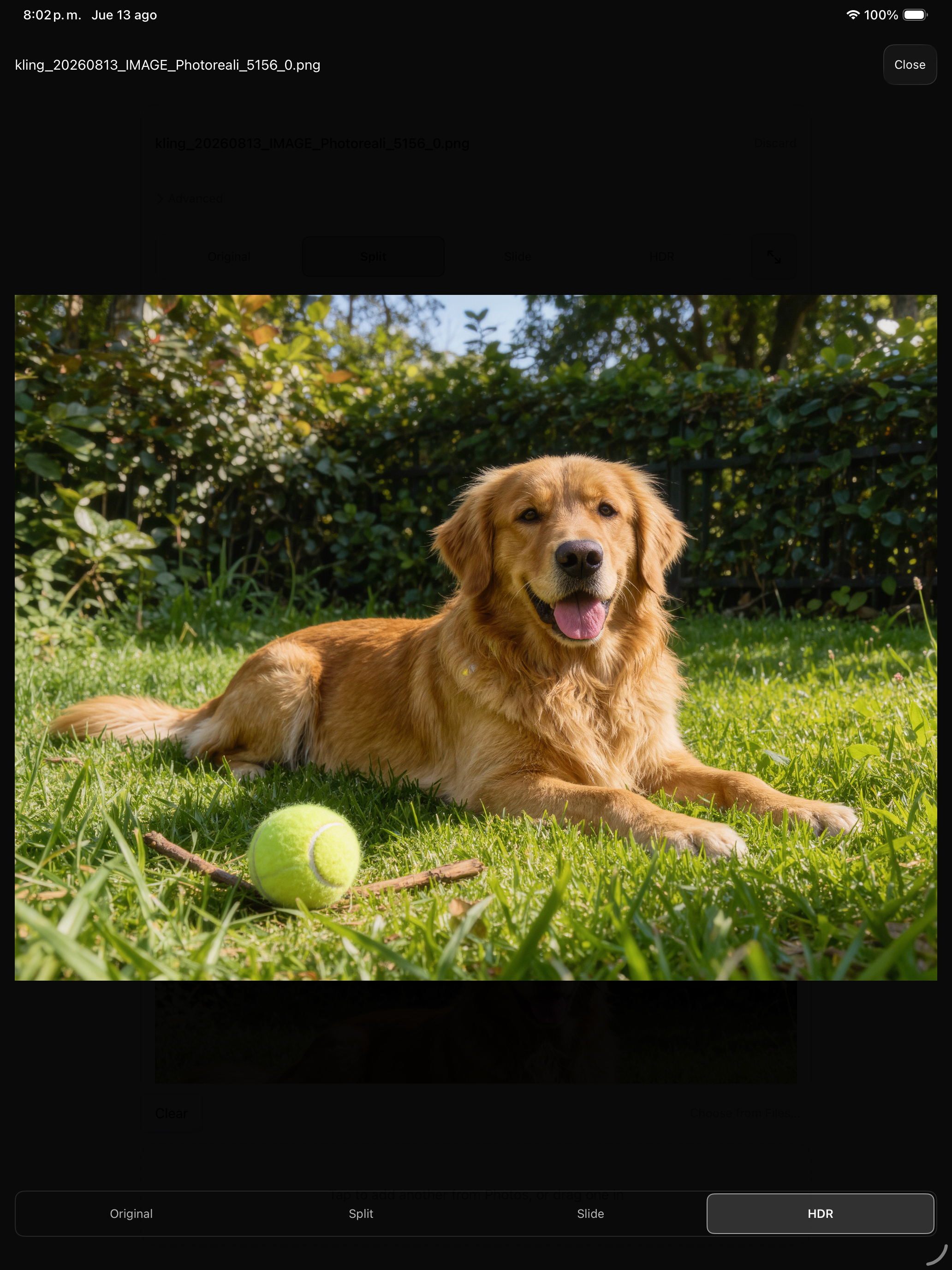
Una sola app para iPhone, iPad y Mac. Tres formas de comparar una conversión: Slide arrastra una cortina entre el original y el HDR, Split muestra los dos a la vez y HDR le da la pantalla completa al archivo convertido.
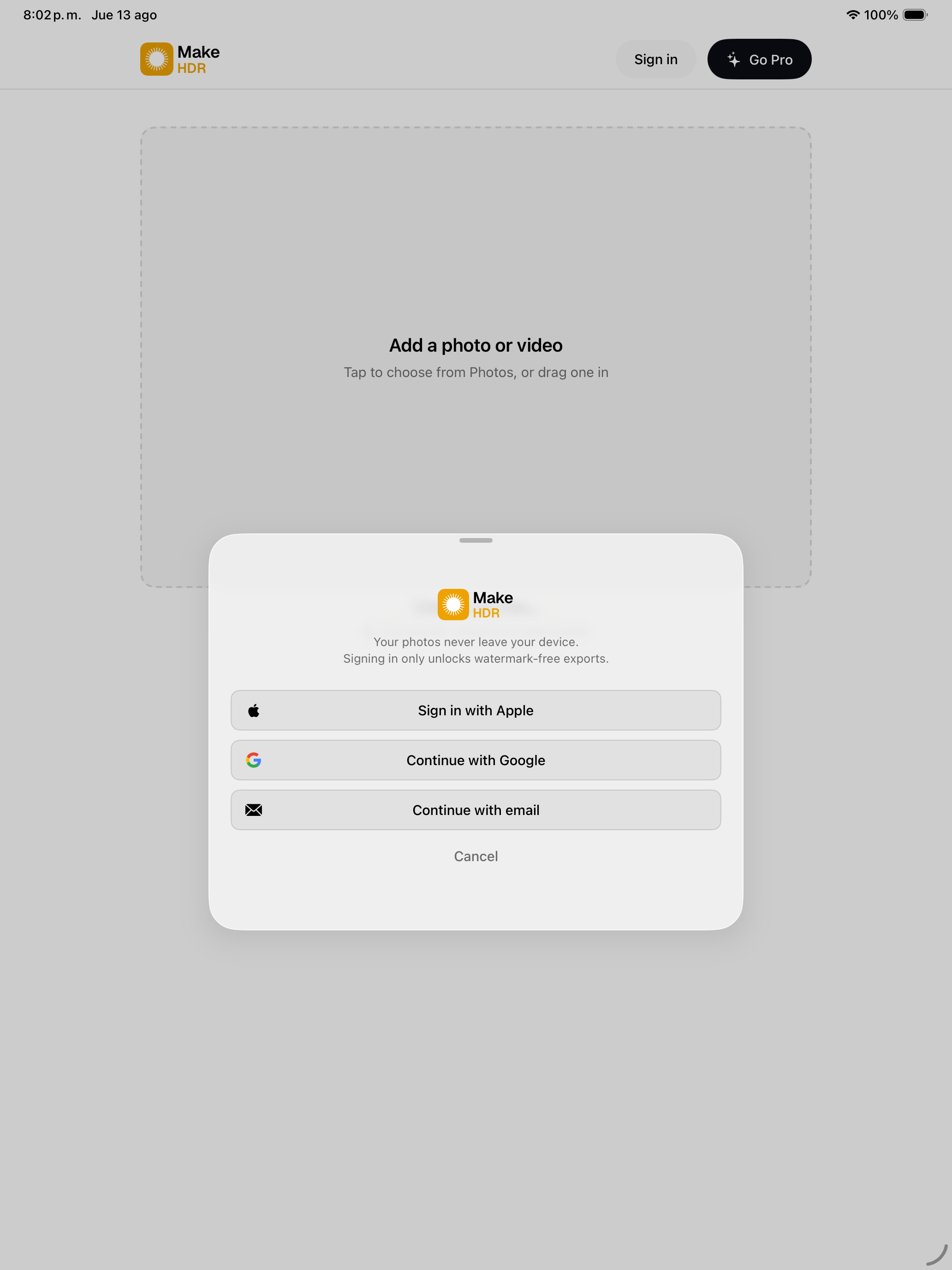
Estas capturas no son imágenes planas de la app. El área de foto de cada comparación lleva un gain map real, así que en una pantalla HDR la comparación funciona dentro de la captura: en Deslizar solo se ilumina lo que está a la derecha del divisor, en Dividido solo el panel inferior. La interfaz se queda en SDR: la app no hace brillar su propio chrome.
Mac · 2560 × 1600
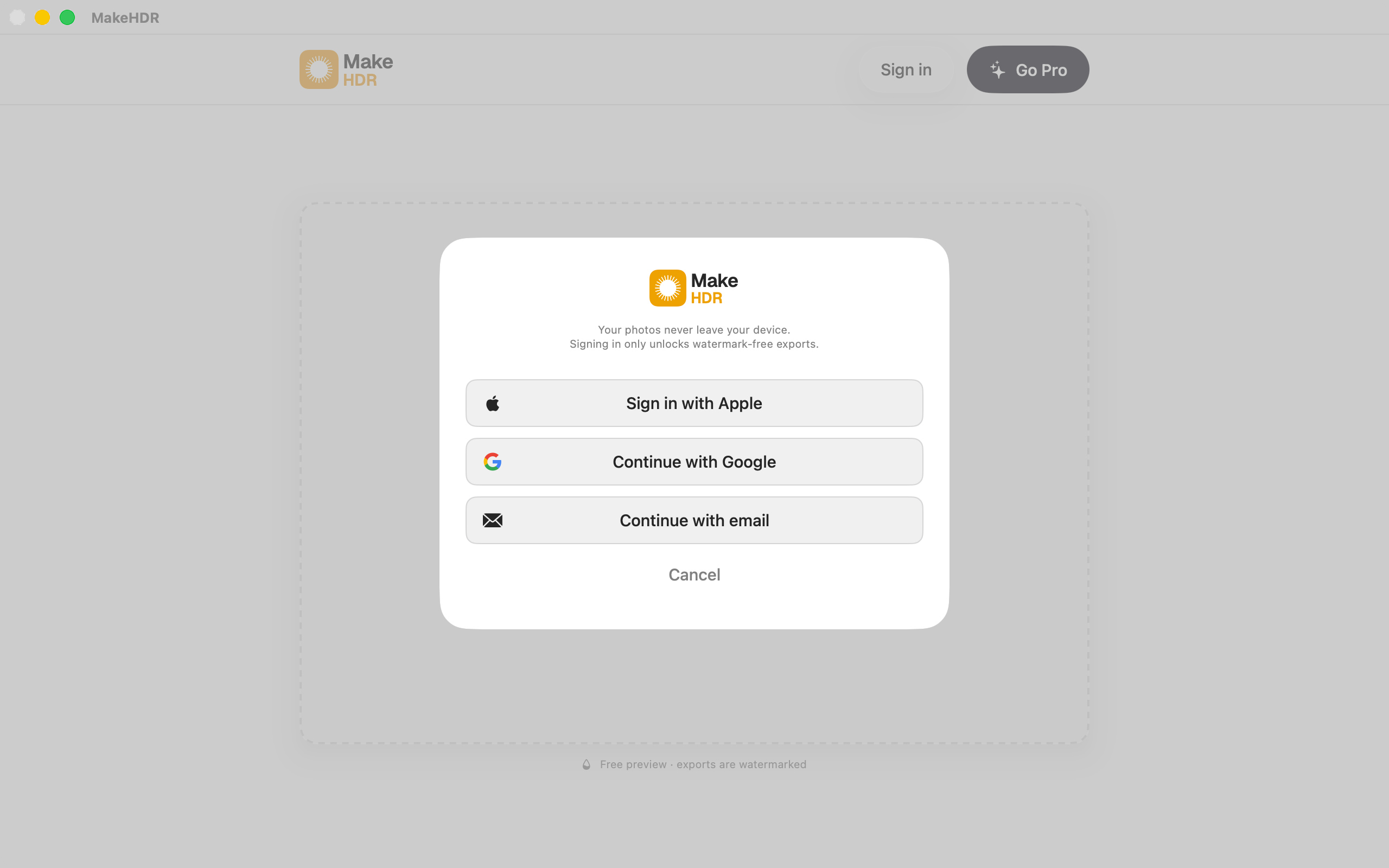
iPhone · 1320 × 2868
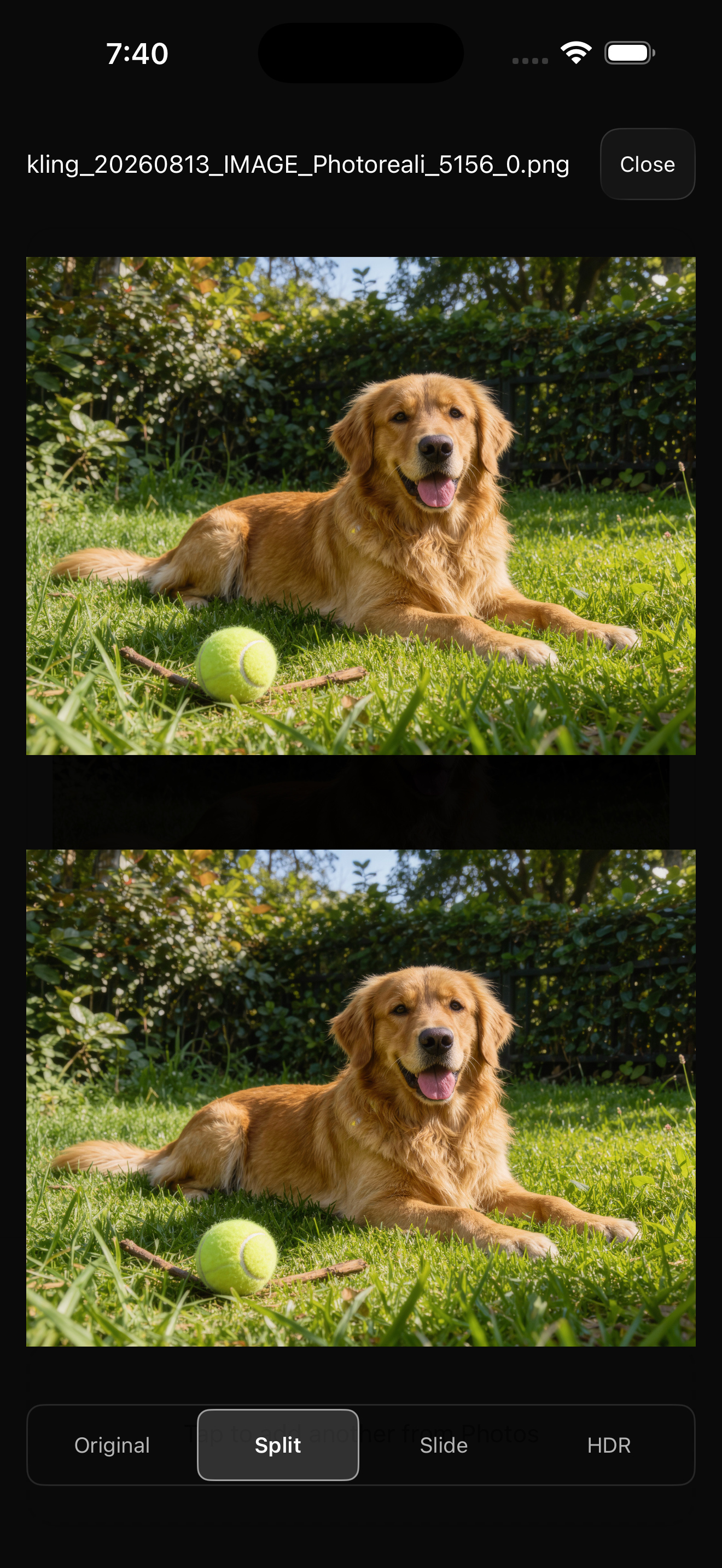
iPad · 2064 × 2752
Qué hace
Le entregas un JPEG que ya tienes y escribe dentro del archivo un gain map ISO 21496-1, el estándar detrás del Adaptive HDR de Apple. En una pantalla HDR las altas luces pasan del blanco de papel. En cualquier otra sigue siendo un JPEG común que abre en todas partes. Con el video funciona igual: lo recodifica con VideoToolbox a 10 bits BT.2020 con PQ o HLG, sin tope de resolución.
No se genera nada y no se sube nada. Es un cálculo determinista sobre la luminancia que ya está en el archivo, corriendo por completo en el dispositivo. Esa segunda parte es la razón por la que aparecieron los primeros usuarios: los fotógrafos de bienes raíces manejan fotos de casas que todavía no están publicadas, y todos los demás convertidores son un sitio web al que hay que subirlas.
La limitación, de frente
En una pantalla SDR el resultado se ve idéntico al original. Esa es la garantía de compatibilidad, no un defecto.
Y si una alta luz ya viene quemada en el JPEG de origen, no queda detalle que recuperar: el gain map no inventa ninguno. Levanta lo que hay, y una zona quemada se queda plana. Esto es un formato de entrega, no una herramienta de rescate.
Sobre las imágenes de muestra
Las tres imágenes de origen están generadas con IA y después convertidas por MakeHDR exactamente igual que se convertiría una fotografía. Lo decimos de entrada porque corta para los dos lados. La conversión en sí no usa IA: es aritmética fija salida de ISO 21496-1 sobre la luminancia que ya está en el archivo; para lo que MakeHDR no usa IA es para construir el gain map, y de dónde salieron los píxeles de entrada le da lo mismo. Y como son sintéticas, estas imágenes no llevan cesión de derechos de imagen ni licencia de stock, así que puedes publicarlas tal cual sin nada que gestionar.
Si prefieres probarlo con fotografía real, el plan gratuito es ilimitado y no necesita cuenta. Apúntalo a tu propia biblioteca en makehdr.com/app y haz tu propio antes/después.
Datos
- Desarrollador
- Eliecer Valerio Salas — desarrollador independiente, Costa Rica
- Plataformas
- Universal iPhone / iPad / Mac, más visionOS
- Requiere
- iOS 26 / macOS 26
- Estándar
- Gain maps ISO 21496-1 (Apple Adaptive HDR)
- Video
- 10 bits BT.2020 PQ/HLG vía VideoToolbox, sin tope de resolución
- App ID
- 6792379506
- App Store
- https://apps.apple.com/app/id6792379506
- Contacto
- support@makehdr.com
Precio
Plan gratuito: fotos y video ilimitados, con lote y ZIP incluidos, y una marca de agua grabada en la exportación. No hace falta cuenta. El de pago es una única compra de $39.99 — no hay suscripción. Cubre el convertidor web y las apps de iPhone, iPad y Mac, y no vence. Durante el lanzamiento cuesta $24.99 (38% de descuento), hasta el 30 de septiembre de 2026.