Пресс-кит
MakeHDR записывает gain map по стандарту ISO 21496-1 внутрь JPEG, которые у вас уже есть: на HDR-дисплее они показывают настоящий запас в светах, а везде остальное остаются обычными JPEG. Всё, что ниже, свободно для использования и не требует никаких согласований.
Прочтите это перед тем, как открывать файлы
Смотрите HDR-файлы на HDR-дисплее с яркостью экрана около 50–70 %, а не на 100 %. Это звучит наоборот и именно здесь ошибается большинство: gain map поднимает света выше бумажно-белого, поэтому на полной яркости дисплей уже израсходовал свой запас и эффект почти исчезает. Убавьте яркость — и снимок оживёт.
Пары «до/после» на этой странице — настоящие файлы, а не рендеры; то же относится к скриншотам приложения ниже: в их фотообласти тоже есть gain map. А вот симуляцией является любое «до/после», сведённое в одну обычную картинку, — например, изображения на странице в App Store, где формат не способен нести gain map.
Пары примеров
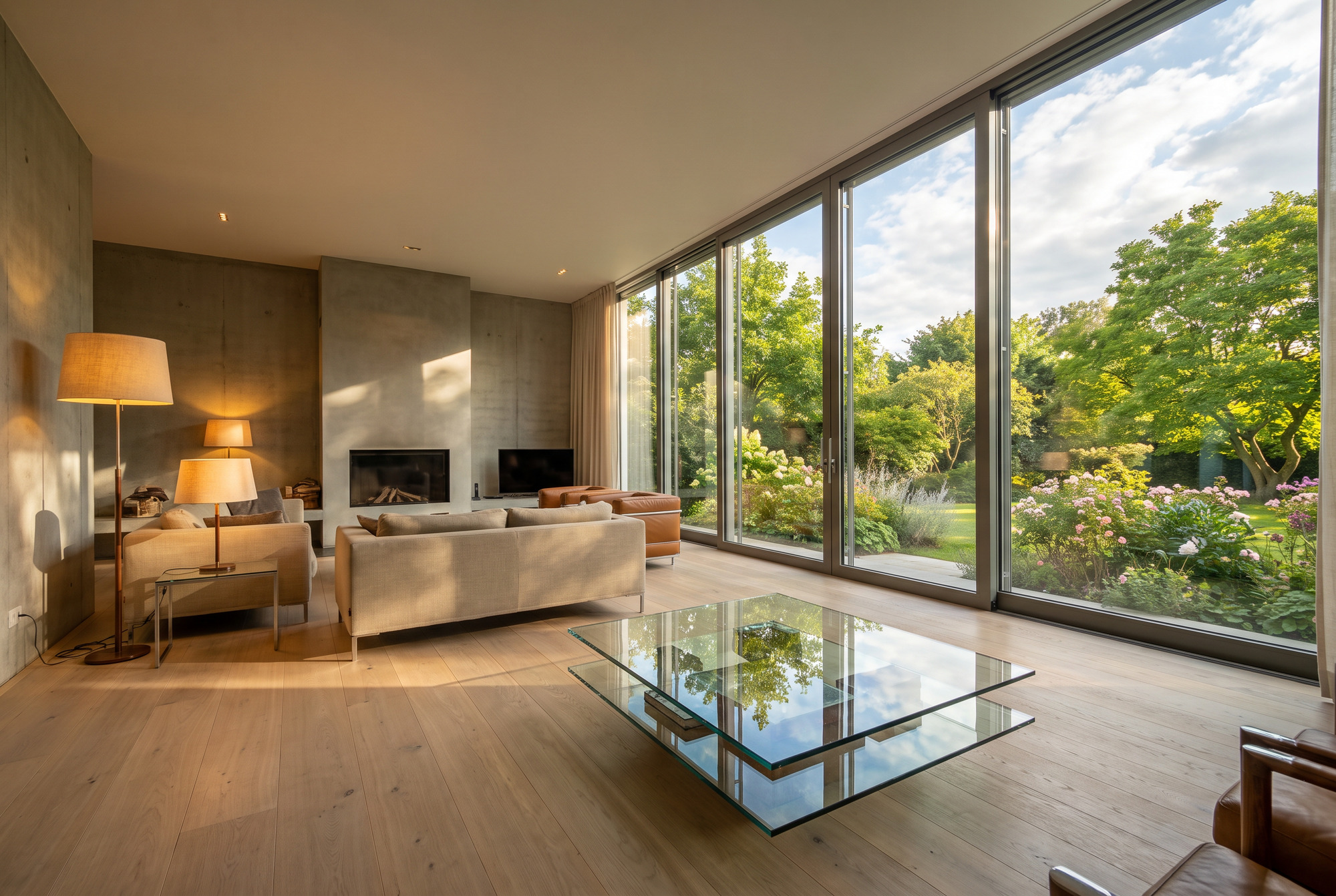
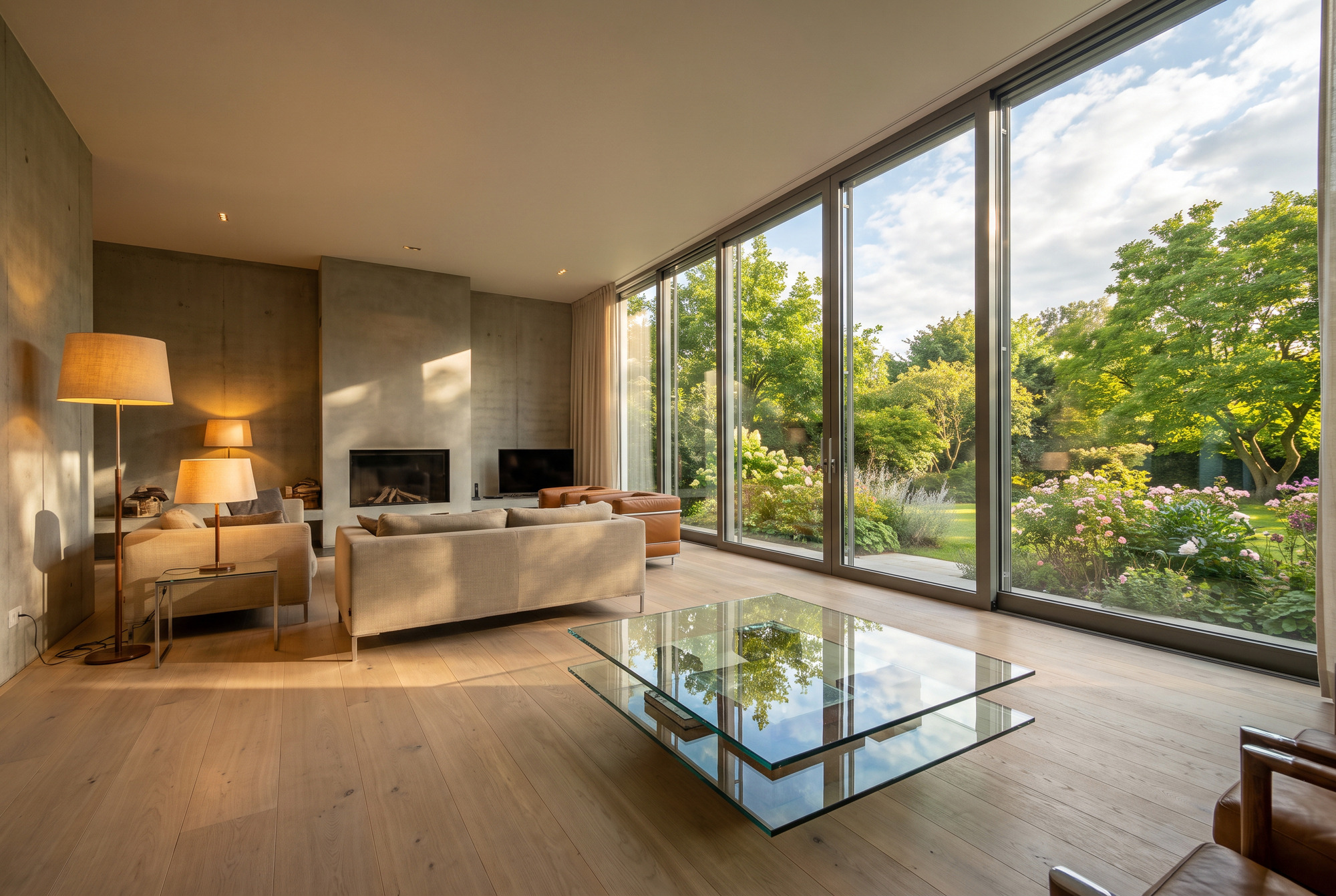
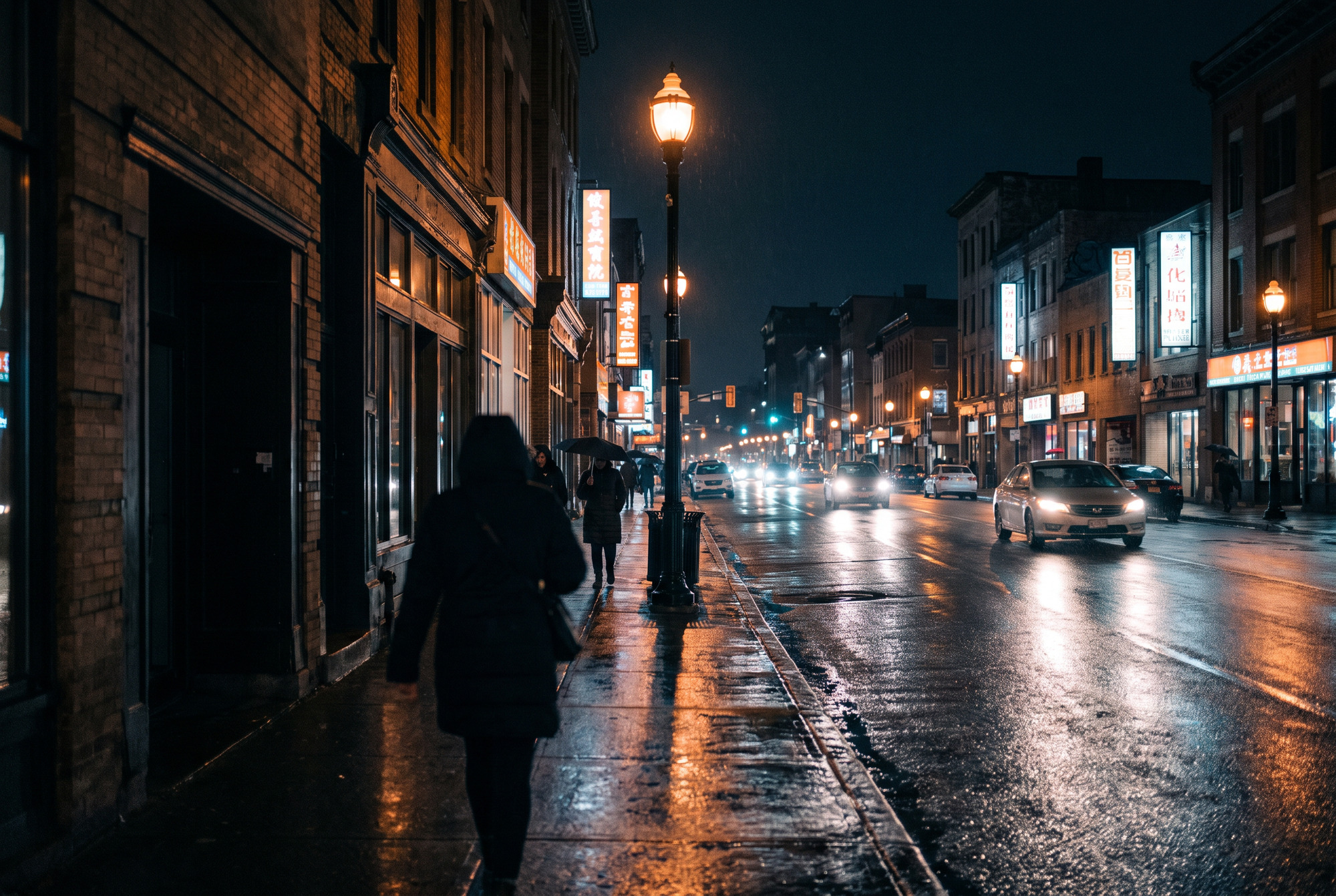
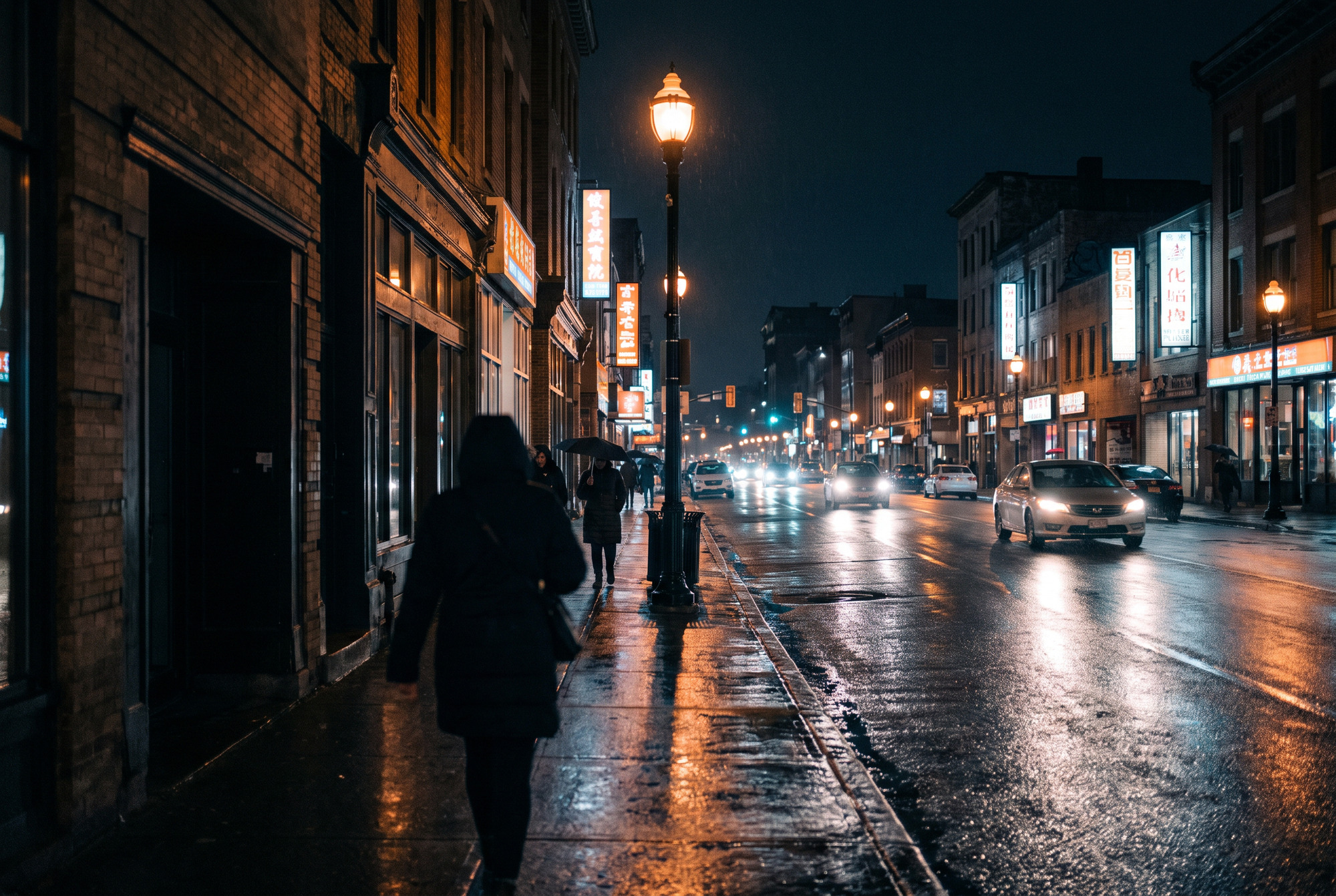
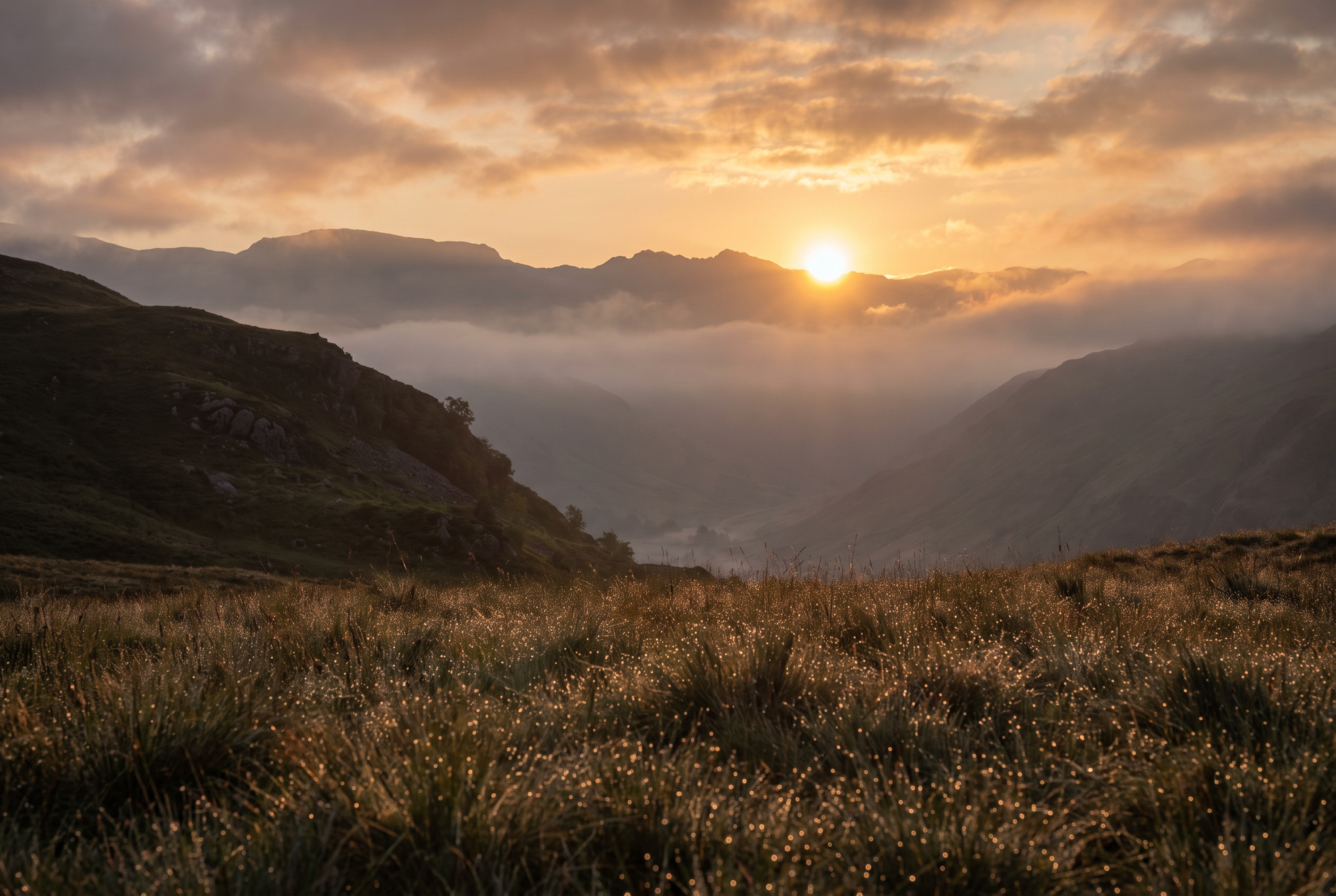
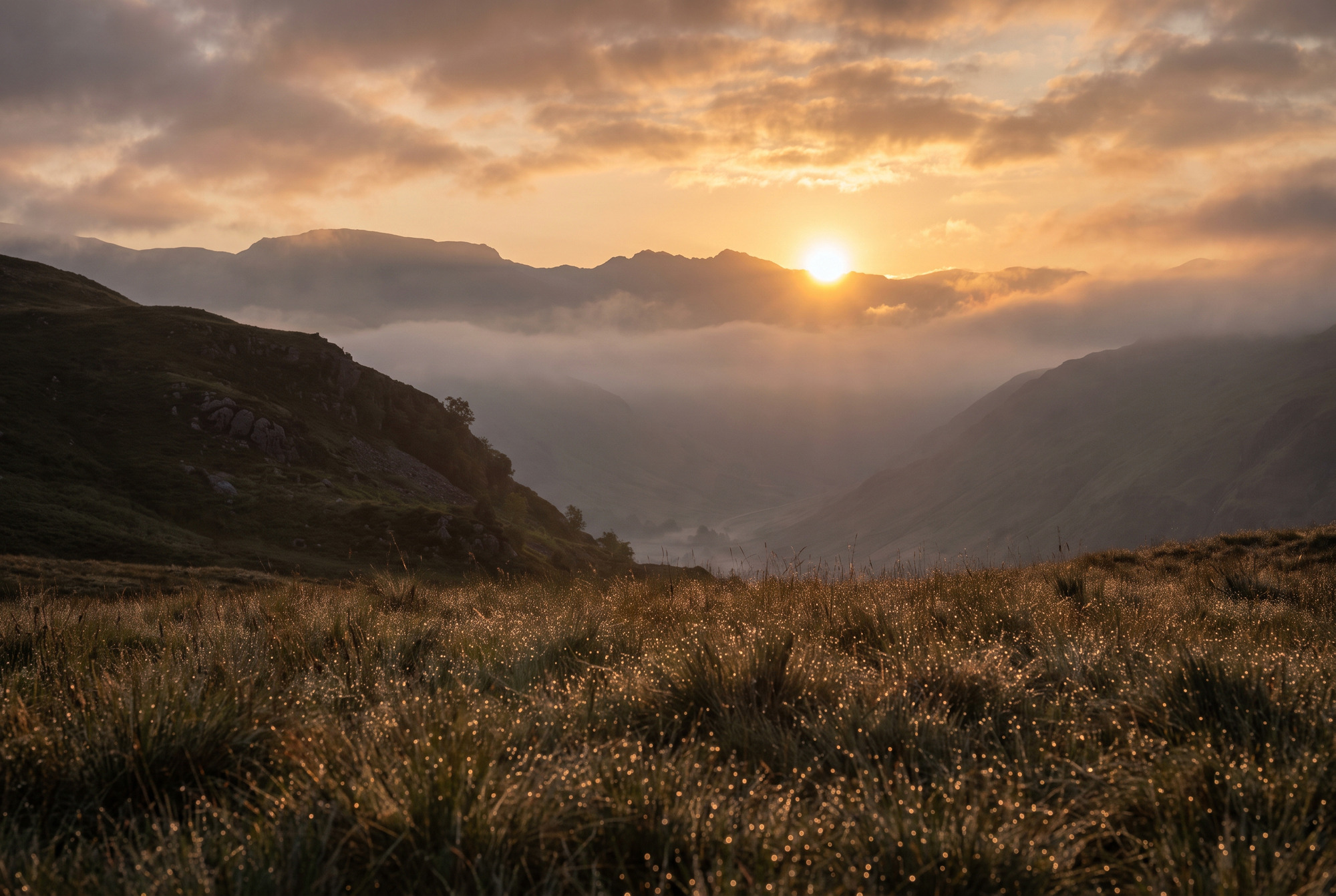
Каждая сцена идёт дважды. Оба файла используют одно и то же базовое изображение — по замерам их средние уровни RGB отличаются меньше чем на десятую долю уровня, а это шум повторного сжатия JPEG, а не правка. Ничего не осветляли, не насыщали и не подвергали цветокоррекции. На SDR-экране пара выглядит одинаково, и в этом суть: вся разница живёт исключительно в gain map.
Архитектурный интерьер
Окно на несколько ступеней ярче комнаты и всё же сохраняет детали. Стеклянный стол и полированный бетон держат зеркальные блики.
Мокрая улица ночью
Точечные источники света с различимым ядром, длинные отражения на асфальте и тени, которые сохраняют детали, а не проваливаются.
Пейзаж в контровом свете
Солнце чуть выше гребня, облака, подсвеченные изнутри, и тысячи бликов росы по всему переднему плану.
Приложение
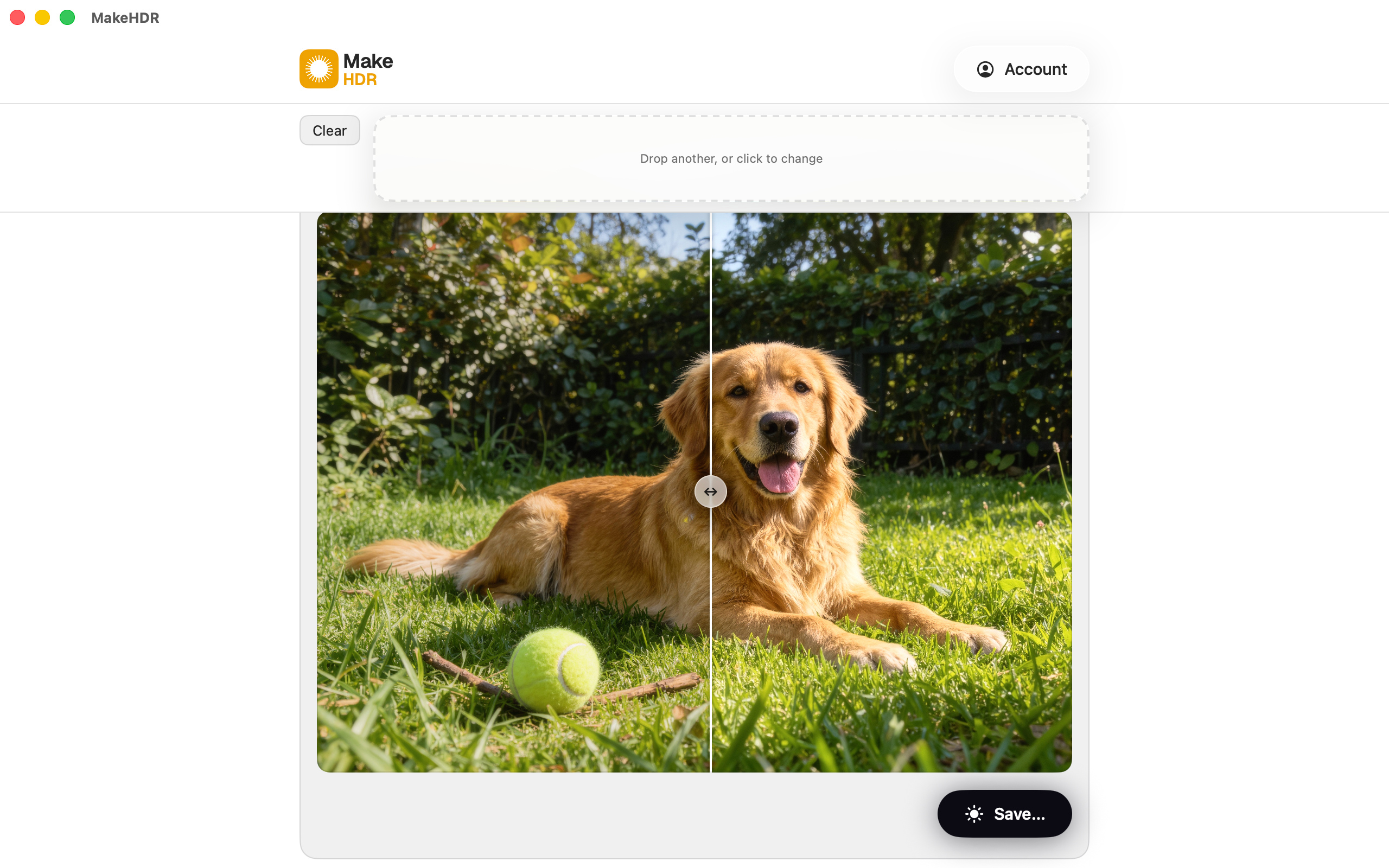
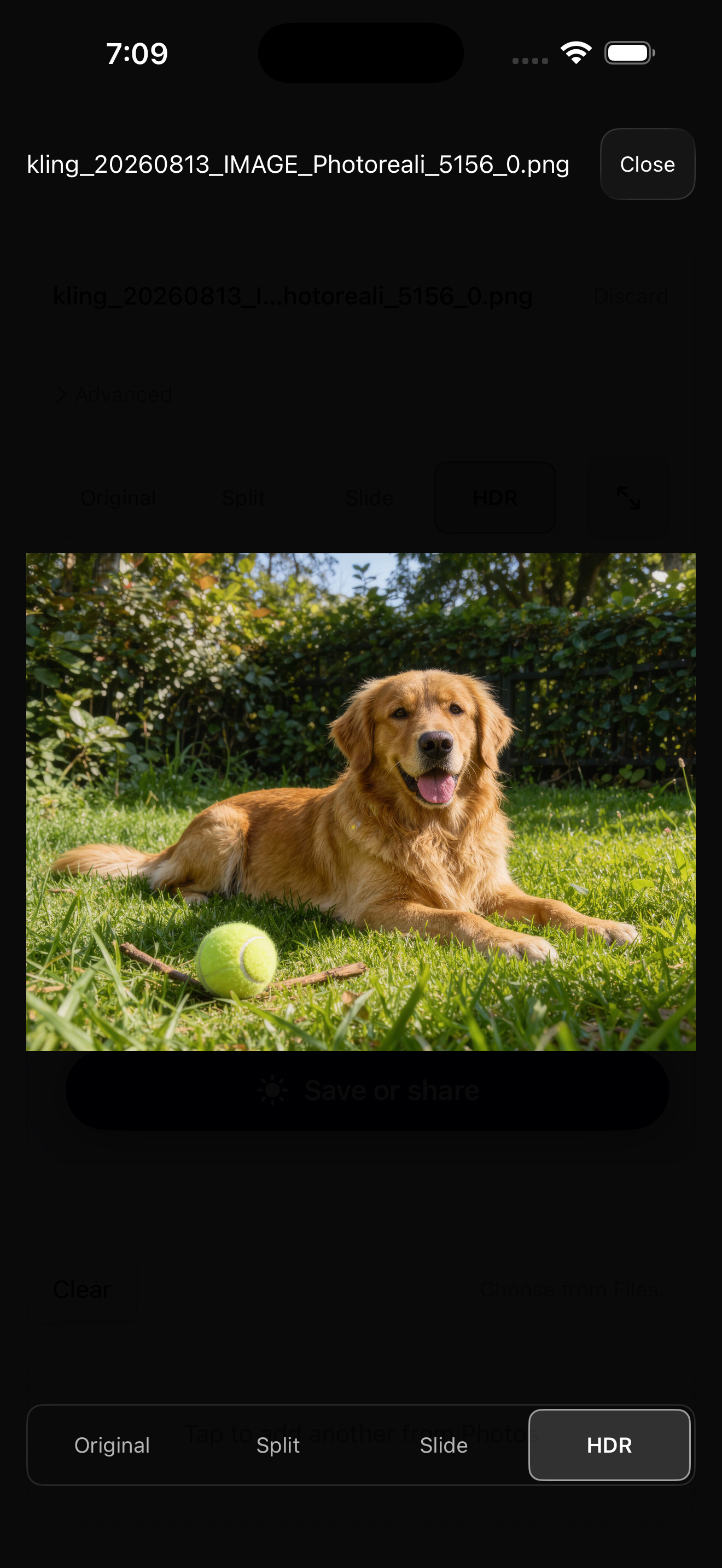
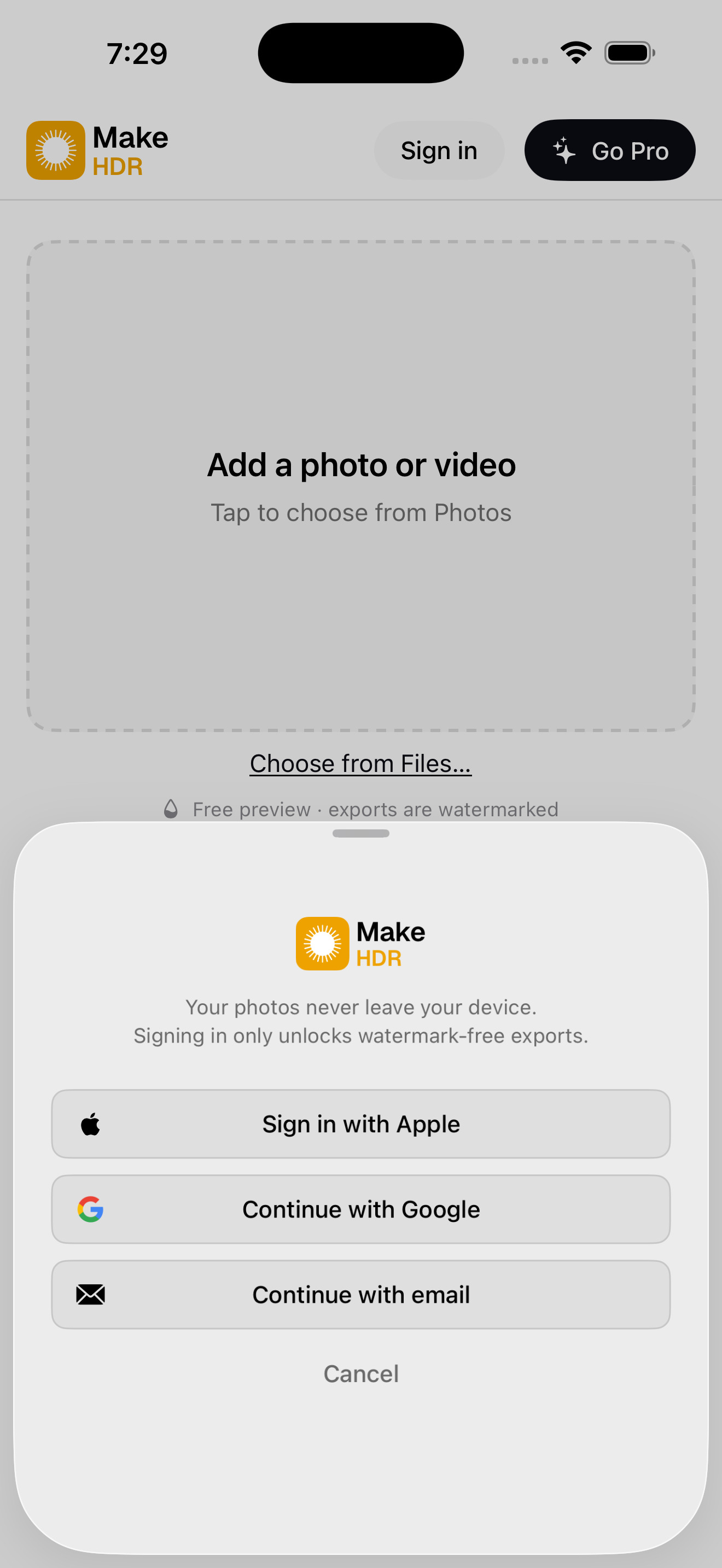
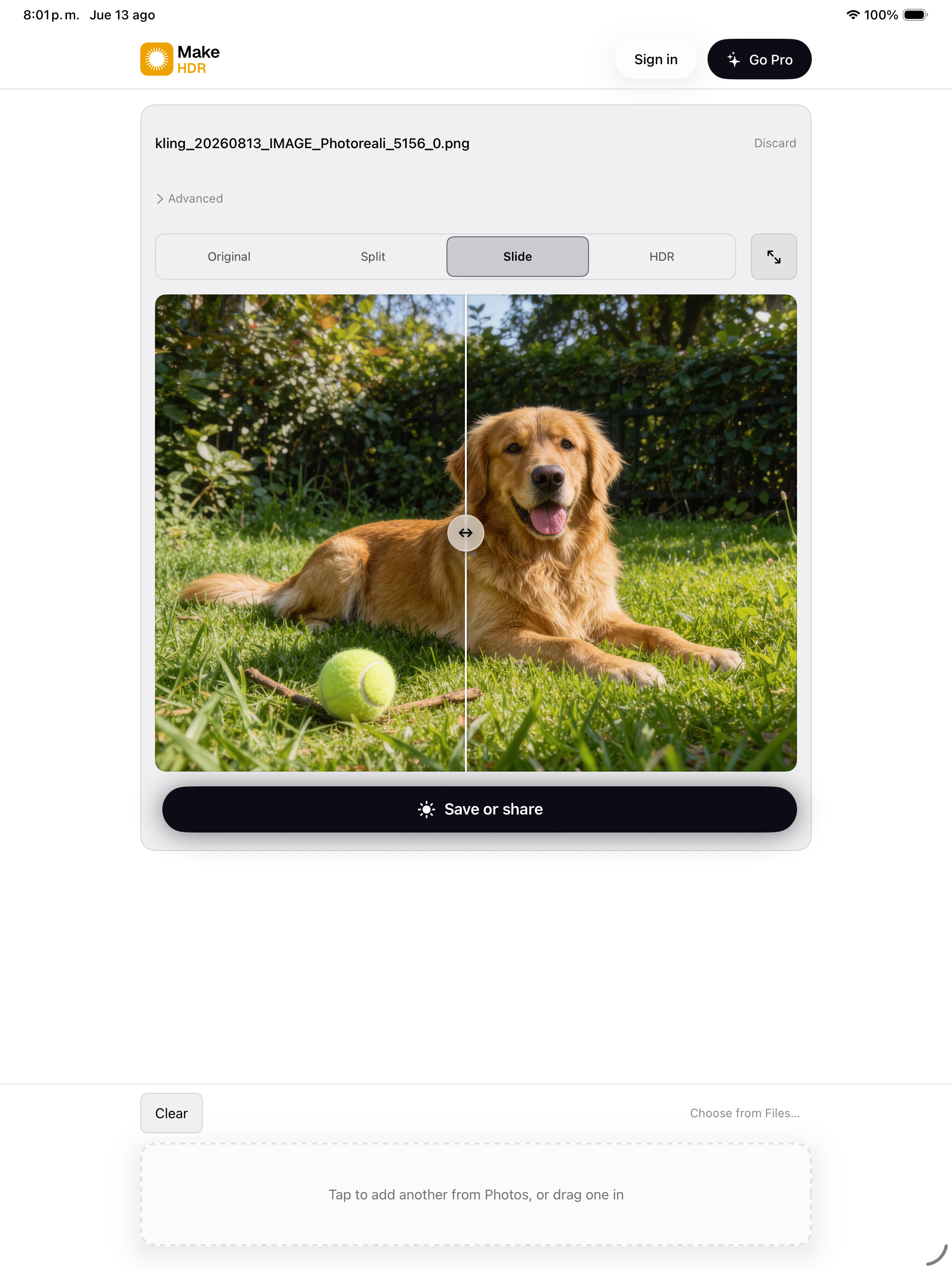
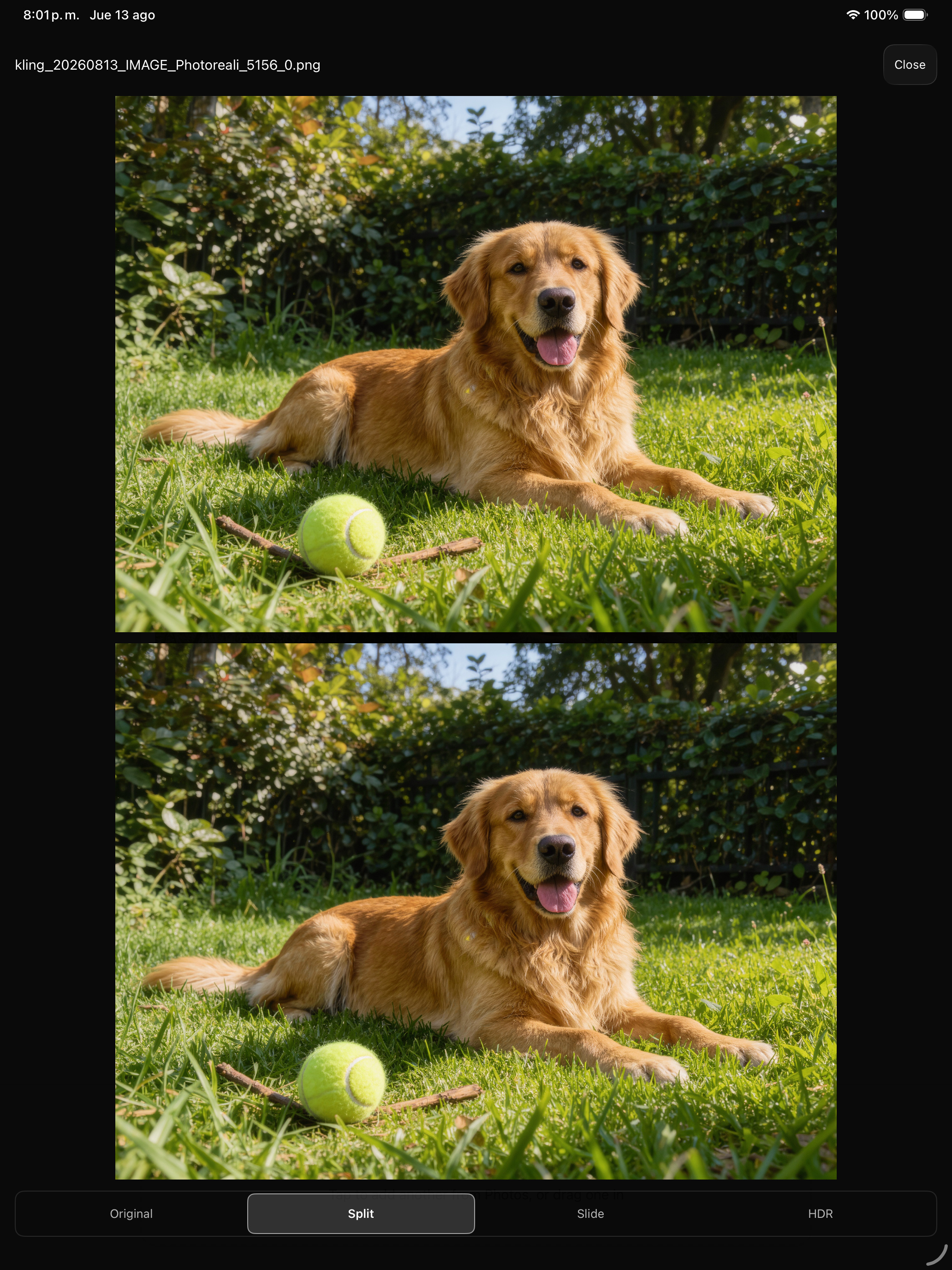
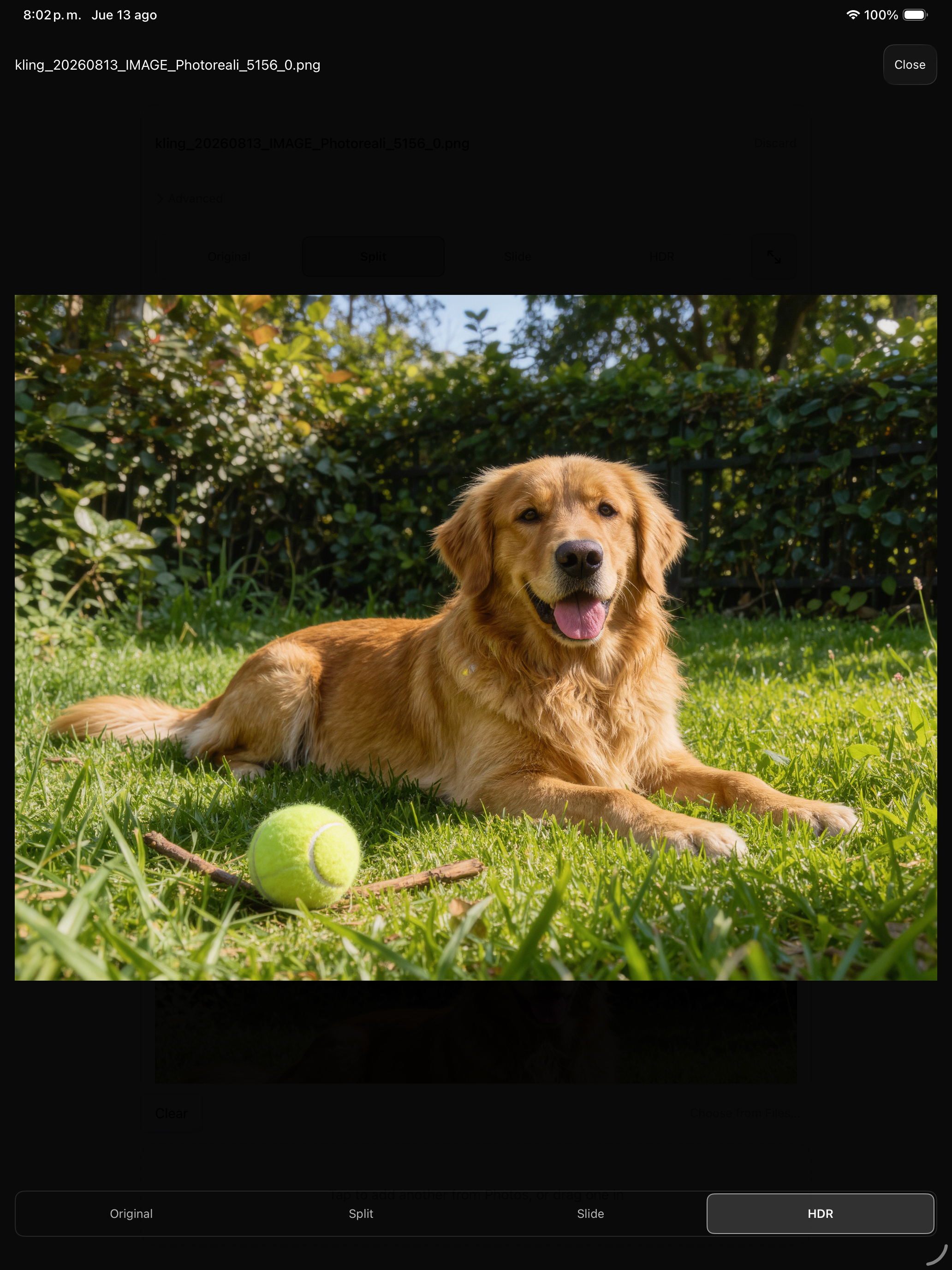
Одно приложение для iPhone, iPad и Mac. Сравнить конвертацию можно тремя способами: Slide тянет шторку между оригиналом и HDR, Split показывает оба сразу, а HDR отдаёт сконвертированному файлу весь экран.
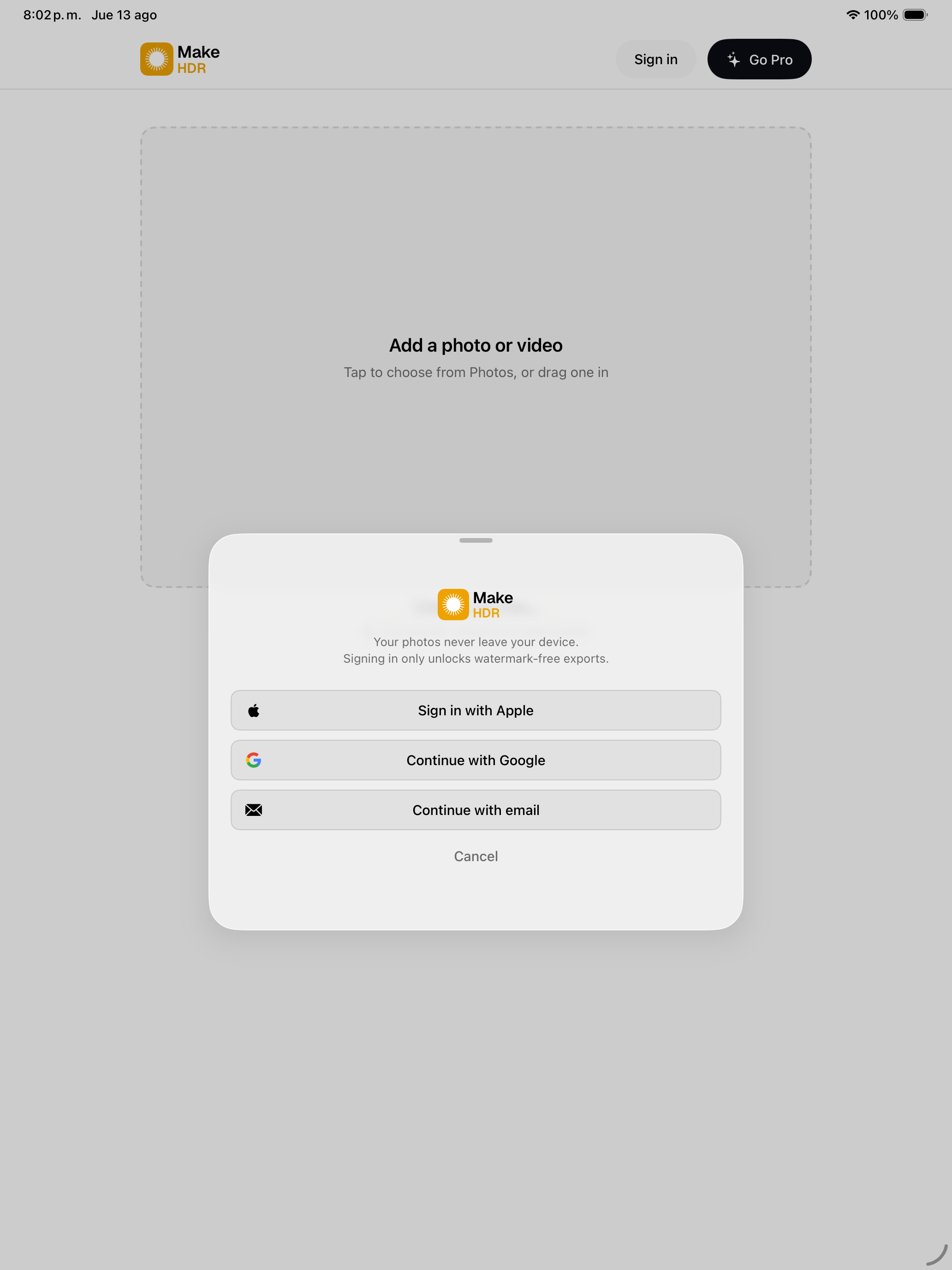
Эти скриншоты — не плоские картинки приложения. В фотообласти каждого сравнения есть настоящая gain map, поэтому на HDR-дисплее сравнение работает внутри скриншота: в Slide светлеет только часть справа от разделителя, в Split — только нижняя панель. Сам интерфейс остаётся SDR: приложение не заставляет светиться собственные элементы.
Mac · 2560 × 1600
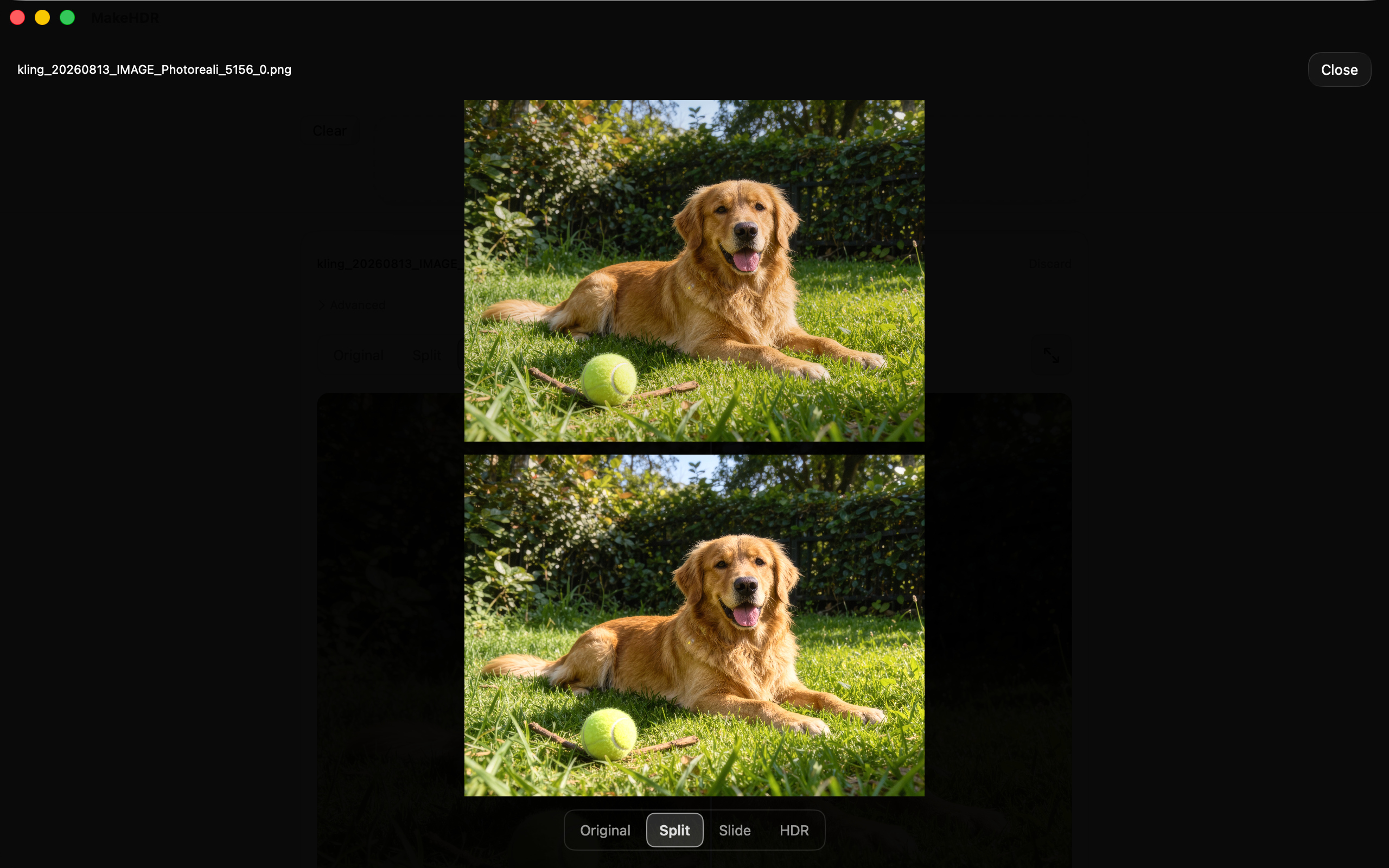
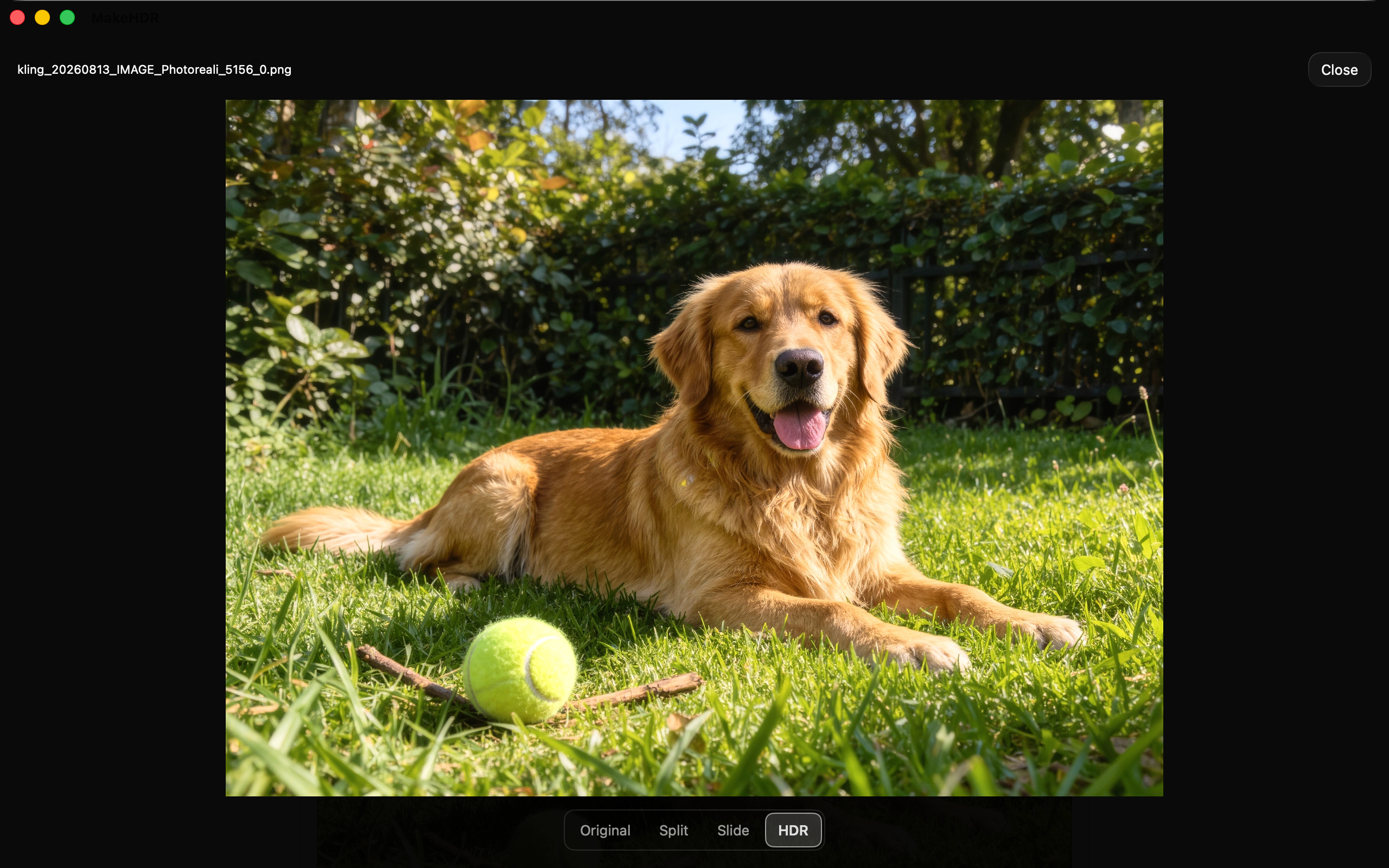
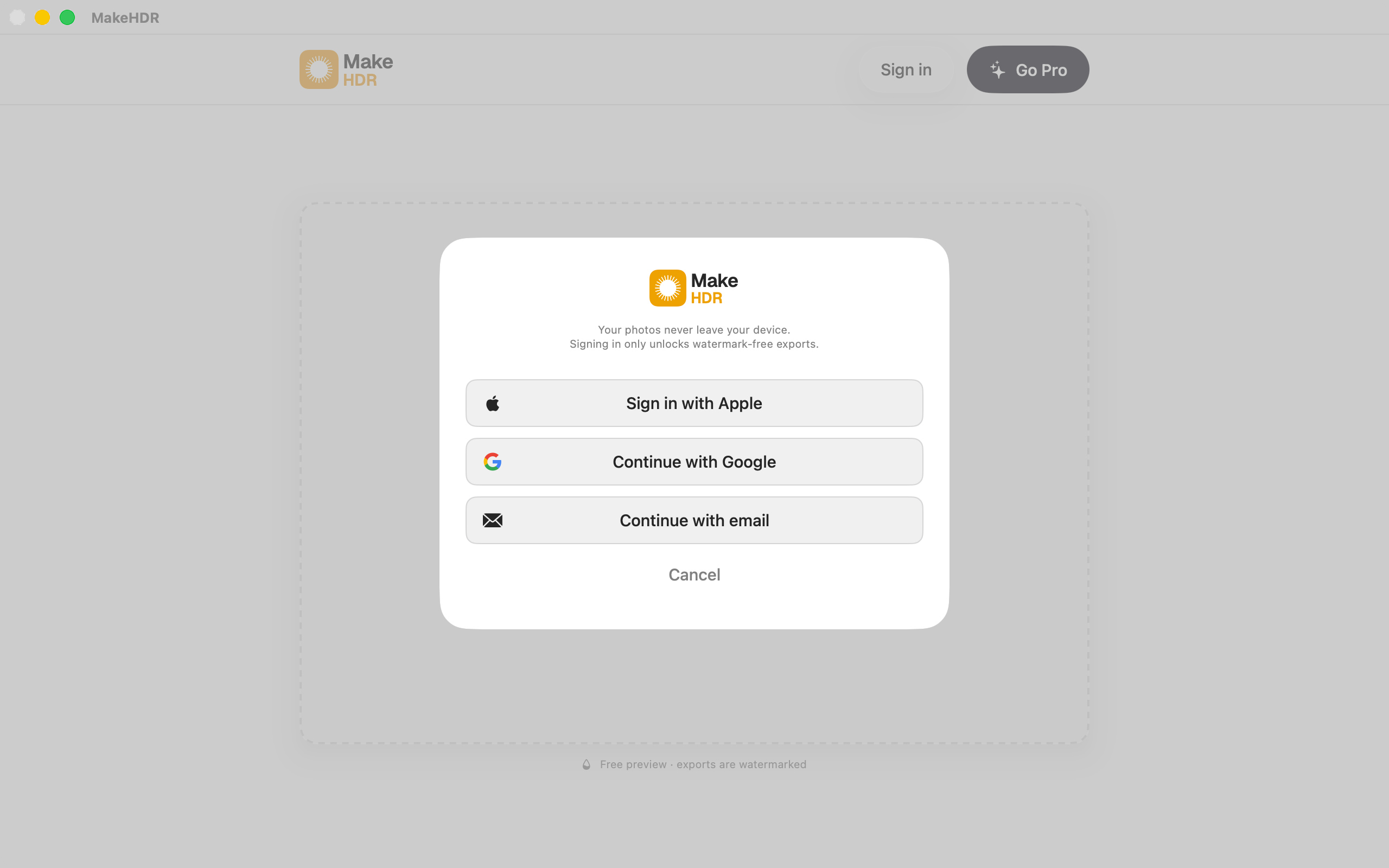
iPhone · 1320 × 2868
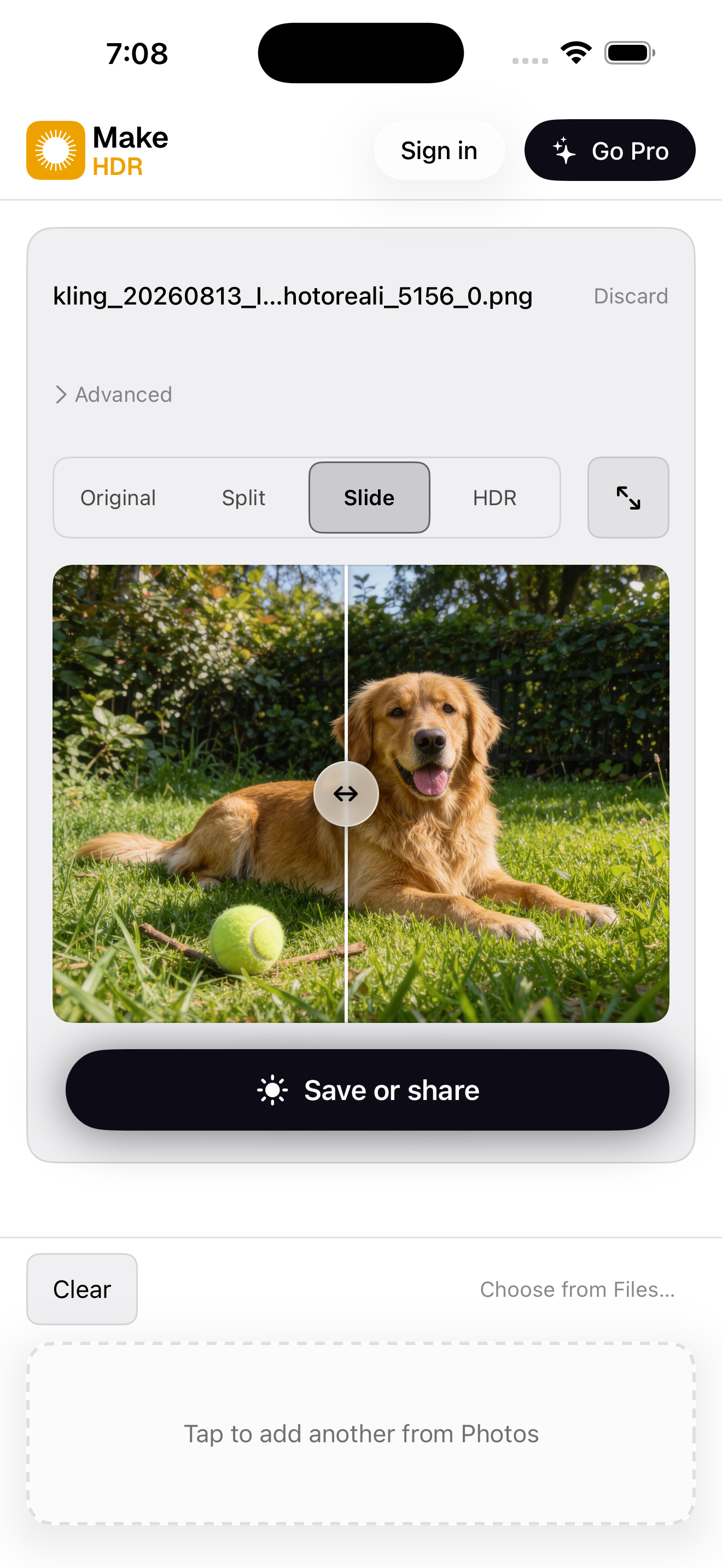
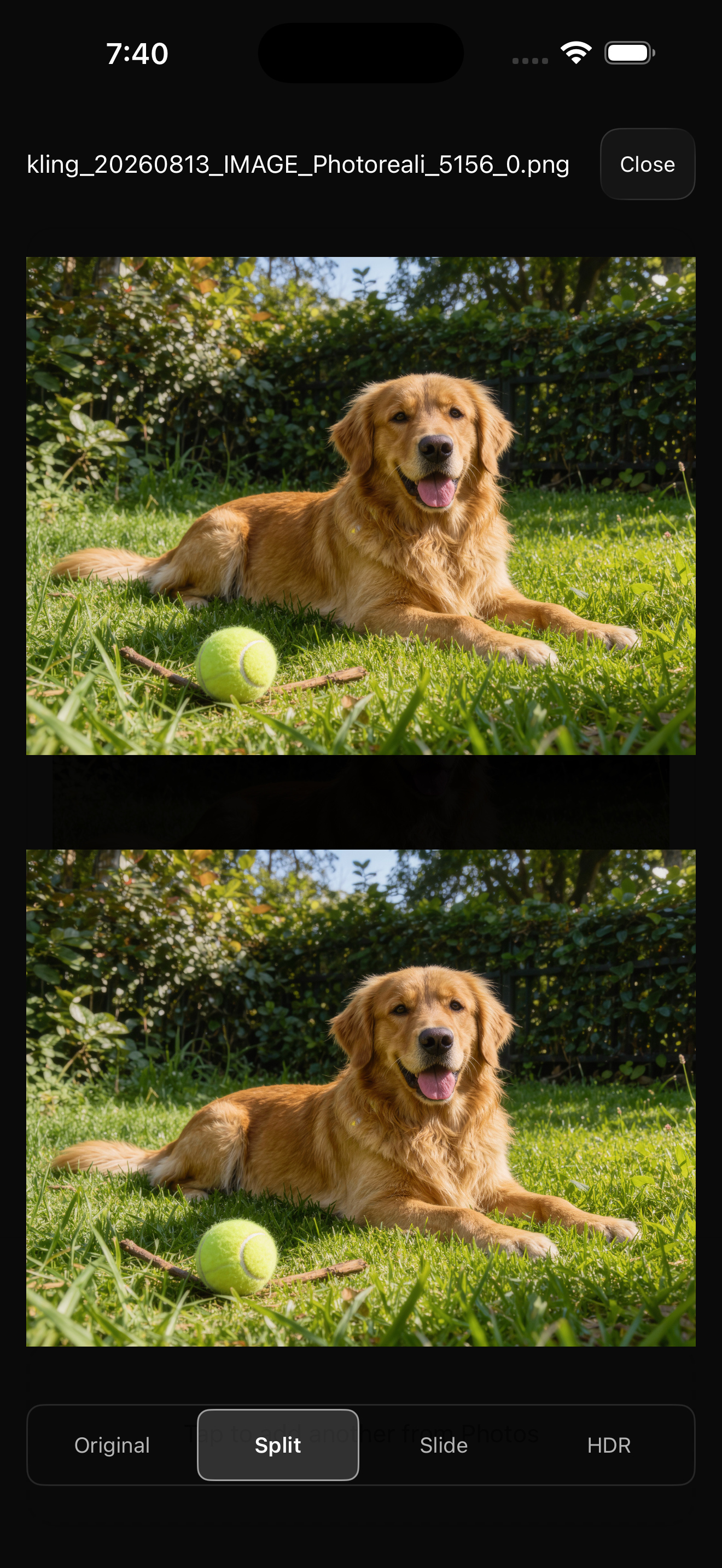

Что он делает
Вы даёте ему JPEG, который у вас уже есть, и он записывает в файл gain map по ISO 21496-1 — стандарту, на котором построен Adaptive HDR у Apple. На HDR-дисплее света уходят выше бумажно-белого. На всём остальном это по-прежнему обычный JPEG, который откроется где угодно. С видео так же: перекодирование через VideoToolbox в 10-битный BT.2020 с PQ или HLG, без ограничения по разрешению.
Ничего не генерируется и ничего не загружается на сервер. Это детерминированный расчёт по яркости, которая уже есть в файле, и выполняется он целиком на устройстве. Именно вторая часть привела первых пользователей: фотографы недвижимости работают со снимками домов, которые ещё не выставлены в продажу, а любой другой конвертер — это сайт, куда нужно загружать.
Ограничение — сразу и честно
На SDR-экране результат выглядит идентично исходнику. Это гарантия совместимости, а не баг.
И если света в исходном JPEG уже выбиты, восстанавливать нечего — gain map ничего не придумывает. Она поднимает то, что есть, а пересвеченный участок остаётся плоским. Это формат доставки, а не инструмент спасения.
О примерах изображений
Три исходных изображения сгенерированы ИИ, а затем сконвертированы MakeHDR ровно так же, как была бы сконвертирована фотография. Говорим об этом сразу, потому что факт работает в обе стороны. Сама конвертация не использует ИИ: это фиксированная арифметика из ISO 21496-1 по яркости, уже записанной в файле. ИИ не применяется именно к построению gain map, и откуда взялись входные пиксели, для этого не имеет значения. А поскольку изображения синтетические, у этих файлов нет ни разрешения модели, ни стоковой лицензии: их можно публиковать как есть, ничего не согласовывая.
Если вам ближе проверить на настоящей фотографии, бесплатный режим не ограничен и не требует аккаунта. Загрузите собственную библиотеку на makehdr.com/app и сделайте своё «до/после».
Факты
- Разработчик
- Eliecer Valerio Salas — независимый разработчик, Коста-Рика
- Платформы
- Универсальное приложение для iPhone / iPad / Mac, а также visionOS
- Требования
- iOS 26 / macOS 26
- Стандарт
- Gain map по ISO 21496-1 (Apple Adaptive HDR)
- Видео
- 10-битный BT.2020 PQ/HLG через VideoToolbox, без ограничения по разрешению
- App ID
- 6792379506
- App Store
- https://apps.apple.com/app/id6792379506
- Контакты
- support@makehdr.com
Цена
Бесплатный режим: без ограничений по фото и видео, с пакетной обработкой и ZIP, с водяным знаком, впечатанным в экспорт. Аккаунт не нужен. Платная версия — одна разовая покупка за $39.99, подписки нет. Она покрывает веб-конвертер и приложения для iPhone, iPad и Mac и не истекает. На время запуска — $24.99 (скидка 38 %), до 30 сентября 2026 г..